
Nijia
AI Productivity Tools
Nijia for macOS helps you analyze disk usage and organize cleanup proposals with AI Desk Tidy—without deleting anything until you confirm.
- Pricing
- Free trial
- Category
- Productivity
- Listed
- Oct 9, 2026
- Updated
- Oct 23, 2026
Promoted
 RewindType any X/Twitter handle. Get their year back as a narrated video story. Then ask it anything.
 KurodyneSell the tools from your AI side projects. Listing is free.
 Sidrune AI85% off. Stable Claude API for agent developers. Pay as you go. Invoices & refunds available.
 Pixmax.aiPixmax.ai is an all-in-one AI workspace for videos, visual stories, and marketing content.
 SEOify - Improve your SEO & rankingsBuild links to rank in Google. Improve your DR with links you can start building now.Advertise here270,000+ people visit Dang.ai every month.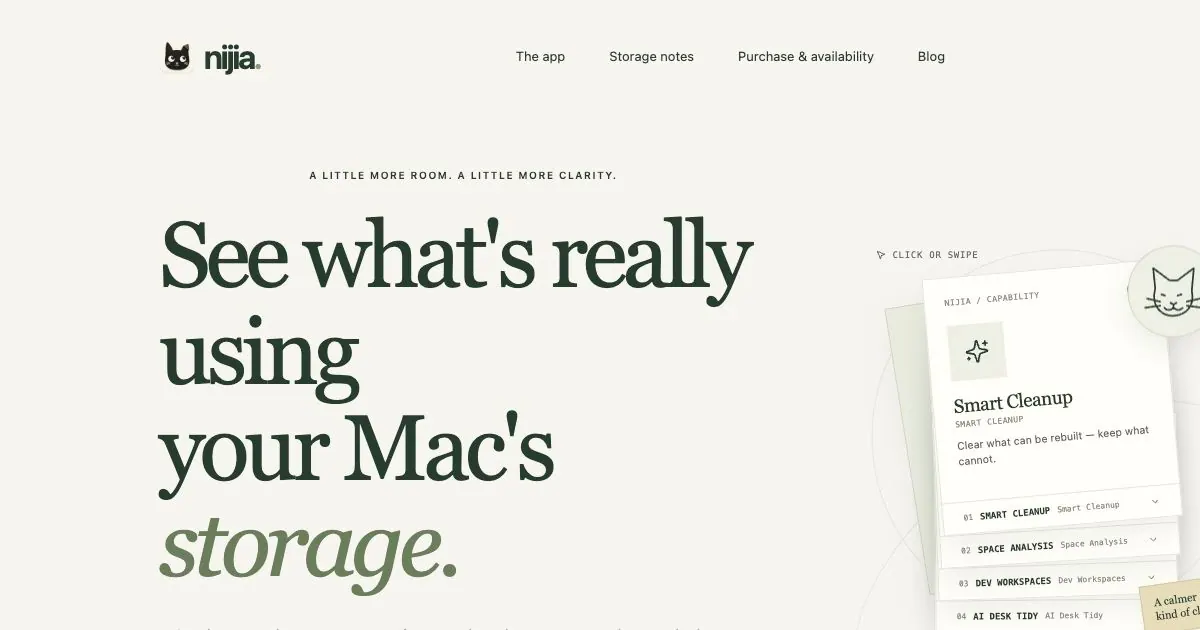
What does Nijia do?
Nijia is a macOS storage analysis and cleanup app that helps you see what’s actually taking up space on your Mac and decide what to keep. Instead of guessing from file sizes, it helps you understand how projects and worktrees contribute to disk usage and what derived artifacts can be rebuilt.
Start with Smart Cleanup to identify rebuildable items while keeping choices under your control. Then use Space Analysis to map how gigabytes are distributed across folders and roots, expanding areas to understand what each part of your storage contains. For developer workflows, Dev Workspaces brings worktrees and agent sessions into a single view so you can review what’s active and what may be stale.
Nijia also includes AI Desk Tidy, which focuses on your desktop: it sorts, groups, and renames files into clearer named groups using proposals you review, with nothing deleted without your confirmation. If you want ongoing context while cleaning, System Watch provides live health signals for disk, memory, and load.
Nijia scans and checks locally on your Mac, and scanning does not delete files. You can try every feature free for 7 days; a license is required after the trial.
Does Nijia delete files automatically?
No. Scans don’t delete files, and cleanup proposals require your confirmation before anything is moved to Trash.
What does Nijia do on macOS?
Nijia analyzes disk usage, reviews cleanup candidates, organizes desktop files, and inspects developer workspaces so you can make informed decisions about storage.
Does Nijia delete files automatically?
No. Scans don’t delete anything, and cleanup proposals are presented for review. You confirm before selected items are moved to Trash.
What is Smart Cleanup in Nijia?
Smart Cleanup distinguishes rebuildable derived files from items worth keeping, so you can review cleanup candidates before taking action.
How does Space Analysis help me understand Mac storage?
Space Analysis maps where space is used across folders and roots. You can expand parts of the map to see what each segment contributes.
What are Dev Workspaces used for?
Dev Workspaces shows worktrees and agent sessions side by side so you can review active versus stale workspace activity and related artifacts.
What’s AI Desk Tidy?
AI Desk Tidy sorts, groups, and renames desktop files into clearer named groups. It provides proposals you review, without deleting anything without your confirmation.
This listing is claimed
Own Nijia? Sign in with the email used to claim it to manage this listing, or upgrade to Pro for featured-first placement and a newsletter feature.