
ModelAny
AI Productivity Tools
Ask up to 11 AI websites one question at a time and compare answers side by side, with chat export, video summaries, and local memory.
- Pricing
- Free
- Category
- Productivity
- Listed
- Oct 9, 2026
- Updated
- Oct 23, 2026
Promoted
 RewindType any X/Twitter handle. Get their year back as a narrated video story. Then ask it anything.
 KurodyneSell the tools from your AI side projects. Listing is free.
 Sidrune AI85% off. Stable Claude API for agent developers. Pay as you go. Invoices & refunds available.
 Pixmax.aiPixmax.ai is an all-in-one AI workspace for videos, visual stories, and marketing content.
 SEOify - Improve your SEO & rankingsBuild links to rank in Google. Improve your DR with links you can start building now.Advertise here270,000+ people visit Dang.ai every month.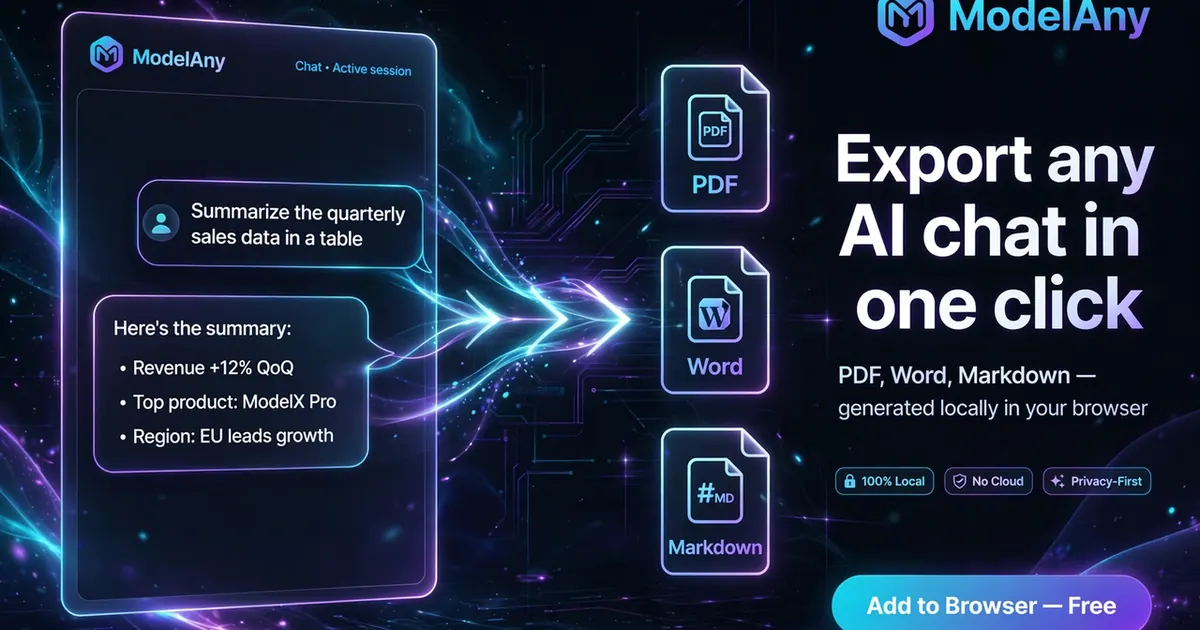
What does ModelAny do?
ModelAny is a free Chrome and Edge extension for real AI comparison. Instead of copy-pasting the same prompt into multiple tabs, you type your question once and send it to ChatGPT, Claude, Gemini, DeepSeek, plus up to 7 more supported AI websites. ModelAny opens the official sites you choose, submits the prompt, and shows every response together in a side-by-side comparison so you can see where models agree or disagree.
ModelAny also helps you keep your work organized. You can export AI chats to Markdown, Word, or PDF from within the extension. If you hit a message limit in one AI, you can continue the conversation in another AI in a new tab while carrying recent context forward.
For content work, ModelAny can summarize YouTube and Bilibili videos using captions with timestamps, and it can work with articles and files by pulling attached text or parsing PDFs locally. It also includes a searchable local memory library that stores your saved AI chats in your browser and lets you bring previous notes back into new prompts.
ModelAny is designed to run without an intermediary server: prompts go directly to the official AI websites you’re using, and exports/local memory are stored in your browser. There’s no API key, no credits, and no ModelAny server touching your data.
How does ModelAny compare AI responses?
Enter one prompt once, select up to 11 supported AI websites, and send. ModelAny submits the question to each official site and displays all answers side by side in a comparison view.
Do I need to pay or use credits to use ModelAny?
No. ModelAny is free, with no credits and no subscription required for the extension.
Do I need an API key to use ModelAny?
No. ModelAny works with the official AI websites you’re already signed into, using your existing accounts.
Will ModelAny upload my prompts or chat history to its servers?
No ModelAny server sits in the middle. Your prompts are sent directly to the AI websites you choose, and the extension’s saved memory library and exports stay in your browser.
What can I export from ModelAny?
You can export AI chats to Markdown, Word, or PDF directly from the extension.
Can ModelAny summarize videos and keep timestamps?
Yes. You can attach YouTube or Bilibili captions with timestamps, then use ModelAny’s summary views (like key points or chapter timeline) and send the results to an AI.
This listing is claimed
Own ModelAny? Sign in with the email used to claim it to manage this listing, or upgrade to Pro for featured-first placement and a newsletter feature.