
MixTranslate
Verified
AI Translator & Translation Tools
Translate into 150+ languages and compare side-by-side outputs from 20+ AI models to find the best match for your tone.
- Pricing
- Freemium
- Category
- Translation
- Listed
- Jul 10, 2026
- Updated
- Jul 11, 2026
Promoted
 Sidrune AI85% off. Stable Claude API for agent developers. Pay as you go. Invoices & refunds available.
 Pixmax.aiPixmax.ai is an all-in-one AI workspace for videos, visual stories, and marketing content.
 SEOify - Improve your SEO & rankingsBuild links to rank in Google. Improve your DR with links you can start building now.Advertise here270,000+ people visit Dang.ai every month.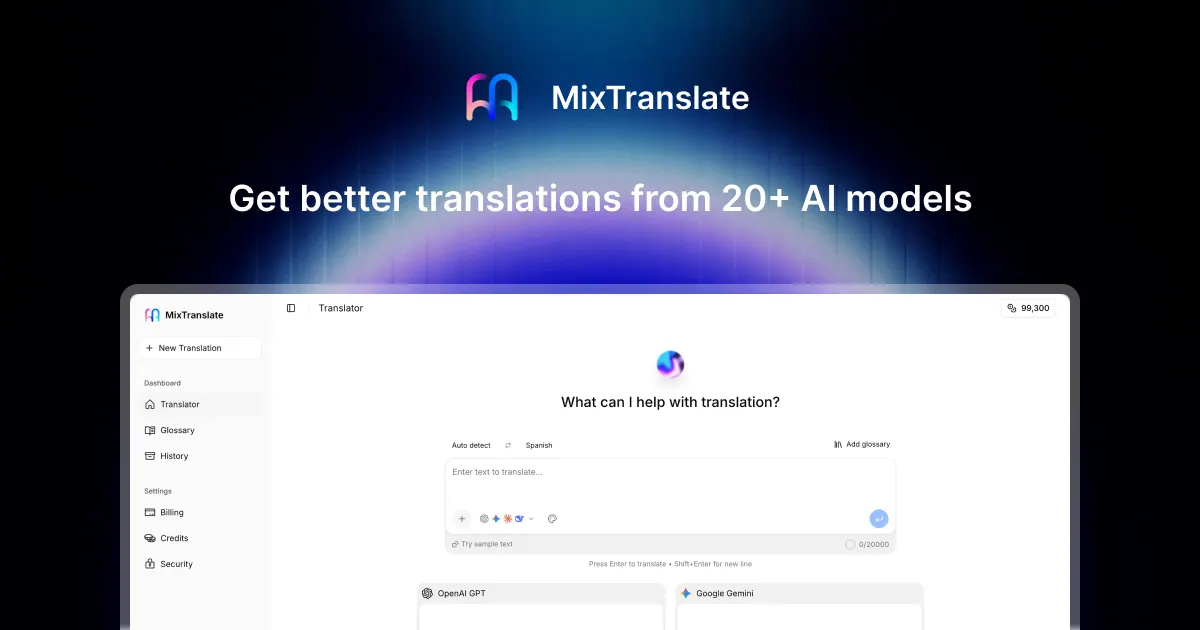
What does MixTranslate do?
MixTranslate is an AI translation agent that turns your input text into natural translations across 150+ languages. Paste once, choose source and target languages, and generate results from multiple AI models so you can quickly pick the version that fits your context.
Use side-by-side comparisons to cross-check accuracy and fluency. MixTranslate provides quality scores to help you evaluate translations at a glance, and you can apply consistent terminology using glossaries to keep product names, technical terms, and key phrases aligned across outputs.
For added convenience, MixTranslate supports text extraction from images, letting you translate content from screenshots, scans, or photos without retyping. You can also adjust tone and style to match professional documentation or friendly marketing copy for your audience.
What does MixTranslate do?
MixTranslate translates your text into 150+ languages and lets you compare outputs from 20+ AI models side by side so you can choose the best fit for tone and context.
Can I compare translations from multiple AI models at once?
Yes. Paste your text once, then view results from multiple models side by side to compare translation quality and wording.
How many languages does MixTranslate support?
MixTranslate supports 150+ languages, covering major global language needs in a single workflow.
Can I keep terminology consistent across translations?
Yes. Create and reuse a glossary so key terms like product names, technical terms, and phrases stay consistent in every translation.
Can MixTranslate extract text from images for translation?
Yes. Upload screenshots, scans, or photos to extract text and then translate it without retyping.
Is my input used to train models?
No. Your translations are not stored on MixTranslate servers, and your input is not used for model training.
This listing is claimed
Own MixTranslate? Sign in with the email used to claim it to manage this listing, or upgrade to Pro for featured-first placement and a newsletter feature.