
Krea 3 Photo Editor & Text-to-Image Generator
AI Image Generators from Text Tools
Edit photos with Krea 3 by describing the changes you want.
- Category
- Image
- Listed
- Oct 18, 2026
- Updated
- Oct 18, 2026
Promoted
 Sidrune AI85% off. Stable Claude API for agent developers. Pay as you go. Invoices & refunds available.
 Pixmax.aiPixmax.ai is an all-in-one AI workspace for videos, visual stories, and marketing content.
 SEOify - Improve your SEO & rankingsBuild links to rank in Google. Improve your DR with links you can start building now.Advertise here270,000+ people visit Dang.ai every month.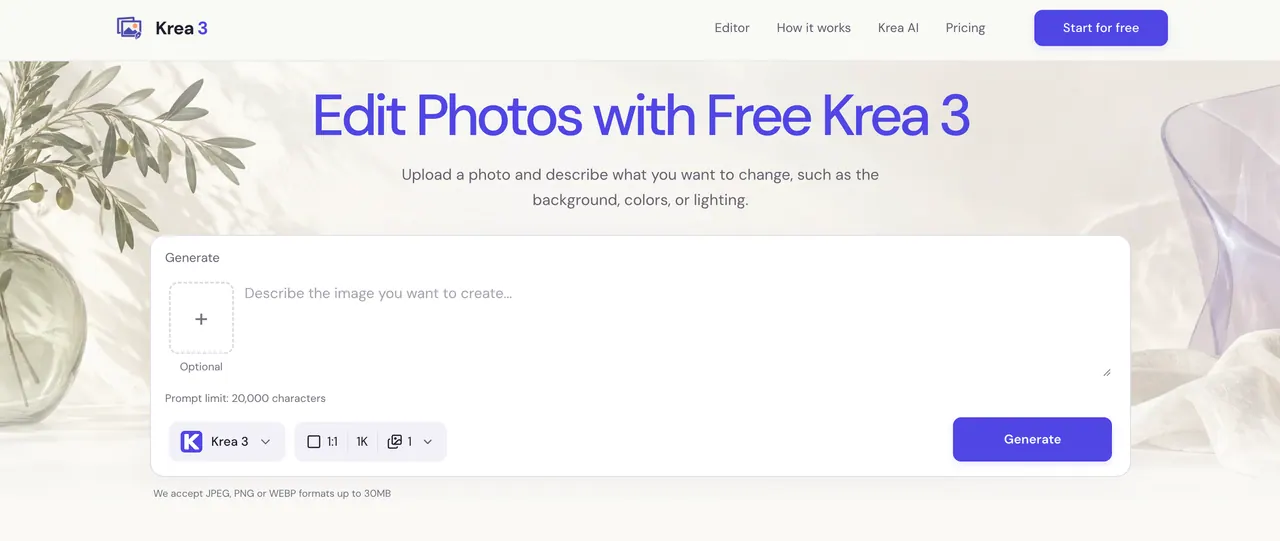
What does Krea 3 Photo Editor & Text-to-Image Generator do?
Krea 3 powered by Krea AI, Nano Banana & GPT Image — AI image generator & photo editor with text-to-image, natural language editing, background swap & 4K output. No skills needed, commercial use included.
✏️ Natural Language Photo Editing — Describe the Change, Skip the Software Editing a photo usually means learning layers, masks, and selection tools just to change one detail. Krea 3 lets you upload a photo and describe the change in plain words, such as a warmer room, a blue jacket, or a simpler backdrop, and the AI applies it while keeping the rest of the picture intact.
🖼️ Text to Image Generation — Turn a Written Idea into a Finished Scene Starting from a blank canvas often means hours of searching stock libraries for something close to what you imagined. Krea 3 turns a short description of subject, composition, and lighting into a new image in seconds, so you can explore a creative direction before refining it.
🔗 Multi-Reference Control — Tell the AI Exactly What Goes Where When an AI editor has to guess which details matter, products shift shape and rooms lose their style. Krea 3 accepts up to 3 reference images on standard accounts (8 on Pro), and you assign each one a job, such as the cup from image 1 and the tabletop from image 2, so the result follows your brief.
🎛️ Multiple AI Models in One Editor — Krea 3, Nano Banana & GPT Image Paying for separate image tools just to compare results across models drains both budget and time. Krea 3 puts Krea 3, Nano Banana, and GPT Image in one editor, so you can switch models for each task and see the credit cost before every generation.
🌅 Background, Lighting & Color Control — Re-Stage Any Photo in One Prompt Reshooting a product or portrait just to get softer light or a different backdrop is slow and expensive. Krea 3 lets you describe the new setting, light direction, or color shade, then export up to 4K (1K, 2K, or 4K depending on the model), with the option to name which details, like labels or shapes, should stay recognizable.
This listing is claimed
Own Krea 3 Photo Editor & Text-to-Image Generator? Sign in with the email used to claim it to manage this listing, or upgrade to Pro for featured-first placement and a newsletter feature.