
Krea 3
AI Image Generators from Text Tools
Krea 3 is an AI image editor that lets you relight scenes, swap backgrounds, recolor objects, or replace a single item—while keeping your original photo recognizable.
- Pricing
- Free
- Category
- Image
- Listed
- Sep 28, 2026
- Updated
- Sep 30, 2026
Promoted
 Sidrune AI85% off. Stable Claude API for agent developers. Pay as you go. Invoices & refunds available.
 Pixmax.aiPixmax.ai is an all-in-one AI workspace for videos, visual stories, and marketing content.
 SEOify - Improve your SEO & rankingsBuild links to rank in Google. Improve your DR with links you can start building now.Advertise here270,000+ people visit Dang.ai every month.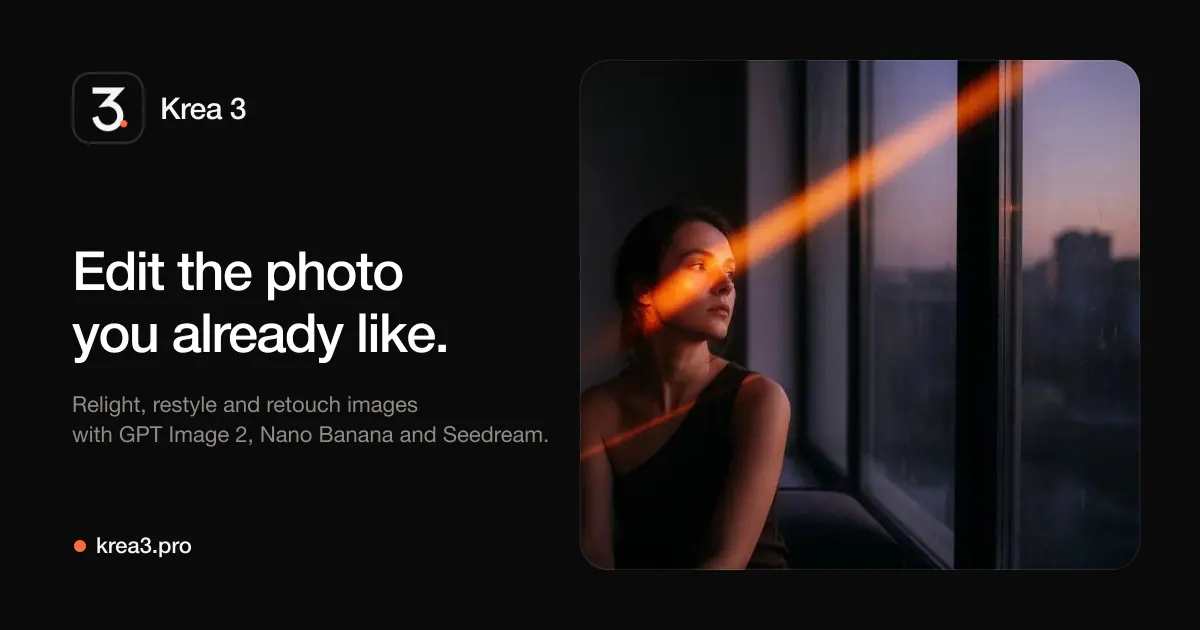
What does Krea 3 do?
Krea 3 is an image-to-image AI editor built for real photo workflows. Upload a product shot, portrait, or interior and describe the change in plain language—like warmer lighting, a new marble counter, or a different jacket color—so the edit targets what you ask for while keeping faces and products recognizable.
Work inside one workspace with multiple image models, including GPT Image 2, Nano Banana Pro, Seedream 5.0 Lite/4.5, Grok Imagine, Wan 2.7, and Qwen Image 2. You can also attach up to 14 reference images per request to help maintain consistency across products or characters, and explore 600+ style presets to match your art direction.
For finishing, Krea 3 supports 4K export on supported models and saves every result to My Creations so you can revisit earlier versions. There’s also an image-to-video mode using Veo 3.1, Sora 2, and Seedance 1.5 Pro for turning a still into motion with a chosen aspect ratio.
Pricing and rights vary by plan and model: new accounts receive 15 free credits (30 days) and yearly paid plans include commercial rights. Options are available via subscriptions or one-time credit packs, with the credit price shown before you generate so you can choose based on your edits.
What can I edit in Krea 3?
You can relight a scene, swap the background, recolor objects (like an outfit), or replace a single named object—while the rest of your uploaded photo stays recognizable.
Do I need to start from scratch, or can I upload a photo?
You start from your own photo. Krea 3 is designed for image-to-image edits, so your upload becomes the reference instead of a blank canvas.
How do reference images help?
You can attach multiple reference images per request (up to 14) to keep characters or products consistent across variations and iterations.
Which models are available in Krea 3?
You can switch between several models from one menu, including GPT Image 2, Nano Banana Pro, Seedream 5.0 Lite, Seedream 4.5, Grok Imagine, Wan 2.7, and Qwen Image 2.
Is there 4K export, and when does it apply?
4K export is available on supported models. If a model supports it, you can export at higher resolutions for your finished assets.
How are credits charged and how can I try Krea 3 first?
The credit cost is shown before each generation run. New accounts get 15 free credits (valid for 30 days) to try real edits before choosing a plan or credit pack.
This listing is claimed
Own Krea 3? Sign in with the email used to claim it to manage this listing, or upgrade to Pro for featured-first placement and a newsletter feature.