
ImgEnhancer
AI Image Enhancer Tools
ImgEnhancer is a free online AI image enhancer that sharpens, unblurs, denoises, and improves clarity for JPG/PNG/WebP photos.
- Pricing
- Free
- Category
- Enhance
- Listed
- Oct 1, 2026
- Updated
- Oct 23, 2026
Promoted
 KurodyneSell the tools from your AI side projects. Listing is free.
 Sidrune AI85% off. Stable Claude API for agent developers. Pay as you go. Invoices & refunds available.
 Pixmax.aiPixmax.ai is an all-in-one AI workspace for videos, visual stories, and marketing content.
 AI Checker PlusAI detector that highlights which passages AI wrote. Free check, no sign-up. Plagiarism too.
 RewindType any X/Twitter handle. Get their year back as a narrated video story. Then ask it anything.
 SEOify - Improve your SEO & rankingsBuild links to rank in Google. Improve your DR with links you can start building now.Advertise here330,000+ people visit Dang.ai every month.
What does ImgEnhancer do?
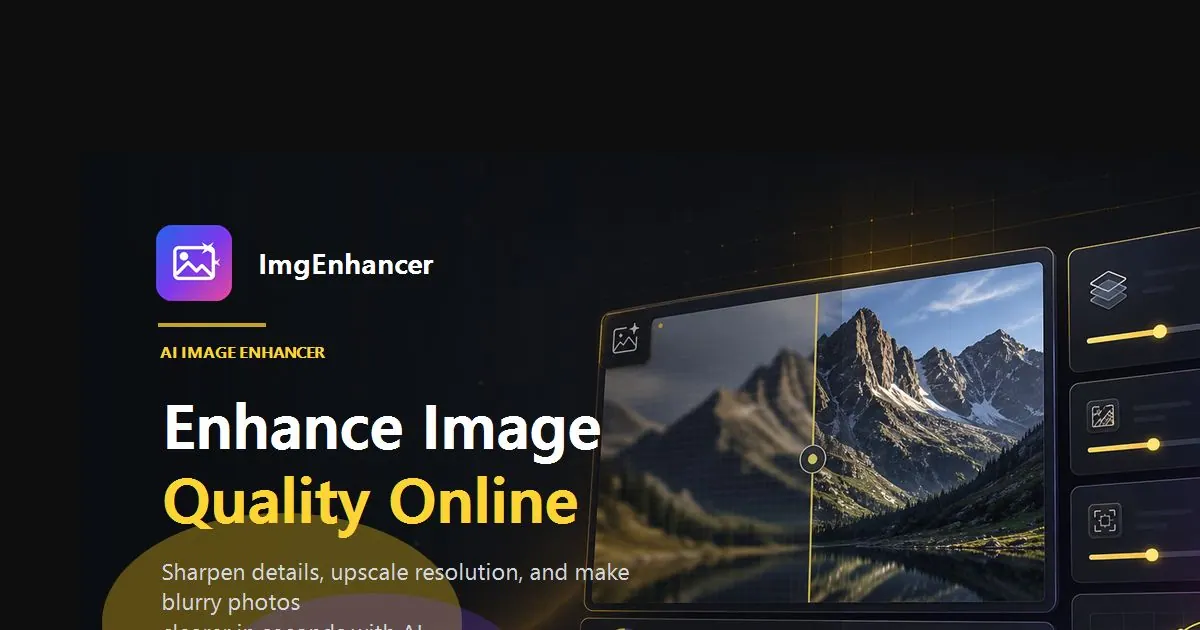
ImgEnhancer is a free, no-install online AI image enhancer that helps make photos look clearer in seconds—without manual retouching. Upload a JPG, PNG, or WebP image, run the enhancement workflow, preview a before-and-after slider, and download a cleaner result.
The tool is designed to improve everyday image quality issues like softer edges, mild blur, grain/noise, compression artifacts, flat contrast, and washed-out detail. It also supports upscaling workflows conceptually—so if your goal is more pixels after enhancing clarity, you can continue with a size-focused tool. ImgEnhancer works well when the subject is already recognizable (faces, edges, and text should still be visible).
Main use cases include portraits and selfies, product and ecommerce images, social media visuals, real-estate-style photos, screenshots, marketplace images, and low-resolution files where you want a cleaner first pass. You can also try it for faded or scanned memories that are still legible, aiming for a more natural look rather than an overly artificial finish.
Getting started is simple: sign up to receive 25 free credits (enough for 1 free enhancement) with no credit card required. Uploaded images are processed privately and aren’t published in a public gallery. Keep in mind that AI can recover usable detail from many soft images, but it can’t invent faces, logos, or text that are completely missing or unreadable.
What kinds of images can I enhance with ImgEnhancer?
Use JPG, PNG, or WebP files (up to 10 MB). It works best when the subject is still recognizable—faces, edges, or text should be visible even if the image is soft, noisy, or low-contrast.
What improvements does the AI image enhancement provide?
ImgEnhancer automatically improves overall clarity by sharpening edges, reducing noise/grain, improving contrast, and helping with mild blur so details look cleaner.
How do the free credits work, and do I need a credit card?
Sign up to get 25 free credits, which are enough for one free enhancement. There’s no credit card required to start.
Can ImgEnhancer fix any blurry photo?
It works best for mild blur and soft focus where key details are still present. Extremely blurred or unreadable details may remain imperfect because AI can’t fully recover information that’s completely missing.
Are my uploaded images private?
Yes. Uploaded images are processed securely and aren’t published in a public gallery.
When should I use enhancement vs an upscaler?
Run enhancement when your photo needs clearer details first (soft/noisy/flat). If you need more pixels afterward for size requirements, continue with an upscaler or resolution-focused tool.
This listing is claimed
Own ImgEnhancer? Sign in with the email used to claim it to manage this listing, or upgrade to Pro for featured-first placement and a newsletter feature.