ImageAICraft
AI Productivity Tools
ImageAICraft is a web-based GPT Image 2/2.5 generator and editor for creating and refining marketing and product visuals from prompts or references.
- Category
- Productivity
- Listed
- Oct 12, 2026
- Updated
- Oct 17, 2026
Promoted
 Pixmax.aiPixmax.ai is an all-in-one AI workspace for videos, visual stories, and marketing content.
 AI Checker PlusAI detector that highlights which passages AI wrote. Free check, no sign-up. Plagiarism too.
 RewindType any X/Twitter handle. Get their year back as a narrated video story. Then ask it anything.
 KurodyneSell the tools from your AI side projects. Listing is free.
 Sidrune AI85% off. Stable Claude API for agent developers. Pay as you go. Invoices & refunds available.
 SEOify - Improve your SEO & rankingsBuild links to rank in Google. Improve your DR with links you can start building now.Advertise here270,000+ people visit Dang.ai every month.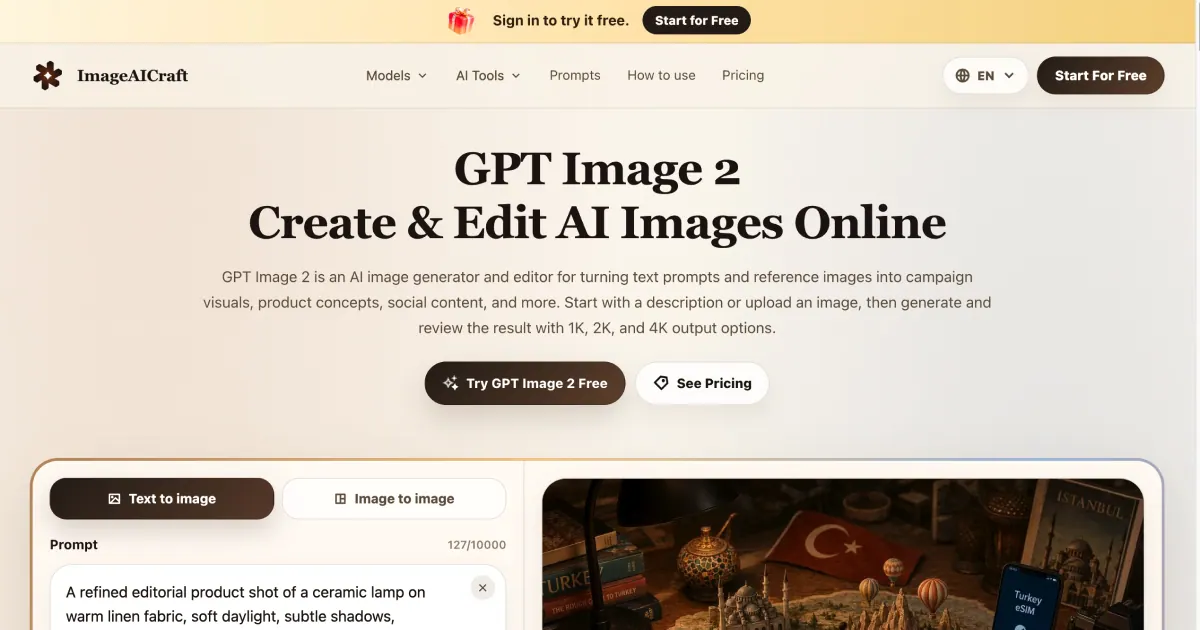
What does ImageAICraft do?
ImageAICraft is an AI image generator and editor built for practical creative workflows. Create campaign visuals, product concepts, social content, posters, illustrations, and more by generating images from natural-language prompts—or by refining existing images through image-to-image editing.
Use the app’s prompt-and-iteration flow to move from an initial direction to a usable result. Start by describing your subject, setting, mood, lighting, composition, and any text you want included. Then choose output settings such as quality (1K, 2K, or 4K), aspect ratio (including square, wide, portrait, and ultrawide options), how many images to generate, and your export format (JPEG, PNG, or WebP). Review results and refine by adjusting the prompt in focused steps.
For reference-led work, upload an image and explain what to preserve, replace, remove, or restyle. ImageAICraft also supports tools for text-led layouts—use clear, exact wording in quotes when you need specific copy in posters, signs, and interface-style mockups.
ImageAICraft includes prompt libraries and example prompt cases to help you find a starting point. Sign in to try it free, with available monthly, yearly, or one-time credit plans for continued generation and editing.
What can I create with ImageAICraft?
You can generate and edit images for campaign visuals, product concepts, social media content, posters, illustrations, and other everyday creative needs.
How do I generate an image—do I need to start from text or an upload?
You can start with a natural-language prompt (text-to-image). You can also upload a reference image and use image-to-image editing to refine what you already have.
What output settings can I control before downloading?
You can choose quality (1K, 2K, or 4K), aspect ratio (including 1:1, 4:3, 3:4, 3:2, 2:3, 16:9, 9:16, and 21:9), the number of images to generate, and the export format (JPEG, PNG, or WebP).
How are credits used when generating images?
Each generation uses credits—for example, generating an image costs 1 credit in the generator workflow shown in the app.
Can I accurately include specific text inside my image?
Yes—use exact wording in quotation marks and describe where the text should appear, especially for posters, signs, and interface-style mockups.
Is there a free way to start?
Yes. Sign in to start for free and try the tool with free trial credits.
This listing is claimed
Own ImageAICraft? Sign in with the email used to claim it to manage this listing, or upgrade to Pro for featured-first placement and a newsletter feature.