
AIImageToVideo
AI Video Generation
AI Image to Video Generator turns one image into polished cinematic clips for product ads, character motion, storyboards, and social posts.
Promoted
 Sidrune AI85% off. Stable Claude API for agent developers. Pay as you go. Invoices & refunds available.
 Pixmax.aiPixmax.ai is an all-in-one AI workspace for videos, visual stories, and marketing content.
 SEOify - Improve your SEO & rankingsBuild links to rank in Google. Improve your DR with links you can start building now.Advertise here270,000+ people visit Dang.ai every month.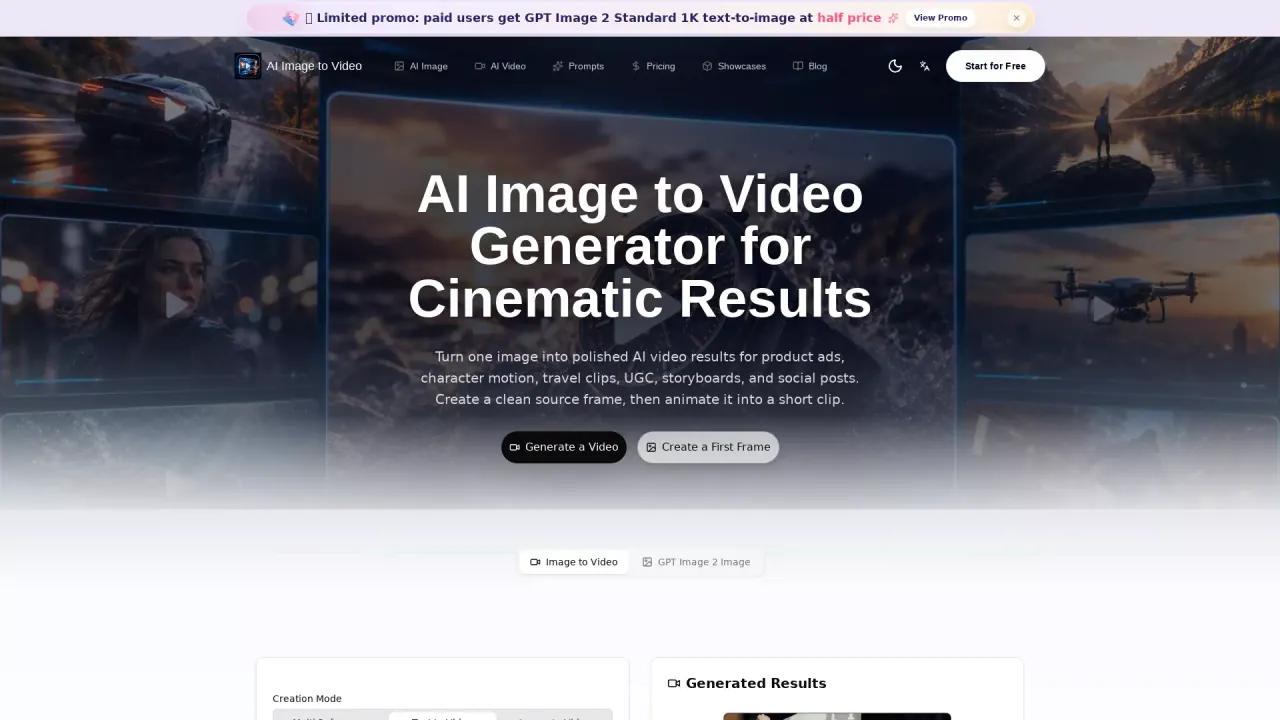
What does AIImageToVideo do?
AI Image to Video helps you turn a source image into a short AI video clip for product ads, character motion, travel-style moments, UGC, storyboards, and social posts. The workflow starts with creating (or refining) a strong “first frame,” then animating it into motion.
Use it to generate a cinematic result from an opening-ready frame—such as a clean product shot, packaging reference, UI demo screen, or storyboard key visual. Focus on subject placement, lighting, and composition in the source image so the motion stays readable for thumbnails and campaign use.
For consistency, you can generate and reuse references for character identity (face, outfit, pose, props, mood) and keep series continuity across clips. You can also storyboard sequences using multiple still frames so later animation has a clearer shot order and reduces visual drift.
Common ways to use this tool include ecommerce product videos, packaging-and-material motion, short-form social covers, UI demo videos, and character/avatar motion—built around prompt workflows and frame-to-video iteration.
What can I create with AI Image to Video?
You can turn source images into short AI video clips for product ads, character motion, travel-style clips, UGC, storyboards, and social posts.
Why generate a “first frame” before creating the video?
Creating a polished opening frame helps lock subject placement, lighting, and composition early, making the result more motion-safe for ads, thumbnails, and readable social formats.
Can I create product ads or ecommerce video assets?
Yes—use a clean product frame (and optional packaging reference) as your source image, then animate it into a short campaign-ready clip.
How can I keep characters consistent across multiple clips?
Create and reuse references for face, outfit, pose, props, and mood, and test simple poses and camera angles before more complex action so identity stays stable.
Can I storyboard a sequence using still images first?
Yes. Build a small set of related frames (shots) for your ad, explainer, demo, or story clip so the later motion pass follows a clearer plan and shot order.
What aspect ratio, resolution, and duration settings are available?
You can choose an aspect ratio (example shown: 16:9), set a resolution (example shown: 480p), and select a video duration (examples shown: 4s and up to 15s).
This listing is claimed
Own AIImageToVideo? Sign in with the email used to claim it to manage this listing, or upgrade to Pro for featured-first placement and a newsletter feature.