
AI Object Remover
Photography AI Tools
Remove unwanted objects, people, and clutter from photos in a few steps with AI-powered background reconstruction.
- Pricing
- Free
- Category
- Photography
- Listed
- Sep 10, 2026
- Updated
- Sep 10, 2026
Promoted
 Sidrune AI85% off. Stable Claude API for agent developers. Pay as you go. Invoices & refunds available.
 Pixmax.aiPixmax.ai is an all-in-one AI workspace for videos, visual stories, and marketing content.
 SEOify - Improve your SEO & rankingsBuild links to rank in Google. Improve your DR with links you can start building now.Advertise here270,000+ people visit Dang.ai every month.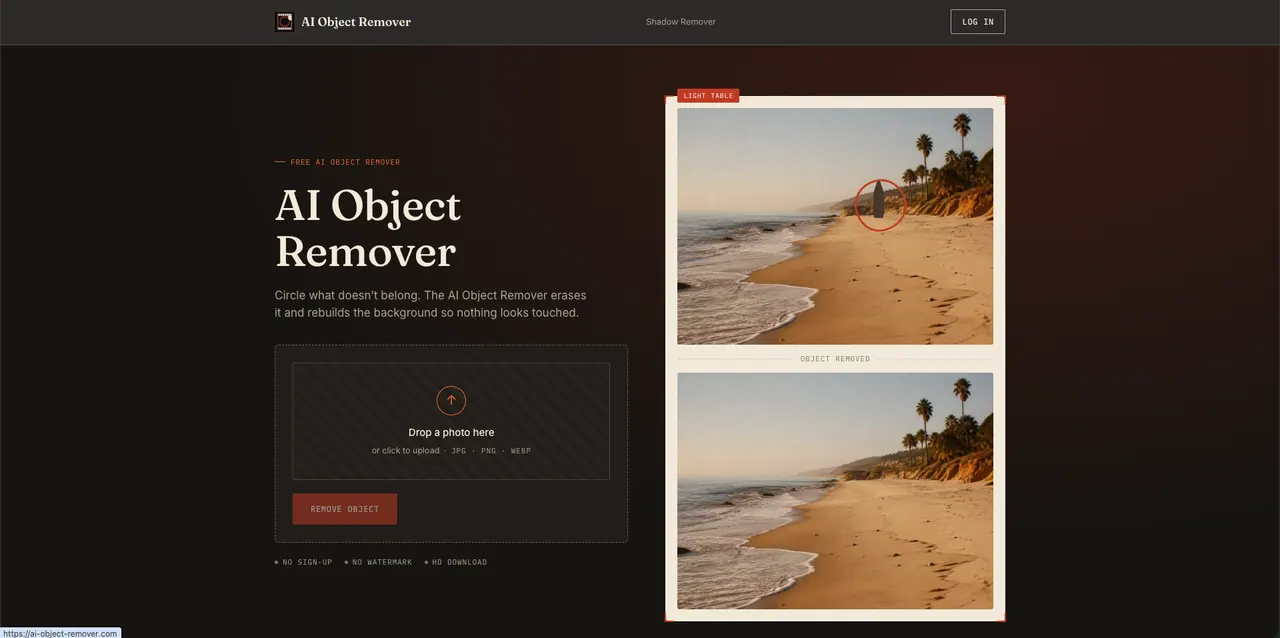
What does AI Object Remover do?
AI Object Remover is an online photo cleanup tool that erases anything you don’t want in a picture—strangers, power lines, signs, clutter, and more—without manual cloning or masking.
Upload your image (JPG, PNG, or WEBP), circle what should be removed, and let the AI rebuild the background using matching texture, light, and shadow. The goal is a natural-looking result that doesn’t feel “touched,” so the scene stays consistent around the edited area.
For photos where a shadow is the problem, there’s also an AI Shadow Remover focused specifically on removing shadows. You can use the workflow without sign-up or watermarks, and download the cleaned photo at the same resolution you uploaded.
How do I remove an object from my photo?
Upload a JPG, PNG, or WEBP file, circle the object (and ideally its shadow) you want gone, then run the removal to get a rebuilt background.
Is the AI Object Remover free to use?
Yes—upload, mark, and download without paying, with no sign-up and no credit card required.
Will the removed area leave a visible patch or blur?
The tool reconstructs the marked region by matching surrounding texture, light, and shadow, instead of simply smearing pixels.
Can I remove multiple objects in one image?
Yes. Circle every object you want removed before processing, and the AI clears all marks in a single pass.
Does it work on mobile?
Yes. It runs directly in a mobile browser, so you can upload, edit, and download on your phone.
Are my photos stored after I download the result?
No. Photos are processed for your session and aren’t kept after you close the tab.
This listing is claimed
Own AI Object Remover? Sign in with the email used to claim it to manage this listing, or upgrade to Pro for featured-first placement and a newsletter feature.