
IdeaAize Free In-Browser Tools
AI Productivity Tools
IdeaAize Free AI Tools is a 50+ in-browser suite for PDFs, images, code, SEO, security, and productivity—no sign-up, uploads, watermarks, or limits.
- Pricing
- Free
- Category
- Productivity
- Listed
- Oct 17, 2026
- Updated
- Nov 2, 2026
Promoted
 AI Checker PlusAI detector that highlights which passages AI wrote. Free check, no sign-up. Plagiarism too.
 RewindType any X/Twitter handle. Get their year back as a narrated video story. Then ask it anything.
 KurodyneSell the tools from your AI side projects. Listing is free.
 Sidrune AI85% off. Stable Claude API for agent developers. Pay as you go. Invoices & refunds available.
 Pixmax.aiPixmax.ai is an all-in-one AI workspace for videos, visual stories, and marketing content.
 SEOify - Improve your SEO & rankingsBuild links to rank in Google. Improve your DR with links you can start building now.Advertise here330,000+ people visit Dang.ai every month.
What does IdeaAize Free In-Browser Tools do?
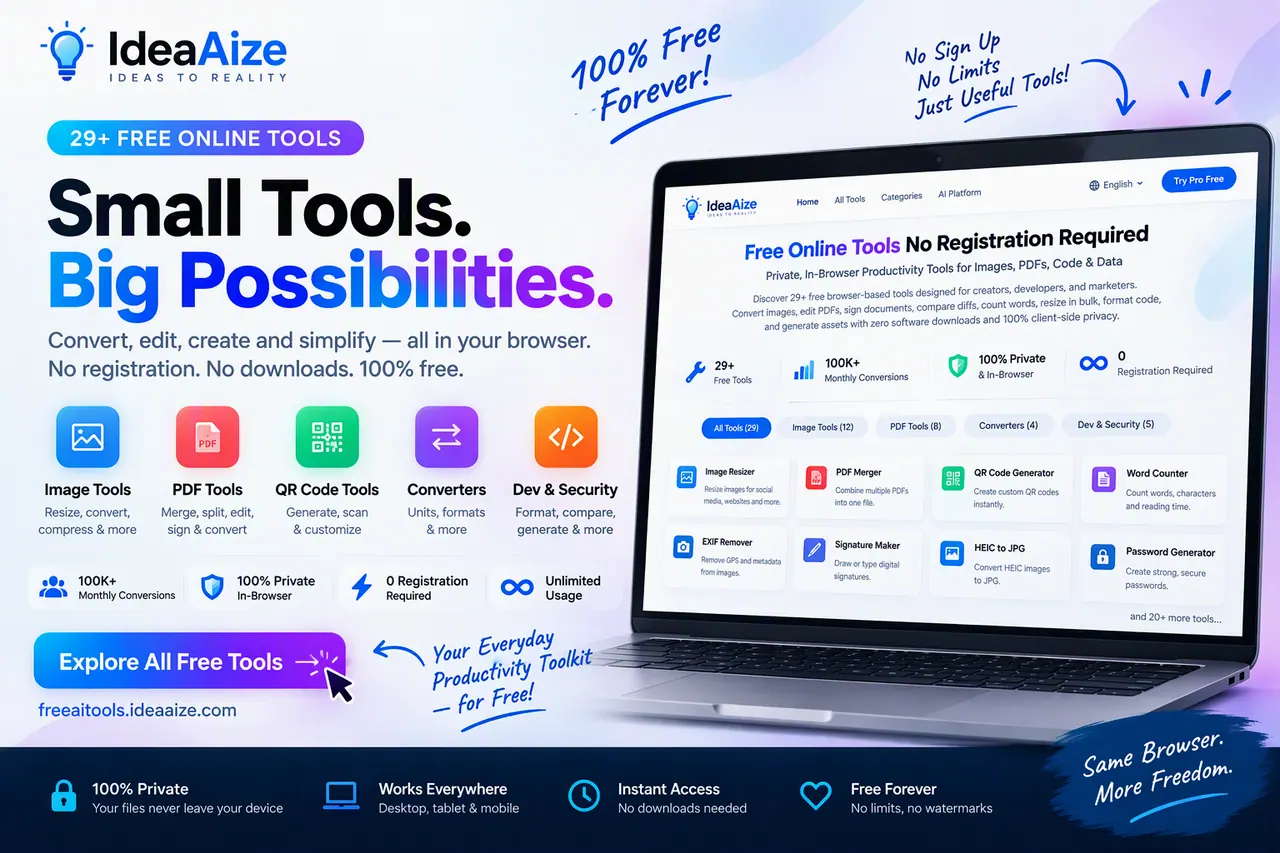
IdeaAize Free AI Tools is a curated collection of 50+ browser-based utilities for PDFs, images, developer workflows, SEO support, security, and everyday productivity. Everything runs directly in your web browser, so you can convert, compress, edit, and generate outputs without installing software or creating an account.
A core focus is privacy-first, client-side processing: your documents and images are manipulated locally in your browser, with no remote uploads or third-party storage. The tool suite includes dedicated studios for common workflows—PDF tools for merging, splitting, compressing, converting (like PDF to Word), extracting images, and editing/signing; image tools for resizing with presets, batch converting and compressing, HEIC to JPG conversion, and removing EXIF/GPS metadata; and developer utilities for JSON, JWT decoding, hashing, UUIDs, CSV↔JSON, Markdown conversion/editing, QR/batch code workflows, and more.
There are also security and utility tools such as password generators (including batch generation), QR scanning, barcode generation, and hashing/checksum helpers. If you’re working on content or site assets, the SEO suite helps with tasks like FAQ schema generation (JSON-LD), SEO URL slug generation, topical authority mapping, and robots.txt generation for AI crawlers.
All tools are free forever with $0 cost, no premium tier, and no hidden fees.
Do I need to sign up or create an account to use IdeaAize Free AI Tools?
No—no registration is required. You can open any tool and start working immediately.
Are files uploaded to a server when I use the PDF or image tools?
No. Files are processed in your browser using client-side execution, so they never need to be uploaded to remote servers.
What kinds of tasks can I do with the PDF tools?
You can merge and split PDFs, compress PDFs to target sizes, convert PDF to Word, convert PDF pages to images, extract images, and edit/sign PDFs—all in the browser.
Can I resize and compress images without installing software?
Yes. Resize tools include 50+ presets and bulk resizing, and compression tools reduce image file size in KB up to 90% while aiming to preserve visual quality.
Does the platform offer any developer-focused utilities?
Yes. You can format/validate JSON, decode JWT tokens, generate hashes and UUIDs, run CSV↔JSON conversions, use Markdown editors/converters, and compare text/code with a diff checker.
How much does IdeaAize Free AI Tools cost?
All tools are free forever with $0 cost—there’s no premium tier, subscriptions, or hidden fees.
This listing is claimed
Own IdeaAize Free In-Browser Tools? Sign in with the email used to claim it to manage this listing, or upgrade to Pro for featured-first placement and a newsletter feature.