i2OCR
AI Transcription Software Tools
Turn scans, photos, and scanned PDF pages into editable text for free—no account needed—with 128 recognition languages.
- Category
- Transcription
- Listed
- Nov 21, 2026
- Updated
- Nov 21, 2026
Promoted
 AI Checker PlusAI detector that highlights which passages AI wrote. Free check, no sign-up. Plagiarism too.
 RewindType any X/Twitter handle. Get their year back as a narrated video story. Then ask it anything.
 KurodyneSell the tools from your AI side projects. Listing is free.
 Pixmax.aiPixmax.ai is an all-in-one AI workspace for videos, visual stories, and marketing content.
 SEOify - Improve your SEO & rankingsBuild links to rank in Google. Improve your DR with links you can start building now.Advertise here330,000+ people visit Dang.ai every month.
What does i2OCR do?
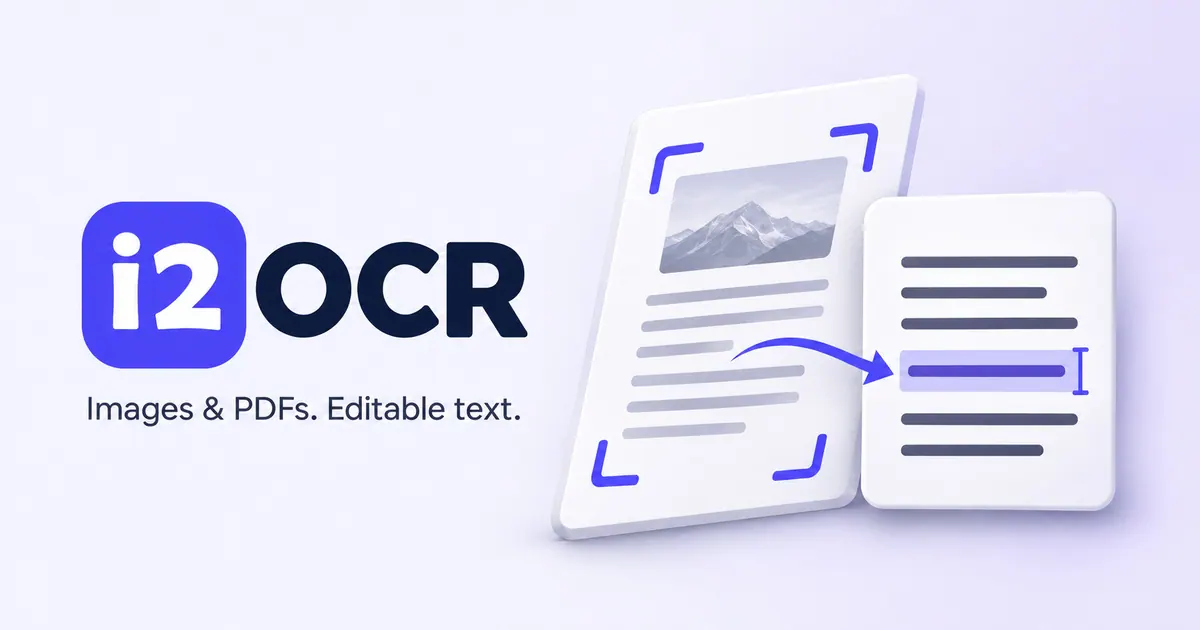
i2OCR is an online image and PDF OCR tool that converts printed (and some handwriting) text into editable words. Upload a photo, screenshot, or scanned PDF page to extract the text, then review the results in an easy preview where you can correct mistakes before downloading.
To improve recognition accuracy, i2OCR includes preparation and review tools. Use image tools like crop, straighten (deskew), rotate, and enhance to focus on the right part of your scan and clarify the content. For PDFs, you can also use PDF tools to clean backgrounds, deskew tilted scans, crop margins, split page spreads, and organize or reorder pages prior to OCR. i2OCR also supports extracting text from existing PDF text or using PDF OCR for image-only scans.
Choose your document language (English is ready by default) and select a recognition mode: Classic for more straightforward printed text, or Future for more challenging pages. After OCR, keep the source visible while you check and fix names, dates, and numbers, and resolve missing words or incorrect characters.
You can download your output as TXT, Word (DOCX), or PDF. Image OCR and PDF OCR are free to use and don’t require an account, subscription, or installation.
Do I need an account to use i2OCR?
No. Image OCR and PDF OCR are free and don’t require an account, subscription, or installation.
What file types can I convert with i2OCR?
You can extract text from photos, screenshots, and scanned PDF pages (including selected areas).
How many languages are supported?
i2OCR supports 128 recognition languages. Select the document language (English is the default).
What are the Classic and Future recognition modes?
Classic is for more straightforward printed text, while Future is for more challenging pages. If the first pass looks off, try switching modes.
What formats can I download after OCR?
You can download recognized text as TXT, Word (DOCX), or PDF after reviewing and correcting the output.
Does i2OCR keep my uploaded files?
Uploaded files and temporary data are deleted from i2OCR servers within 30 minutes after processing finishes, and files aren’t shared or used to train AI models.
Is this your tool?
Claim i2OCR to manage this listing, or upgrade to Pro for featured-first placement and a newsletter feature.