
Goodesign
AI Interior Design Generator Tools
Goodesign turns one photo of your room into a photorealistic redesign in about a minute, keeping walls, windows, and layout untouched.
- Category
- Interior design
- Listed
- Oct 15, 2026
- Updated
- Oct 31, 2026
Promoted
 AI Checker PlusAI detector that highlights which passages AI wrote. Free check, no sign-up. Plagiarism too.
 RewindType any X/Twitter handle. Get their year back as a narrated video story. Then ask it anything.
 KurodyneSell the tools from your AI side projects. Listing is free.
 Sidrune AI85% off. Stable Claude API for agent developers. Pay as you go. Invoices & refunds available.
 Pixmax.aiPixmax.ai is an all-in-one AI workspace for videos, visual stories, and marketing content.
 SEOify - Improve your SEO & rankingsBuild links to rank in Google. Improve your DR with links you can start building now.Advertise here270,000+ people visit Dang.ai every month.
What does Goodesign do?
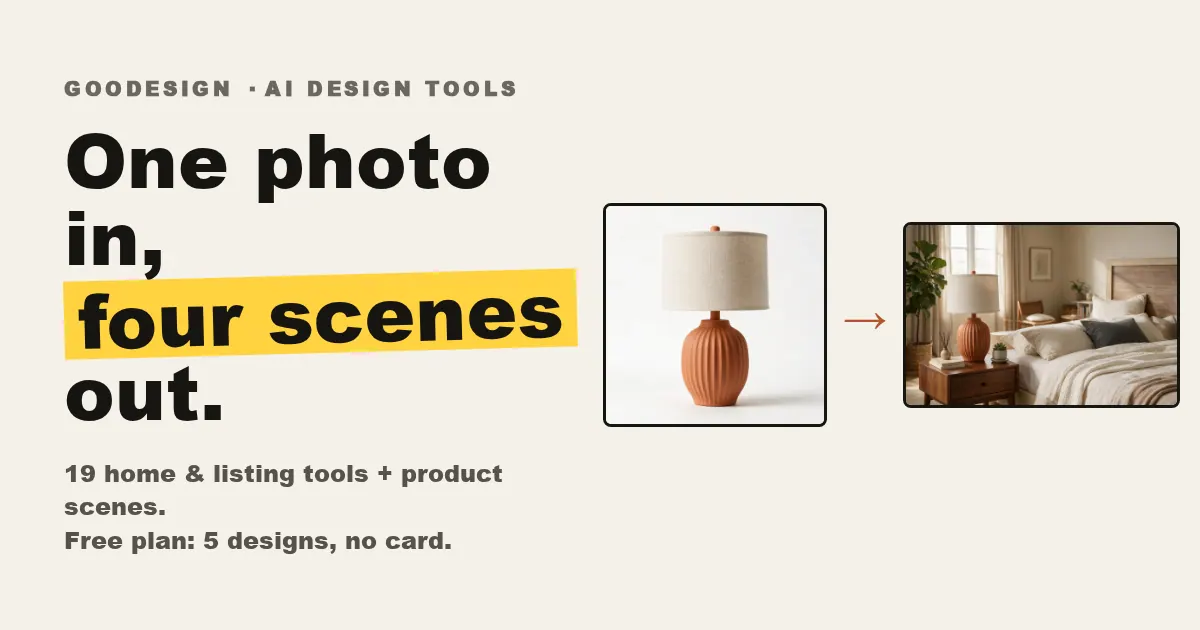
Goodesign is an AI interior design and virtual staging tool that transforms any room from a single photo. Upload an empty, furnished, or cluttered space, then pick a designer style or describe what you want in plain words. You’ll get a photorealistic redesign in about a minute, so you can explore options quickly and decide what to do next.
A standout feature is structure consistency: walls, windows, and layout are locked by default. That means you’re not replacing your entire room—you’re refining the changes you request, like repainting walls, restyling surfaces, adding or swapping furniture, and staging rooms so they’re ready for buyers. You can also clean out clutter, then restage from scratch.
Goodesign is for homeowners and renters who want to preview renovation ideas before spending money, and for real estate agents who need fast virtual staging for listings. It also supports exterior and photo cleanup workflows such as lawn replacement, exterior rendering, day-to-dusk looks, sky replacement, object removal, image enhancement, and image upscale.
To start, you can use a free tier with 5 credits and no credit card required. Free credits are intended to let you try the full AI quality before committing to paid plans. Generation is typically about a minute, and you can refine and download high-resolution results.
How does Goodesign redesign a room from one photo?
Upload a photo of your room, choose a style or describe the changes in plain words, then refine and download the photorealistic result. Generation typically takes about a minute.
Will walls, windows, and layout change in the final render?
No—walls, windows, and layout are locked by default. Only the changes you request (like repainting or furniture updates) are applied.
Can I use Goodesign with empty, furnished, or cluttered rooms?
Yes. You can upload empty, furnished, or cluttered rooms. You can also clean out clutter to get a blank version, then restage it in any style.
What kinds of edits can I make besides full redesigns?
You can add furniture, swap furniture, give an existing piece a facelift (new fabric/color/wood tone), restyle surfaces (like counters or flooring), and repaint walls. You can also stage rooms to look buyer-ready.
What’s included in the free plan?
You can start free with 5 credits and no credit card required. The free tier includes full AI quality, and you can run your first render in about a minute.
Can Goodesign improve listing photos, not just interior designs?
Yes. It supports photo cleanup and enhancement like day-to-dusk, sky replacement, object removal, image enhancement, and image upscale, plus exterior rendering and lawn replacement.
This listing is claimed
Own Goodesign? Sign in with the email used to claim it to manage this listing, or upgrade to Pro for featured-first placement and a newsletter feature.