
FreeAudioToText
Audio AI Tools
FreeAudioToText is a privacy-first online converter that transcribes audio to text instantly—no registration or logs required.
- Pricing
- Free
- Category
- Audio
- Listed
- Aug 31, 2026
- Updated
- Aug 31, 2026
Promoted
 Sidrune AI85% off. Stable Claude API for agent developers. Pay as you go. Invoices & refunds available.
 Pixmax.aiPixmax.ai is an all-in-one AI workspace for videos, visual stories, and marketing content.
 AI Checker PlusAI detector that highlights which passages AI wrote. Free check, no sign-up. Plagiarism too.
 RewindType any X/Twitter handle. Get their year back as a narrated video story. Then ask it anything.
 KurodyneSell the tools from your AI side projects. Listing is free.
 SEOify - Improve your SEO & rankingsBuild links to rank in Google. Improve your DR with links you can start building now.Advertise here270,000+ people visit Dang.ai every month.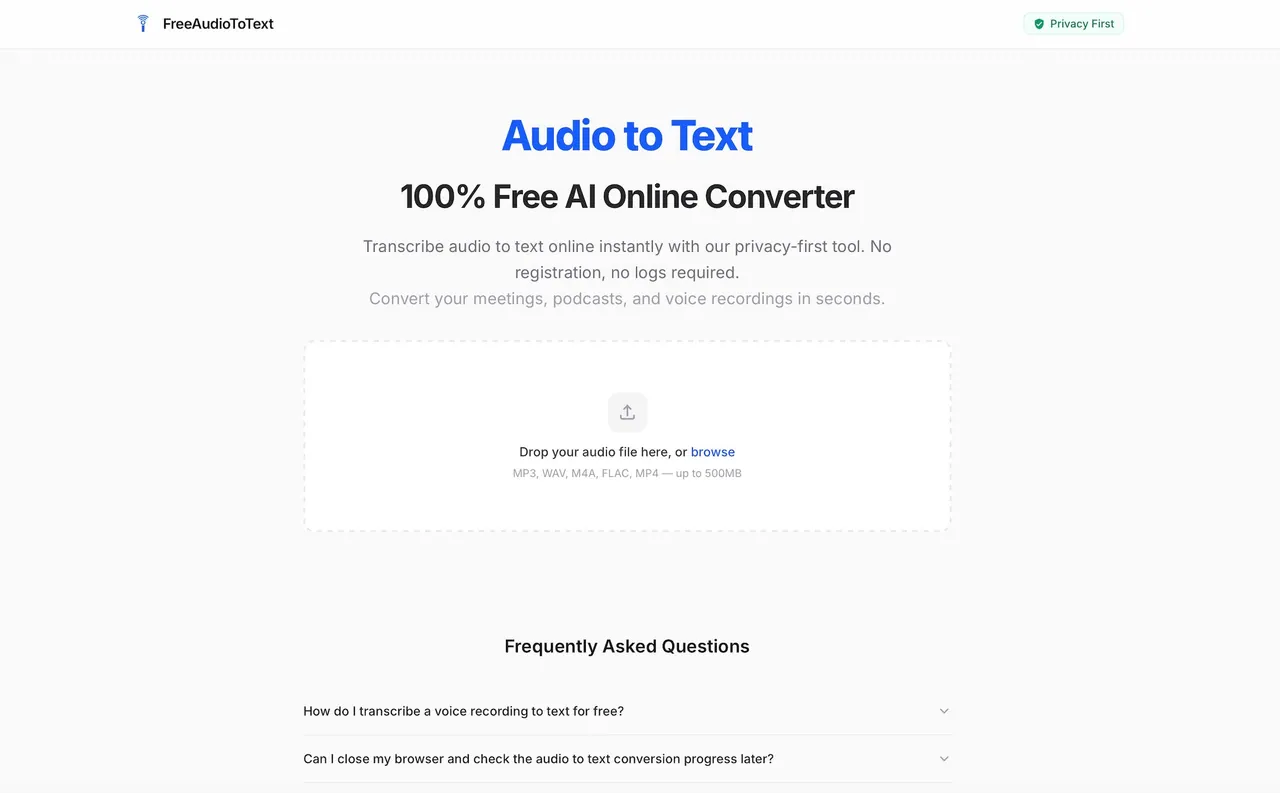
What does FreeAudioToText do?
FreeAudioToText is a 100% free AI audio-to-text converter for quickly turning meetings, podcasts, and voice recordings into readable transcripts online. There’s no account needed and no logs required—just upload your audio/video and get a transcript.
For supported files, you can drop in common formats like MP3, WAV, M4A, MP4, and MOV (up to 500MB). Video audio is extracted locally in your browser to help save bandwidth, and the converter supports multiple speakers, background noise, and accents.
If you need more than raw text, you can upgrade to unlock structured AI analysis reports with summaries, key takeaways, and speaker insights. For sensitive internal recordings, an Air-Gapped Docker Image option is available through Enterprise.
Is there any registration required to transcribe audio with FreeAudioToText?
No—transcription is available without creating an account. You can upload and convert directly in your browser.
What file types and sizes are supported?
Supported formats include MP3, WAV, M4A, MP4, MOV, and more. Files can be up to 500MB.
Can I use this tool to convert video files to text?
Yes. You can upload MP4 or MOV, and the spoken audio is extracted locally in your browser before transcription.
Do I need speaker consent before uploading recordings?
Yes. Only upload or submit a URL if you have obtained explicit consent from all speakers, and process data in compliance with applicable privacy regulations.
Does FreeAudioToText support different languages and noisy audio?
It supports 90+ languages and can handle multiple speakers, background noise, and accents.
What can I do after the transcript is generated?
You can copy the raw transcript directly, download it, or upgrade to unlock structured AI analysis reports with summaries and speaker insights.
This listing is claimed
Own FreeAudioToText? Sign in with the email used to claim it to manage this listing, or upgrade to Pro for featured-first placement and a newsletter feature.