
FileCompressor.online
AI Image Generators from Text Tools
File Compressor shrinks images and files to an exact target size (KB) with fast, private in-browser compression and live comparison.
Promoted
 Sidrune AI85% off. Stable Claude API for agent developers. Pay as you go. Invoices & refunds available.
 Pixmax.aiPixmax.ai is an all-in-one AI workspace for videos, visual stories, and marketing content.
 SEOify - Improve your SEO & rankingsBuild links to rank in Google. Improve your DR with links you can start building now.Advertise here270,000+ people visit Dang.ai every month.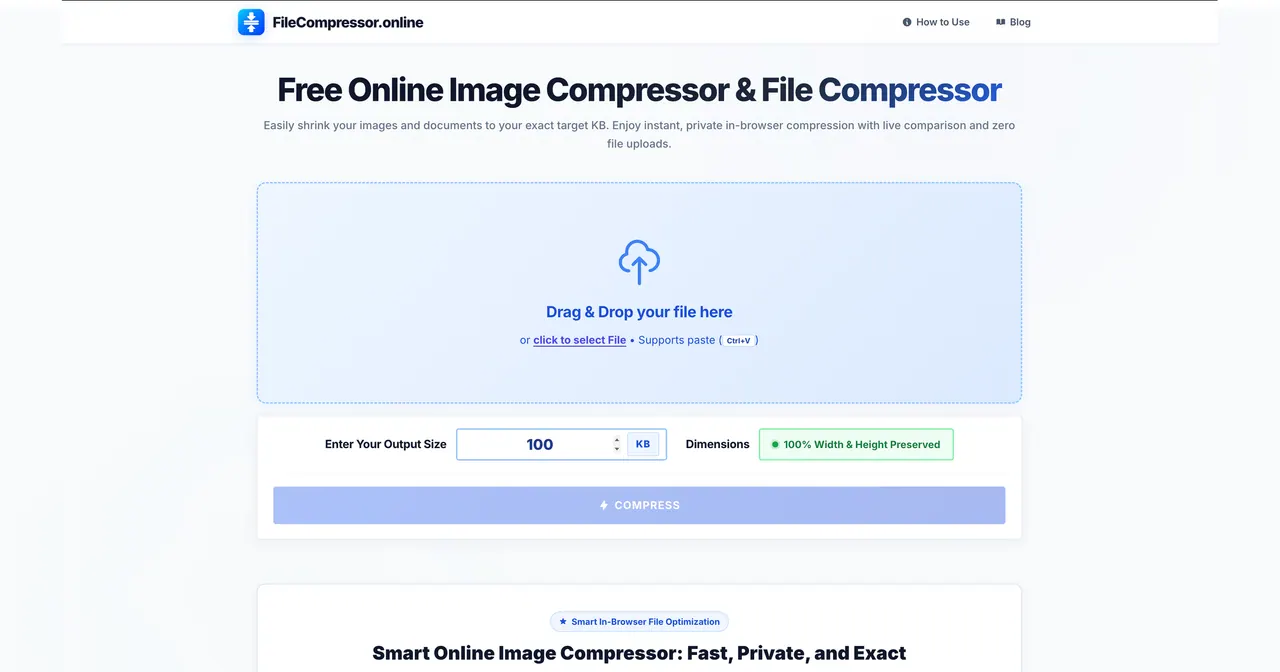
What does FileCompressor.online do?
FileCompressor.online is a free online image and file compressor that helps you reduce images and documents to an exact target size in KB. Instead of guessing with percentage sliders, you enter the output size you need (for example, 20 KB, 50 KB, 100 KB, or 200 KB) and the tool optimizes the file to match that requirement.
Compression runs entirely in your browser, using client-side processing in JavaScript and HTML5 Canvas. That means your files are processed locally in memory and you avoid uploading data to a remote server. The tool also includes a live split-screen comparison so you can review quality changes before you save the result.
It preserves your original pixel dimensions (100% width and height) while removing unnecessary bloat such as metadata and redundant data. You can work with multiple formats, including JPG, PNG, WebP, and GIF, making it useful for photos, graphics, and animated files.
This is a practical choice when you face strict upload limits for passport, visa, or job portals, or when you want to send lightweight attachments over email and messaging. With a focus on speed and privacy, it supports common “under X KB” requirements without adding watermarks.
How does Dang.ai’s FileCompressor.online compress files without uploading them?
Your files are processed locally inside your browser using JavaScript and HTML5 Canvas. Zero bytes are sent to an external server, so sensitive photos and documents stay on your device.
Can I choose an exact output size in KB like 20 KB or 100 KB?
Yes. Enter the exact target size in KB, and the compressor uses its optimization logic to fit the file to that size requirement.
Will the compressor change my image dimensions or make it blurry?
No—your original width and height are kept 100% intact. The tool removes redundant data to reduce file weight without cutting your resolution.
Which file formats are supported?
The tool supports JPG, PNG, WebP, and GIF, so it can handle both standard images and animated GIFs.
Is this tool free and are there subscription limits or watermarks?
It’s a free compressor with no subscriptions, no daily limits, and it doesn’t add watermarks.
How can I replace a file after uploading one?
Use the close (×) icon on the uploaded file card to remove it, or drag and drop a new file onto the upload area to replace it immediately.
This listing is claimed
Own FileCompressor.online? Sign in with the email used to claim it to manage this listing, or upgrade to Pro for featured-first placement and a newsletter feature.