
Favore AI
AI Productivity Tools
Favore AI helps you generate, edit, and animate images and videos in one connected creative workspace with prompts, references, templates, and model selection.
- Category
- Productivity
- Listed
- Oct 14, 2026
- Updated
- Oct 29, 2026
Promoted
 Sidrune AI85% off. Stable Claude API for agent developers. Pay as you go. Invoices & refunds available.
 Pixmax.aiPixmax.ai is an all-in-one AI workspace for videos, visual stories, and marketing content.
 AI Checker PlusAI detector that highlights which passages AI wrote. Free check, no sign-up. Plagiarism too.
 RewindType any X/Twitter handle. Get their year back as a narrated video story. Then ask it anything.
 KurodyneSell the tools from your AI side projects. Listing is free.
 SEOify - Improve your SEO & rankingsBuild links to rank in Google. Improve your DR with links you can start building now.Advertise here270,000+ people visit Dang.ai every month.
What does Favore AI do?
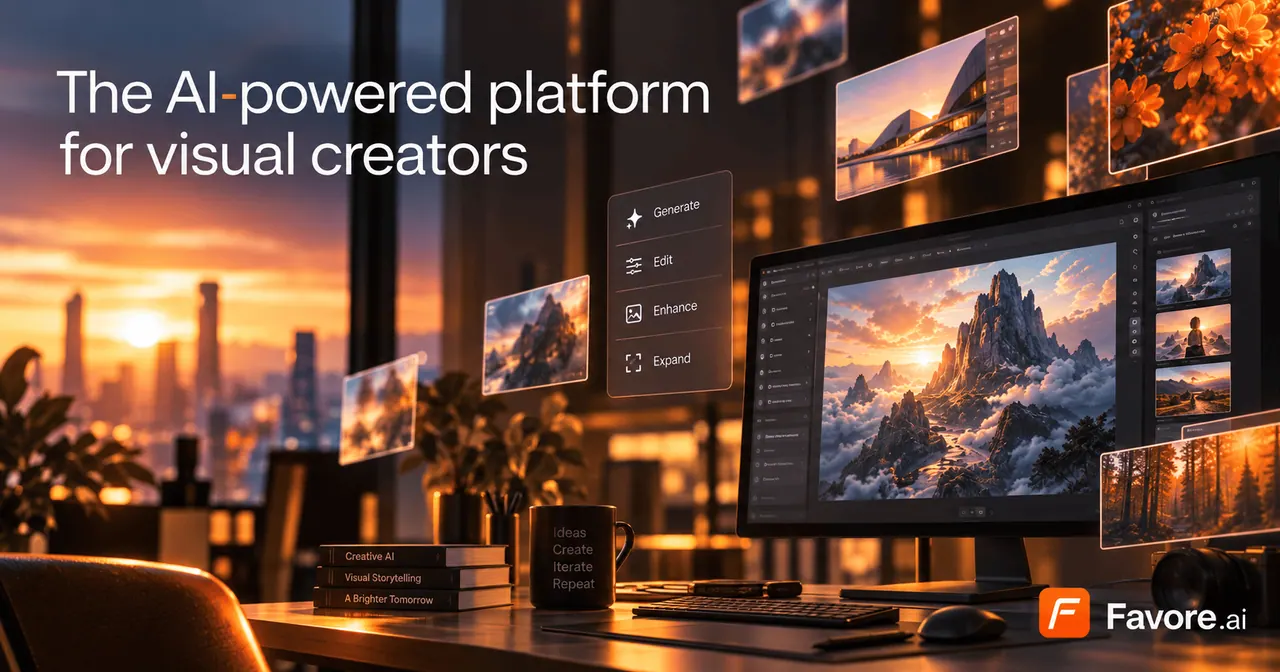
Favore AI is a connected creative workspace for generating, editing, and animating both images and videos with AI. Start from text, a reference image, or a reusable template—then keep iterating on the results you like without switching between disconnected tools.
Create with the outcome you want. Choose image or video, then use the right capabilities such as image editing, templates, effects, and focused model selection. Models are presented as clear options so you can compare strengths—like fidelity, speed, editing controls, and text handling—and pick the one that best matches your intended output.
Favore is built for a continuous creative loop: generate, edit, enhance, and revisit. You can remove, restore, upscale, extend, or transform existing work, then continue refining from there. Compatible results can move into another generation, editing, or enhancement step without downloading and re-uploading.
You can generate images from prompts and references, and create or animate videos from text, a first frame, or an existing clip when supported by the selected model. Credits show an estimate before you run, and final usage depends on resolution, duration, quality, audio options, and output count—compare plan details on the pricing page for the most up-to-date credit information.
What can I create with Favore AI?
You can create and refine images and videos using prompts, reference images, templates, and existing assets—then use tools and effects to further improve the result.
Can I start from an existing image?
Yes. Upload a reference image to guide generation and editing, or open an existing image for enhancement and transformation. You can also turn a still into video when the selected model supports it.
Can I keep editing after I generate something?
Yes. If the result is compatible, you can move into another generation, edit, animation, or enhancement step in the same workflow without downloading and re-uploading.
How do credits work in Favore AI?
Each model shows an estimate before you run, and final usage depends on resolution, duration, quality, audio options, and output count. Review plan and credit details on the pricing page.
When should I use tools vs effects?
Use tools for specific jobs like upscaling, background removal, or extending a clip. Use effects when you want a defined visual look applied to your image.
How do I choose the right model?
Compare model strengths based on what matters most—such as fidelity, speed, editing capabilities, or text handling—then select the model that best fits your intended outcome.
This listing is claimed
Own Favore AI? Sign in with the email used to claim it to manage this listing, or upgrade to Pro for featured-first placement and a newsletter feature.