
Doc2X
AI Translator & Translation Tools
Translate PDFs with layout preserved, convert them to Markdown/LaTeX/Word/Typst, and ask questions about the document.
- Pricing
- Free
- Category
- Translation
- Listed
- Oct 9, 2026
- Updated
- Nov 17, 2026
Promoted
 Pixmax.aiPixmax.ai is an all-in-one AI workspace for videos, visual stories, and marketing content.
 AI Checker PlusAI detector that highlights which passages AI wrote. Free check, no sign-up. Plagiarism too.
 RewindType any X/Twitter handle. Get their year back as a narrated video story. Then ask it anything.
 KurodyneSell the tools from your AI side projects. Listing is free.
 SEOify - Improve your SEO & rankingsBuild links to rank in Google. Improve your DR with links you can start building now.Advertise here330,000+ people visit Dang.ai every month.
What does Doc2X do?
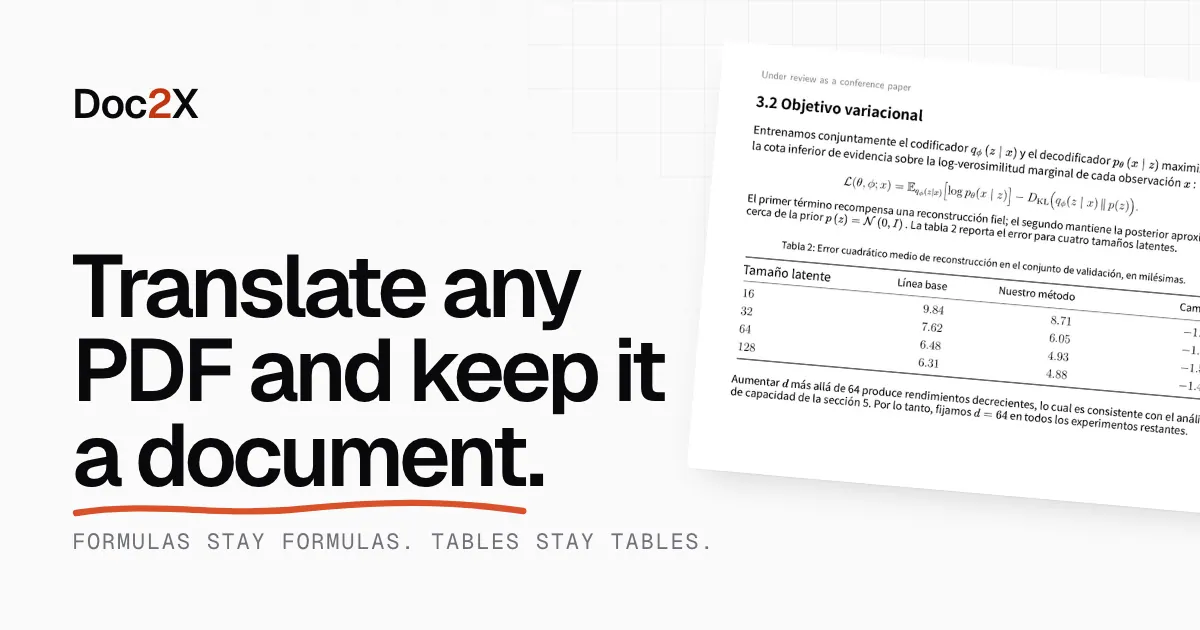
Doc2X is an AI PDF translator and converter that keeps formulas and tables intact while preserving the page layout. Upload a paper, scanned textbook, or long report to get a translated PDF—or convert it into clean, editable formats like Markdown, LaTeX, Word, and Typst—without losing structure.
Doc2X first rebuilds the document’s structure (reading order, equations, tables, and figures). That structure is then used to produce results where numbered equations remain equations and tables keep their rows and columns, including in scanned documents. You can also view the translated page side by side with the original for easier checking.
Beyond translation and conversion, Doc2X includes “chat with your PDF.” Ask questions in your own language and receive answers written from the document, with references to the pages used—so you can click through to where the answer comes from.
Pricing starts with a free plan (no card) that includes 50 credits per month, about 100 translated pages/month using the standard model (or 200 converted), plus a note that an answer costs half a credit. Paid plans start at $9.90/month (Starter) and include higher monthly credit limits, with file size limits that increase by plan.
What kinds of PDFs can Doc2X translate and convert?
Doc2X works with digital PDFs, scanned PDFs, and images of a page (PDF, PNG, or JPG). Scanned pages are handled with OCR so formulas and tables can be recovered as real structure.
Will Doc2X keep equations and tables editable?
Yes—formulas are returned as source equations (not pictures) in formats like LaTeX, and tables come back as rows and cells with values preserved.
Can I view the translation next to the original?
Yes. Results can be provided as translated pages that keep the original layout, with the original shown side by side so you can compare each page.
Which output formats are available besides translated PDFs?
You can convert documents into Markdown, LaTeX, Word (.docx), and Typst (.typ). Conversion includes editable equations and tables on every plan.
Can I ask questions about the PDF after translation or conversion?
Yes. Open your translated or converted document and ask in your own language; answers reference the pages used and let you jump directly to those pages.
What does the free plan include, and does it require a credit card?
The free plan needs no card and includes 50 credits per month. It covers about 100 translated pages per month with the standard model (or 200 converted), and an answer costs half a credit.
Is this your tool?
Claim Doc2X to manage this listing, or upgrade to Pro for featured-first placement and a newsletter feature.