
AIBankStatement
AI Bank Statement Converter
Convert PDF (including scanned) bank and credit card statements into Excel, CSV, JSON, Xero, or QuickBooks in about 30 seconds.
Promoted
 AI Checker PlusAI detector that highlights which passages AI wrote. Free check, no sign-up. Plagiarism too.
 RewindType any X/Twitter handle. Get their year back as a narrated video story. Then ask it anything.
 KurodyneSell the tools from your AI side projects. Listing is free.
 Sidrune AI85% off. Stable Claude API for agent developers. Pay as you go. Invoices & refunds available.
 Pixmax.aiPixmax.ai is an all-in-one AI workspace for videos, visual stories, and marketing content.
 SEOify - Improve your SEO & rankingsBuild links to rank in Google. Improve your DR with links you can start building now.Advertise here330,000+ people visit Dang.ai every month.
What does AIBankStatement do?
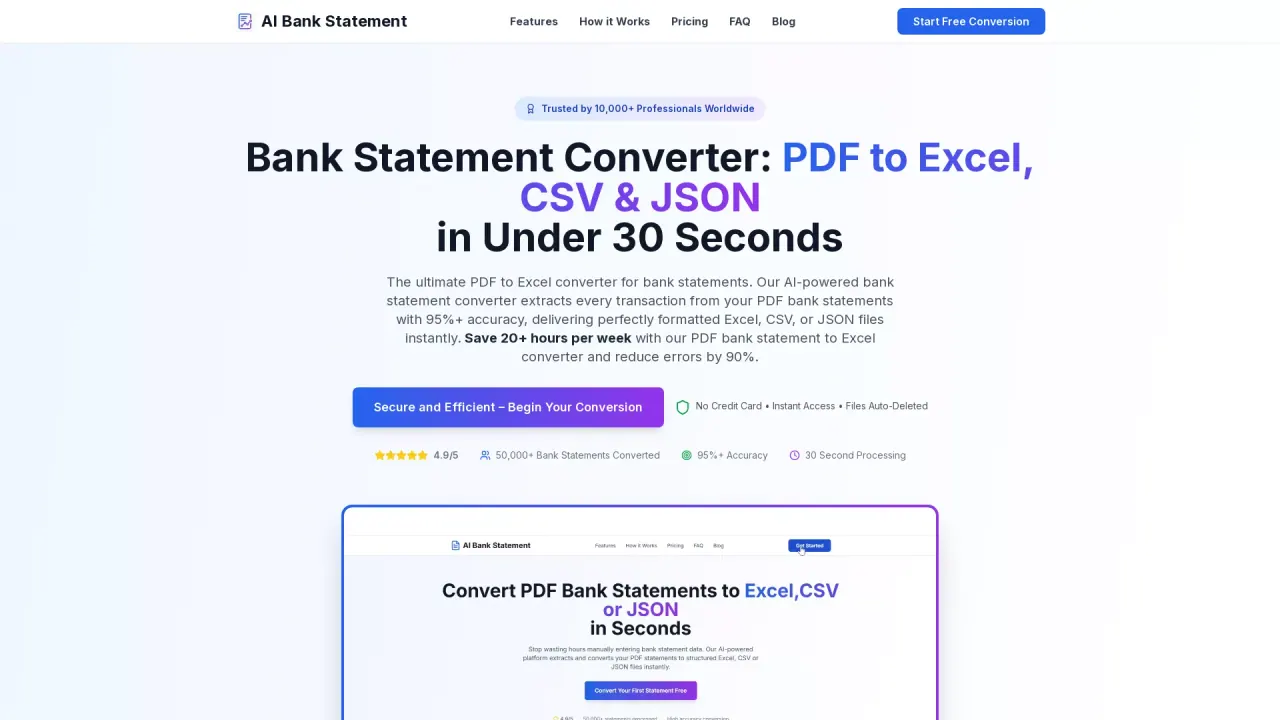
AIBankStatement turns PDF bank and credit card statements into tidy spreadsheets and accounting-ready files—so you don’t have to retype transactions one by one. Upload a statement (text-based or scanned), choose your output format, and download a structured file containing each transaction as a clean row.
The converter supports Excel (.xlsx), CSV (.csv), JSON (.json), plus file layouts prepared for Xero and QuickBooks import (3- or 4-column CSV for QuickBooks). Scanned PDFs run through OCR mode, while text-based PDFs process directly. Dates and amounts are read in the statement’s own format to help keep things consistent, with accuracy listed as 95%+.
Designed for both single statements and batch workflows, AIBankStatement lets you process multiple PDFs at once for month-end, year-end, or tight deadlines. You can use different settings per file within the same batch, and everything returns together in a single ZIP for easier review and import.
Uploaded files are deleted right after processing, with no copies kept. Pricing is per page: Starter is $12/month (about $0.03 a page) with 400 pages/month, Professional is $24/month (about $0.024 a page) with 1,000 pages/month and unlimited batch size, and Enterprise is custom for 5,000+ pages/month with dedicated support.
What can I upload to AIBankStatement?
You can upload bank or credit card statements in PDF format, including scanned PDFs (handled via OCR) and text-based PDFs.
Which formats do I get back?
You can download Excel (.xlsx), CSV (.csv), JSON (.json), or accounting-ready files for Xero or QuickBooks. QuickBooks comes as a 3- or 4-column CSV layout.
How accurate is the converted output?
Accuracy is listed as 95%+, with dates and amounts read in the statement’s own format. You should still review totals since you’re the one signing off on your books.
What happens to my uploaded statements after processing?
Uploaded files are deleted right after processing, and no copies of your bank statements are kept.
How does pricing work?
Pricing is per page. Starter costs $12/month for about $0.03 a page (400 pages/month), and Professional costs $24/month for about $0.024 a page (1,000 pages/month). Enterprise is custom for 5,000+ pages/month.
Can I convert many statements in one batch?
Yes. You can upload multiple PDFs at once and get everything back in a single ZIP. Batch limits depend on the plan: up to 20 files at once on Starter, and unlimited batch size on Professional.
This listing is claimed
Own AIBankStatement? Sign in with the email used to claim it to manage this listing, or upgrade to Pro for featured-first placement and a newsletter feature.