
Palette
Colorize Pictures AI Tool
Palette is an AI tool that effortlessly colorizes old black and white pictures. Perfect for colorizing pictures with this AI tool.
Promoted
 Sidrune AI85% off. Stable Claude API for agent developers. Pay as you go. Invoices & refunds available.
 Pixmax.aiPixmax.ai is an all-in-one AI workspace for videos, visual stories, and marketing content.
 RewindType any X/Twitter handle. Get their year back as a narrated video story. Then ask it anything.
 KurodyneSell the tools from your AI side projects. Listing is free.
 SEOify - Improve your SEO & rankingsBuild links to rank in Google. Improve your DR with links you can start building now.Advertise here270,000+ people visit Dang.ai every month.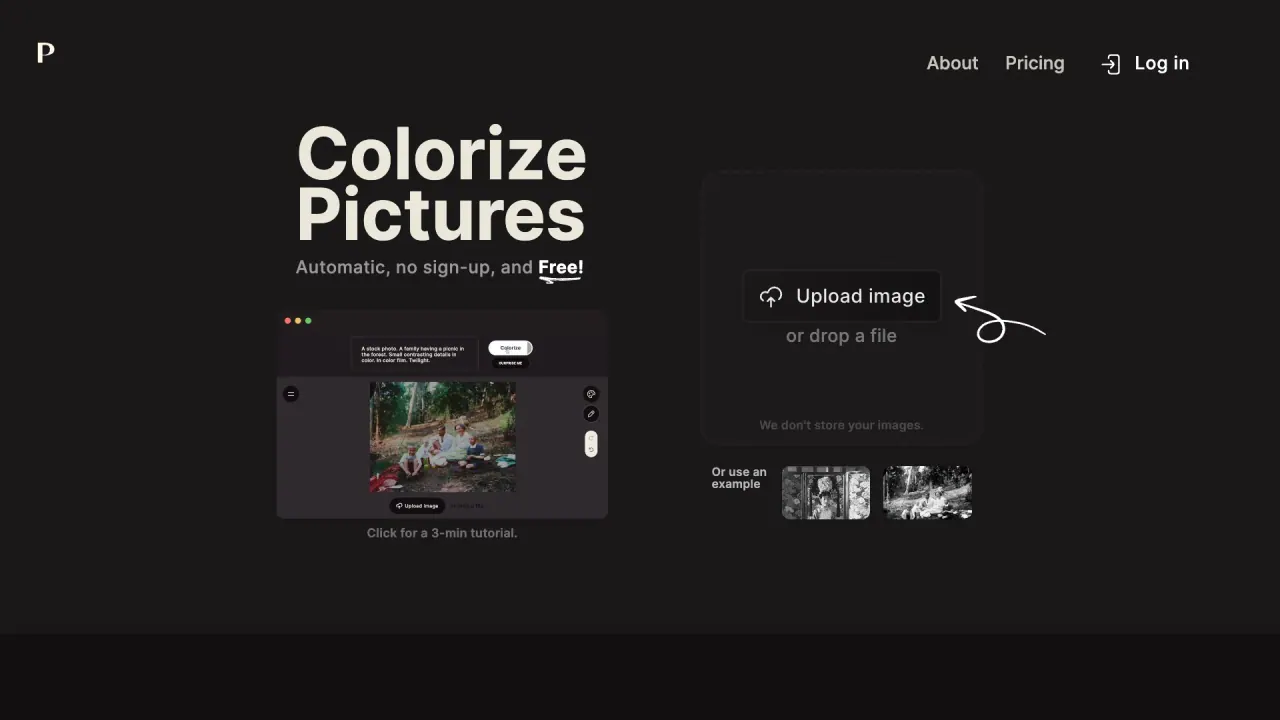
What does Palette do?
How does Palette colorize photos and how do I get started?
Palette offers 21+ color filters to transform your photos into vibrant, lifelike colors in seconds. With AI-driven colorization, you can see realistic colors almost instantly. Getting started is a simple 3-step process:
- Upload your photo (click “Upload image” or drag and drop).
- Pick a filter from the available options.
- Download the colorized photo or customize colors further by adjusting keywords.
How accurate is the colorization and what will my results look like?
Palette delivers accurate and realistic colors. You’ll enjoy:
- Accurate, realistic colors
- Simple, powerful customization
- Lively natural light and attention to detail
- “Little wow” details that enhance the look
Results are designed to be true-to-life and visually appealing.
How does Palette compare to other colorization services in terms of usability and results?
Palette emphasizes realism and user-friendly workflows:
- More accurate, realistic colorization compared with some competitors
- Avoids overly brown/purple tones and flat-orange skin
- Simple, intuitive customization without the burden of expensive recurring payments
- Designed to help you achieve desirable results quickly
How many color filters are there and can I customize the colors?
- Over 21 color filters to choose from
- You can customize colors by adjusting keywords
- You can upload all your photos in one go for colorization
What are credits and how does payments work?
- 1 photo = 1 credit
- Free start: 1 free trial credit
- Pricing options:
- Subscriptions at $72/year with annual photo limits (480, 2,400, or 6,000 photos per year, depending on plan)
- One-time payment option at $49 that buys 75 credits (credits remain valid for 2 years)
- Per-credit pricing varies by plan:
- Subscription: roughly $0.15 per credit
- One-time: roughly $0.65 per credit
- Previews and watermark behavior:
- Free plan: watermark on previews
- Subscription (pro) plan: watermark-free previews
- Pro features and workflows included in the subscription
- Ads are not shown in the subscription plan
How do I sign in and use credits to remove the watermark on colorizations?
- Sign in to Palette
- Each colorization consumes 1 credit
- Using paid credits enables colorizations with watermark-free previews (and access to pro features/workflows)
- The paid plans provide watermark-free previews and an ad-free experience
Are there any restrictions or limitations I should be aware of?
- Free previews include a watermark
- Paid/pro plans provide watermark-free previews
- Some plans may include ads on certain options, while pro (subscription) plans are ad-free
- 1 photo colorized consumes 1 credit
- You can colorize multiple photos in one session
I’m having problems. What should I do?
Visit Palette’s Contact Us page for support. You’ll find ways to reach the team for help.
Is this your tool?
Claim Palette to manage this listing, or upgrade to Pro for featured-first placement and a newsletter feature.