
ClipBuddy
AI Productivity Tools
ClipBuddy is a native Mac clipboard manager that keeps everything you copy searchable and ready to paste in one keystroke.
- Pricing
- Free
- Category
- Productivity
- Listed
- Sep 22, 2026
- Updated
- Sep 23, 2026
Promoted
 Pixmax.aiPixmax.ai is an all-in-one AI workspace for videos, visual stories, and marketing content.
 AI Checker PlusAI detector that highlights which passages AI wrote. Free check, no sign-up. Plagiarism too.
 RewindType any X/Twitter handle. Get their year back as a narrated video story. Then ask it anything.
 KurodyneSell the tools from your AI side projects. Listing is free.
 Sidrune AI85% off. Stable Claude API for agent developers. Pay as you go. Invoices & refunds available.
 SEOify - Improve your SEO & rankingsBuild links to rank in Google. Improve your DR with links you can start building now.Advertise here270,000+ people visit Dang.ai every month.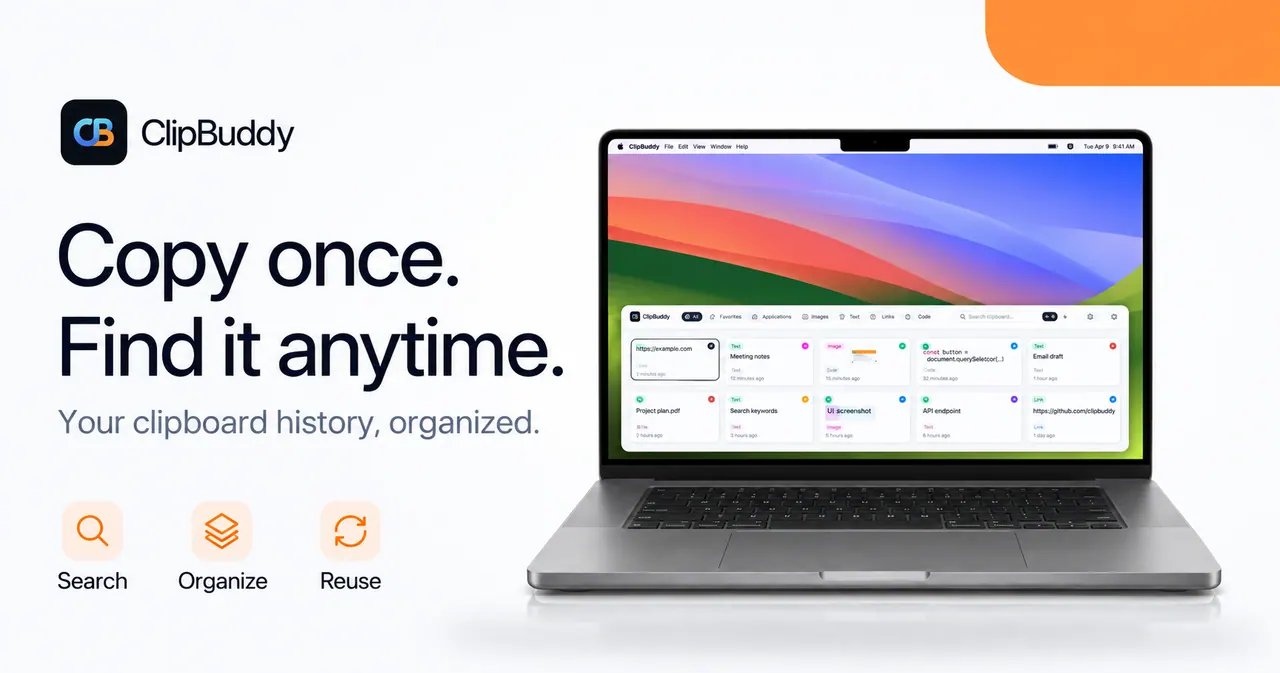
What does ClipBuddy do?
ClipBuddy is a native clipboard manager for macOS that keeps your copied text, links, images, files, and code in a searchable history—so you can quickly reuse what you already captured.
Open your history anywhere with ⌘⇧V, then type to search (including the words inside screenshots) and press Enter to put a chosen clip back on your clipboard. It also includes quick actions like snippets/templates, OCR for screenshot text, QR/link tools, math and color transforms, and a keyboard-first workflow designed to keep you in flow.
Your history stays on your Mac with no account or sign-in. There’s no cloud sync and no server component—everything is stored locally, and the app doesn’t have outbound-network ability on macOS.
How do I open ClipBuddy’s clipboard history on my Mac?
Press ⌘⇧V anywhere to open your searchable clipboard history, then type to find a clip and press Enter to copy it back to your clipboard.
Can I search text inside screenshots?
Yes. ClipBuddy reads the words inside screenshots on your Mac, so you can search by the text you see in the image and copy the extracted text back out.
Does ClipBuddy require an account or sign-in?
No account is required to use ClipBuddy. You can start for free with no sign-up, and Pro is handled through the Mac App Store.
Is my clipboard history private?
ClipBuddy keeps your history on your Mac and is designed so copies aren’t sent anywhere. It runs with macOS-enforced restrictions and uses on-device storage.
Does ClipBuddy work offline?
Yes. Clipboard history, search, and reading words inside screenshots work offline.
What are snippets in ClipBuddy?
Snippets let you store frequently used text, replies, code, or templates and trigger them by keyword, so you can fill and copy results quickly without retyping.
This listing is claimed
Own ClipBuddy? Sign in with the email used to claim it to manage this listing, or upgrade to Pro for featured-first placement and a newsletter feature.