
Cleanvoice
Cleanvoice
Cleanvoice AI: Easily remove filler sounds & clean your podcast.
- Pricing
- Free trial
- Category
- Audio
- Listed
- Jul 22, 2023
- Updated
- May 25, 2026
Promoted
 KurodyneSell the tools from your AI side projects. Listing is free.
 Sidrune AI85% off. Stable Claude API for agent developers. Pay as you go. Invoices & refunds available.
 Pixmax.aiPixmax.ai is an all-in-one AI workspace for videos, visual stories, and marketing content.
 RewindType any X/Twitter handle. Get their year back as a narrated video story. Then ask it anything.
 SEOify - Improve your SEO & rankingsBuild links to rank in Google. Improve your DR with links you can start building now.Advertise here270,000+ people visit Dang.ai every month.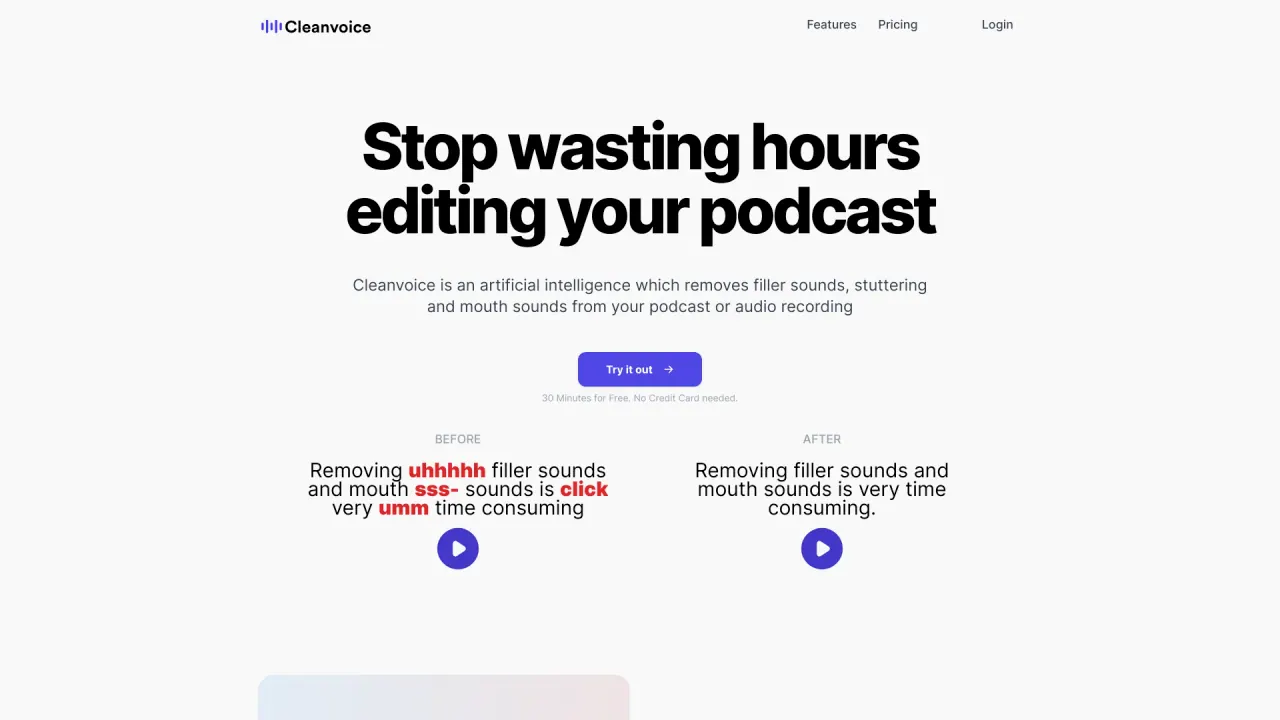
What does Cleanvoice do?
Who can use Cleanvoice?
Cleanvoice is designed for podcasters to edit podcasts and videos. It helps remove background noise, filler words, long pauses, and mouth sounds, and includes features like transcription, summaries, and multitrack editing. Loved by 15,000+ podcasters.
Do you offer a free trial or free credits to start?
Yes. Cleanvoice offers 30 minutes of audio and video for free, with no credit card required and no signup needed. You can try it without signing up.
What type of noise can you remove?
Background Noise Remover can auto-remove noise such as honking vehicles, crying babies, barking dogs, and slamming doors, so you don’t have to re-record.
Does Cleanvoice also edit a voiceover?
The site content focuses on editing podcasts and videos; it does not specify editing a standalone voiceover separately.
Can your audio editor improve the quality of my recording?
Yes. Cleanvoice includes an Audio Enhancer (Studio Sound) to improve overall audio quality.
Can I choose what edits I want to apply?
Yes, you can select which edits to apply to your audio or video.
What if I want to change the edits?
Edits can be adjusted or modified after applying them.
Can I mute edits instead of removing them?
Yes, you can mute edits instead of deleting them.
Do I need to transcribe my audio or video first and then edit it based on the transcription?
Transcription is available, but the site content does not state that transcription is required before editing.
How long do you save my files?
The site content does not specify a retention period for saved files.
What formats do you support?
The site content does not specify which input formats are supported.
Can I upload batch files?
The site content does not specify batch upload capability.
Is there an API for editing at scale?
Yes. 30+ brands use Cleanvoice’s API to edit podcasts or videos at scale. The API can automate editing and minimize your team’s effort. Setup API and API docs are available.
Is this your tool?
Claim Cleanvoice to manage this listing, or upgrade to Pro for featured-first placement and a newsletter feature.