
Carly AI
Verified
AI Productivity Tools
Carly AI is an email-based executive assistant that builds AI agents for scheduling, inbox, CRM, files, content, sales, marketing, and finance tasks.
- Category
- Productivity
- Listed
- Jun 12, 2026
- Updated
- Jun 13, 2026
What does Carly AI do?
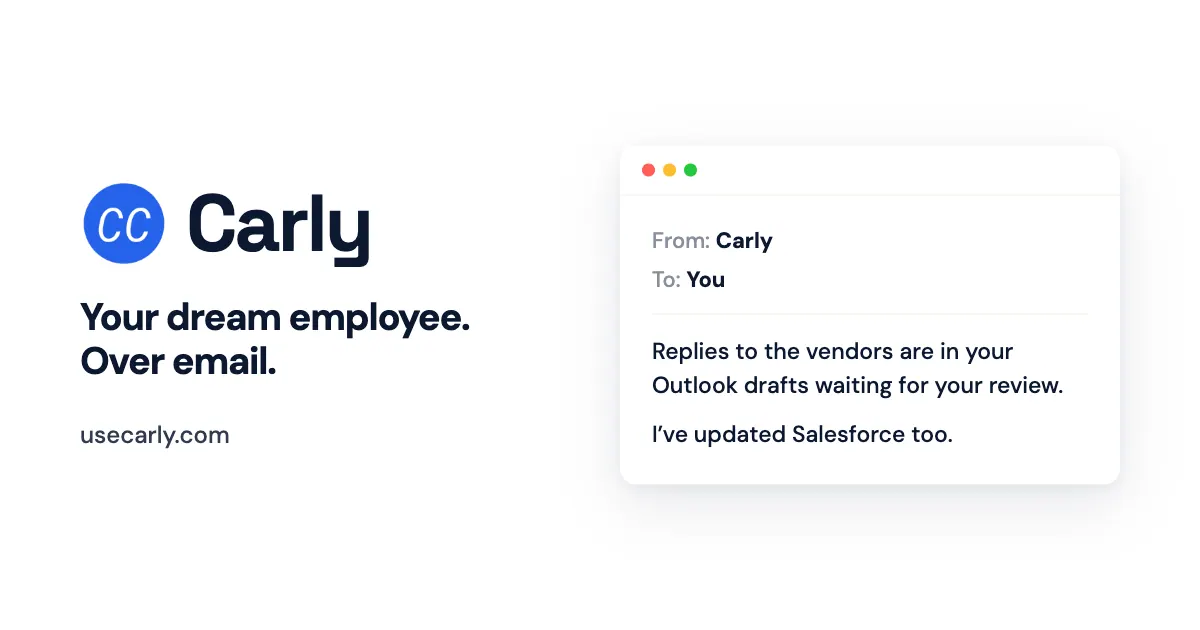
Carly AI (formerly CalBot) is an email-driven executive assistant that helps you turn instructions into AI agents for day-to-day work. Email Carly what you need and it builds agents to handle common operational tasks across scheduling and communication.
You can use Carly to manage email workflows like sorting incoming messages, drafting meeting content, following up with leads, and checking inboxes for important items. It can also support broader workstreams such as saving meeting materials, pulling earnings reports into folders, and maintaining reminders for recurring operations.
Carly also supports actions that keep your systems organized, including saving notes you send, adding invoices and receipts to a tracker, and using CC to delegate tasks. Explore agent templates, workflows, and schedules to get started faster.
How do I use Carly AI?
Send Carly what you need over email. Carly helps you create AI agents that take care of the workflow you describe.
What kinds of tasks can Carly handle?
Carly can manage scheduling and inbox tasks (like sorting email, drafting meeting slides, and follow-ups), plus organizational and ops workflows such as saving files, reminders, and tracking receipts/invoices.
Can I create agents for recurring reminders and schedules?
Yes. You can set up agents for recurring timing, such as reminders on a schedule (e.g., every Monday) or other calendar-driven needs.
Can Carly save or track things I send it?
Yes. You can create an agent with instructions like “Remember that saves anything I send it,” and Carly will handle the saving behavior.
Can Carly help with meeting and reporting materials?
Yes. For example, you can ask Carly to draft content for a meeting and pull reports (like earnings reports) and save them to a folder.
Do I need to include Carly directly in my emails?
You can “Just CC Carly” to delegate tasks. This lets you route work to Carly within your existing email flow.
Is this your tool?
Upgrade Carly AI to Pro for featured-first placement, a newsletter feature and ongoing listing management.