
ButterShare
AI Productivity Tools
Send massive files or folders directly between devices via encrypted WebRTC—no signup, no cloud storage, and no size caps.
- Pricing
- Free
- Category
- Productivity
- Listed
- Oct 6, 2026
- Updated
- Oct 18, 2026
Promoted
 Sidrune AI85% off. Stable Claude API for agent developers. Pay as you go. Invoices & refunds available.
 Pixmax.aiPixmax.ai is an all-in-one AI workspace for videos, visual stories, and marketing content.
 RewindType any X/Twitter handle. Get their year back as a narrated video story. Then ask it anything.
 KurodyneSell the tools from your AI side projects. Listing is free.
 SEOify - Improve your SEO & rankingsBuild links to rank in Google. Improve your DR with links you can start building now.Advertise here270,000+ people visit Dang.ai every month.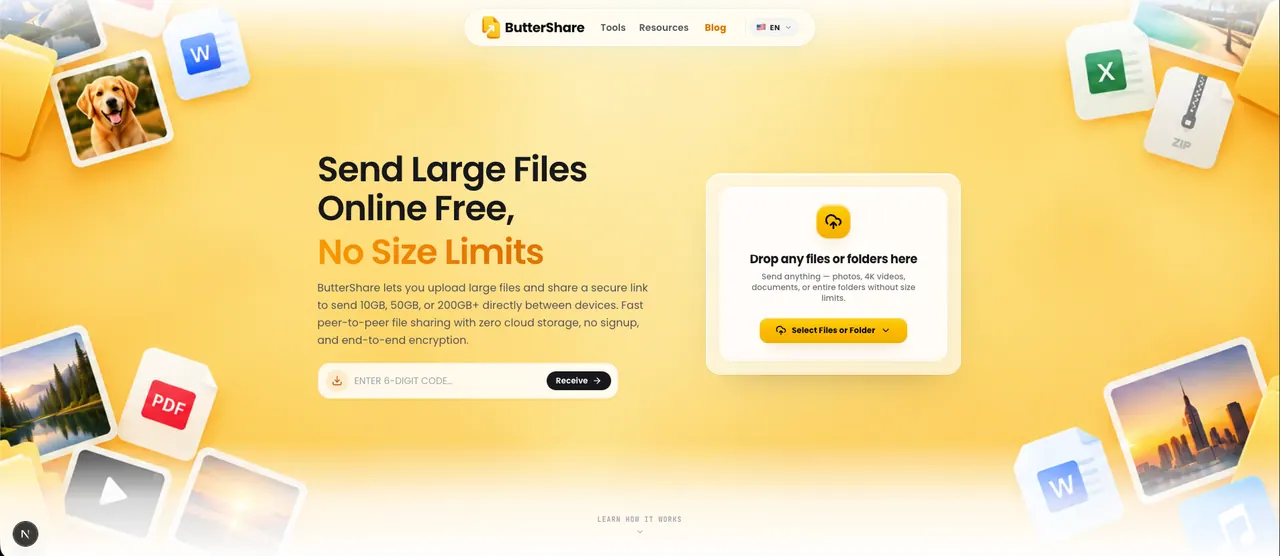
What does ButterShare do?
ButterShare is a browser-based peer-to-peer file transfer tool that lets you send large files and folders directly between two devices. Instead of uploading to cloud storage, it streams file data over an encrypted WebRTC connection so the transfer stays off intermediary servers.
To use ButterShare, the sender chooses files or an entire folder in the browser and generates a share link, QR code, or 6-character room code. The recipient opens the link in any modern browser and the two devices establish a direct connection. Files stream in real time and are written to disk in chunks using the browser’s Origin Private File System (OPFS).
ButterShare is designed for cross-platform transfers, working on modern browsers across Windows, macOS, Linux, iOS, Android, and ChromeOS. Chromium-based browsers and Firefox support large transfers via OPFS disk streaming, while Safari supports transfers with browser memory constraints. There’s no application-level file-size cap—practical limits depend on device disk space, browser capabilities, and network conditions.
If a direct connection can’t be established (for example, behind certain firewalls), ButterShare falls back to an encrypted TURN relay so the transfer can continue without storing file data. Transfers can also resume if the connection drops mid-transfer using local browser checkpoint data. ButterShare is free to use, with “100% Free Forever” for sending transfers.
How does ButterShare send files without cloud storage?
ButterShare transfers files through a direct, encrypted WebRTC connection between the sender and recipient devices. During a direct peer-to-peer transfer, the file data does not pass through cloud storage or any ButterShare server.
Is there a file-size limit?
ButterShare doesn’t impose an application-level file-size cap. Practical maximums depend on available disk space, browser capabilities, and network conditions.
What happens if a direct P2P connection can’t be made?
If a direct path fails, WebRTC automatically falls back to an encrypted TURN relay to forward packets between devices. The relay does not store file data, and the transfer continues through encrypted transport.
Do I need an account or to install an app?
No. ButterShare requires no account, registration, or login, and it works directly in the browser. Transfer sessions use ephemeral 6-character room codes that expire automatically.
Can I transfer entire folders, not just individual files?
Yes. You can select a folder and ButterShare preserves the directory structure so nested folders arrive organized as they were sent.
Is ButterShare free?
Yes—ButterShare is offered as “100% Free Forever” for transfers, with no monthly plan needed for sending.
This listing is claimed
Own ButterShare? Sign in with the email used to claim it to manage this listing, or upgrade to Pro for featured-first placement and a newsletter feature.