audiovisualize
Audio AI Tools
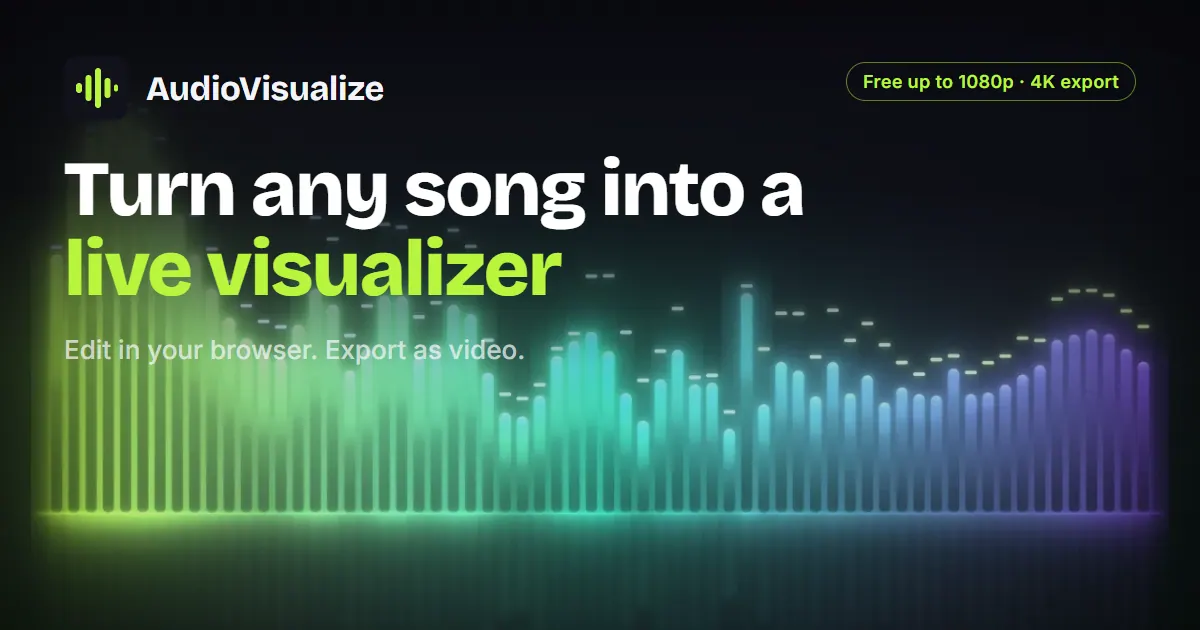
AudioVisualize is a free browser audio visualizer that turns your track or mic input into audio-reactive video exports with 32 styles.
Promoted
 Pixmax.aiPixmax.ai is an all-in-one AI workspace for videos, visual stories, and marketing content.
 AI Checker PlusAI detector that highlights which passages AI wrote. Free check, no sign-up. Plagiarism too.
 SEOify - Improve your SEO & rankingsBuild links to rank in Google. Improve your DR with links you can start building now.Advertise here330,000+ people visit Dang.ai every month.
What does audiovisualize do?
AudioVisualize turns music (or spoken audio) into audio-reactive visuals directly in your browser. Load an audio file such as MP3, WAV, or FLAC, press play, and the tool analyzes the sound to render animated visuals in real time on a canvas—no account needed and nothing is uploaded, since rendering happens locally on your device.
Create visuals from a wide range of looks: choose from 32 styles (including Waves, Bars, Mirror, Particles, Landscapes, Sculptures, Tunnels, Pixels & Data, and more). Fine-tune the output using controls for style, colors and motion, palettes, backgrounds (like gradients), glow, and other adjustments. You can also add elements and text, and arrange “Music” and “Text” components to match your format.
Once you’re happy with the animation, export your video for sharing. The free export includes a 16:9 canvas at 720p, MP4 format, and 60 fps, with the option to type your own overlay text or hide the sample line.
AudioVisualize is well-suited for DJs creating clips, podcasters preparing publish-ready audiograms, musicians producing shareable visuals, and streamers setting up overlays and exports. It also offers guides for common workflows like OBS overlays and platform publishing settings.
Do I need an account to use AudioVisualize?
No—AudioVisualize provides a free experience in your browser without requiring an account.
Is my audio uploaded anywhere?
No. Your audio stays on your device while the visuals are rendered.
What audio formats can I use?
You can upload MP3, WAV, FLAC and more, and you can also drop audio onto the stage.
How many visualization styles are available?
There are 32 styles total. The free plan includes nine of them.
What can I export, and what are the free export settings?
You can export a video from your visualizer. The free export is 16:9 at 720p, MP4 format, and 60 fps.
Can I make visuals for different platforms like YouTube Shorts or Reels?
Yes—AudioVisualize includes guides and publishing/export options for different target formats, including Shorts and Reels.
This listing is claimed
Own audiovisualize? Sign in with the email used to claim it to manage this listing, or upgrade to Pro for featured-first placement and a newsletter feature.