
ArchVizr
Verified
AI Interior Design Generator Tools
Upload a SketchUp, Revit, or CAD export to generate photoreal architectural renderings in as little as 20 seconds, using your same geometry and camera.
- Pricing
- Paid
- Category
- Interior design
- Listed
- Aug 10, 2026
- Updated
- Aug 10, 2026
Promoted
 KurodyneSell the tools from your AI side projects. Listing is free.
 Sidrune AI85% off. Stable Claude API for agent developers. Pay as you go. Invoices & refunds available.
 Pixmax.aiPixmax.ai is an all-in-one AI workspace for videos, visual stories, and marketing content.
 AI Checker PlusAI detector that highlights which passages AI wrote. Free check, no sign-up. Plagiarism too.
 RewindType any X/Twitter handle. Get their year back as a narrated video story. Then ask it anything.
 SEOify - Improve your SEO & rankingsBuild links to rank in Google. Improve your DR with links you can start building now.Advertise here270,000+ people visit Dang.ai every month.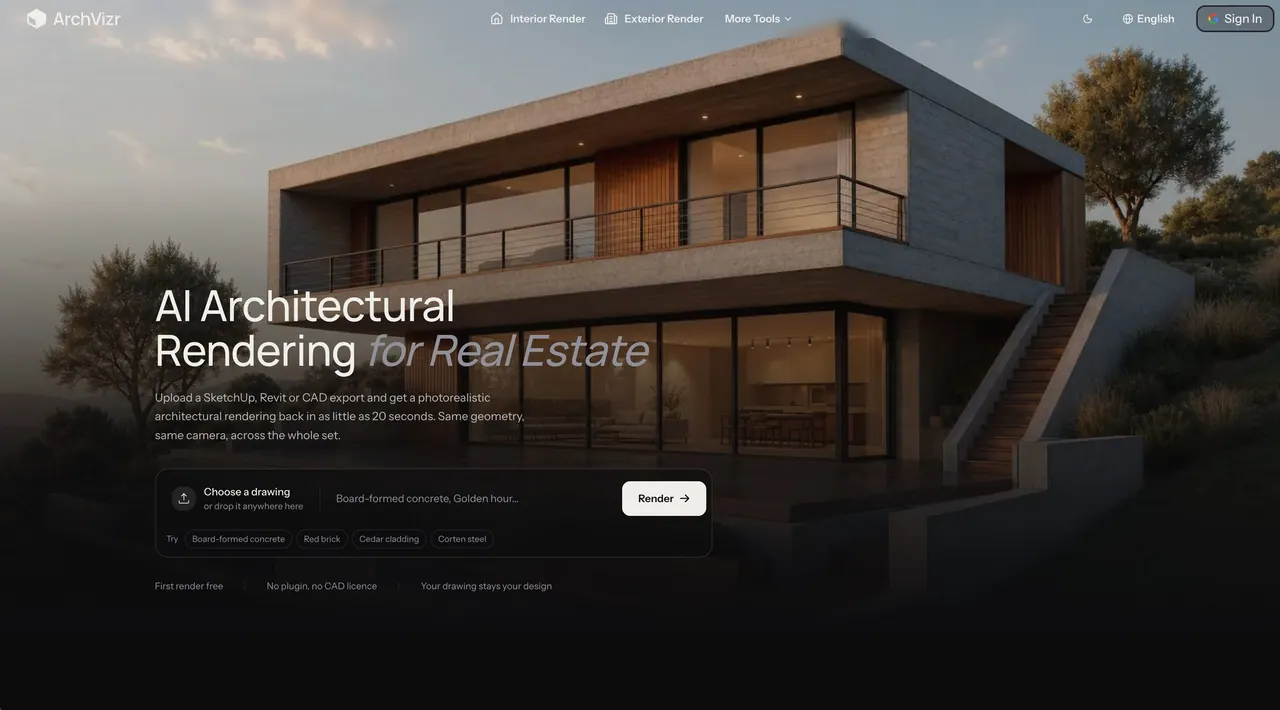
What does ArchVizr do?
ArchVizr is an AI architectural rendering tool for architects, designers, and studios that need fast, client-ready visuals without rebuilding models in traditional rendering software.
Upload a SketchUp, Revit, or CAD export and get photoreal results in about 20 seconds in Fast mode. The render keeps your design intent by preserving the same geometry and camera from your source drawing—so the output aligns across the whole project set.
From one upload, ArchVizr produces a coordinated collection of images, including sketch renders, exterior renders, interior renders, and landscape renders, plus photorealistic views in different lighting conditions. Use it to explore materials and times of day, generate multiple agreed palettes across a submission, and turn early massing or elevations into presentation-ready frames.
You can also start with a hand sketch or massing screenshot via Sketch to Render. The workflow is export → describe materials/light/conditions → download the full set, with the first render available for free and no plugin required.
What types of drawings can I upload to ArchVizr?
You can upload SketchUp, Revit, or CAD exports. You can also start with a sketch or a massing-style image using Sketch to Render.
Will the AI change my building geometry or camera?
No—ArchVizr keeps the same geometry and camera as your original drawing. It adds materials and lighting without moving windows or changing the framing.
How fast are the renders?
Fast mode delivers the first frame in about 20 seconds. Best mode takes closer to two minutes for more detail.
Can I generate multiple views that match each other for a single project?
Yes. The full image set is generated from one upload, so the materials palette and project framing stay consistent across sketch, exterior, interior, and landscape views.
Do I need to install anything or buy extra CAD software?
No plugin is required. You export your view or model and upload it to generate the render set.
Is there a free rendering option?
Yes—the first render is free and doesn’t require a card.
This listing is claimed
Own ArchVizr? Sign in with the email used to claim it to manage this listing, or upgrade to Pro for featured-first placement and a newsletter feature.