AnyDoc Online
AI Productivity Tools
AnyDoc Online converts PDFs, documents, slides, spreadsheets, images, and more into clean, structured Markdown for AI and content reuse.
- Pricing
- Free
- Category
- Productivity
- Listed
- Aug 19, 2026
- Updated
- Aug 20, 2026
Promoted
 Sidrune AI85% off. Stable Claude API for agent developers. Pay as you go. Invoices & refunds available.
 Pixmax.aiPixmax.ai is an all-in-one AI workspace for videos, visual stories, and marketing content.
 SEOify - Improve your SEO & rankingsBuild links to rank in Google. Improve your DR with links you can start building now.Advertise here270,000+ people visit Dang.ai every month.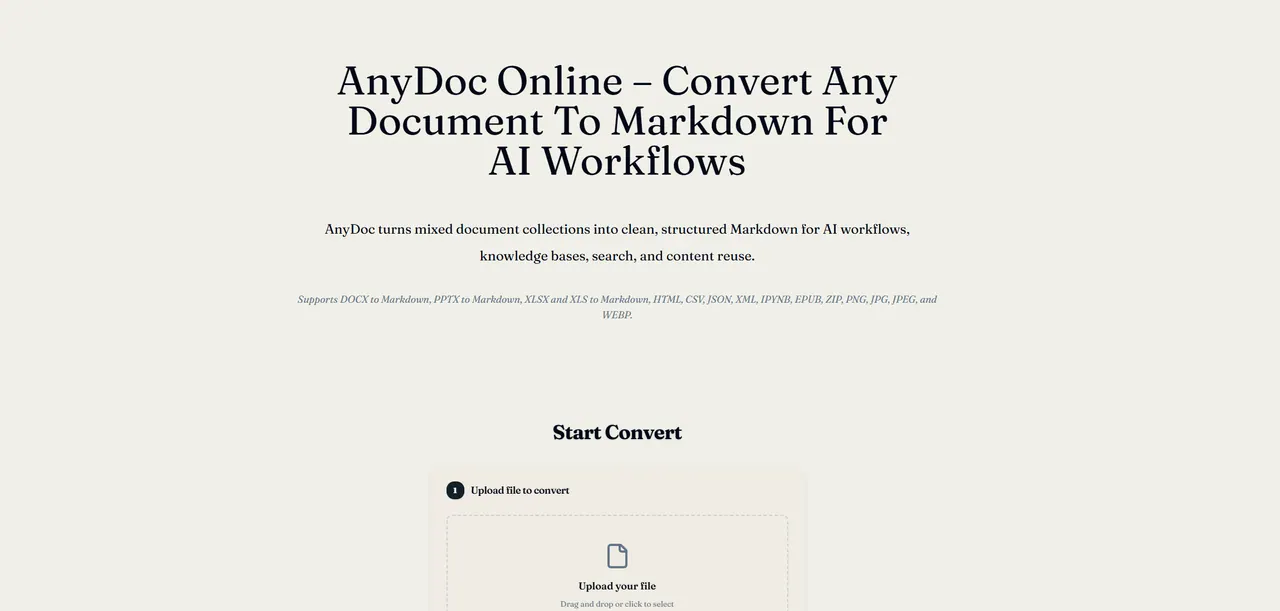
What does AnyDoc Online do?
AnyDoc Online is a document-to-Markdown converter that turns PDFs, Word files, PowerPoint, Excel, images, and additional file types into clean, structured Markdown. It’s designed for AI workflows, knowledge bases, and content reuse, where text needs to be consistent and easy to chunk or index.
You can convert a single file or a mixed batch of different formats. Upload from your device or use a public file URL, preview each conversion result, then download the Markdown—either one file at a time or as a ZIP for the whole batch.
When content comes from scans or images, AnyDoc supports OCR so extracted text can be converted into Markdown. Processing runs entirely in your browser, so files are not uploaded, and conversion output is tied to the original filename for easier review.
Which file formats can I convert with AnyDoc Online?
AnyDoc Online converts PDFs, documents, PowerPoint, Excel, images, and more into Markdown. You can also run conversions from your device files or by using a public file URL.
Can AnyDoc preserve structure like headings, lists, links, and code?
AnyDoc aims to retain headings, paragraphs, lists, links, emphasis, and code in Markdown where the source format provides enough structure, so you need less cleanup after conversion.
Does AnyDoc handle tables when converting to Markdown?
AnyDoc converts supported source tables and spreadsheet data into Markdown tables, helping keep labels and values organized for downstream use.
Can AnyDoc convert scanned PDFs and image files to Markdown?
Yes. OCR is used to extract text from scanned PDF pages and supported image files (like PNG, JPG, JPEG, and WEBP), and that extracted text is then converted into Markdown.
Can I convert multiple file types in one batch?
Yes. You can queue several supported files—including mixed types—process them in sequence, preview each result, and download everything together as a ZIP.
Are my files uploaded to a server?
No—file processing runs entirely in your browser, so files are not uploaded. Conversion speed can vary based on your device and browser environment.
This listing is claimed
Own AnyDoc Online? Sign in with the email used to claim it to manage this listing, or upgrade to Pro for featured-first placement and a newsletter feature.