
AIPetGen
AI Pet Portrait Generators
AIPetGen turns a pet photo or description into portraits, characters, scenes, avatars, and short 720p/1080p animations.
Promoted
 Sidrune AI85% off. Stable Claude API for agent developers. Pay as you go. Invoices & refunds available.
 Pixmax.aiPixmax.ai is an all-in-one AI workspace for videos, visual stories, and marketing content.
 AI Checker PlusAI detector that highlights which passages AI wrote. Free check, no sign-up. Plagiarism too.
 RewindType any X/Twitter handle. Get their year back as a narrated video story. Then ask it anything.
 KurodyneSell the tools from your AI side projects. Listing is free.
 SEOify - Improve your SEO & rankingsBuild links to rank in Google. Improve your DR with links you can start building now.Advertise here270,000+ people visit Dang.ai every month.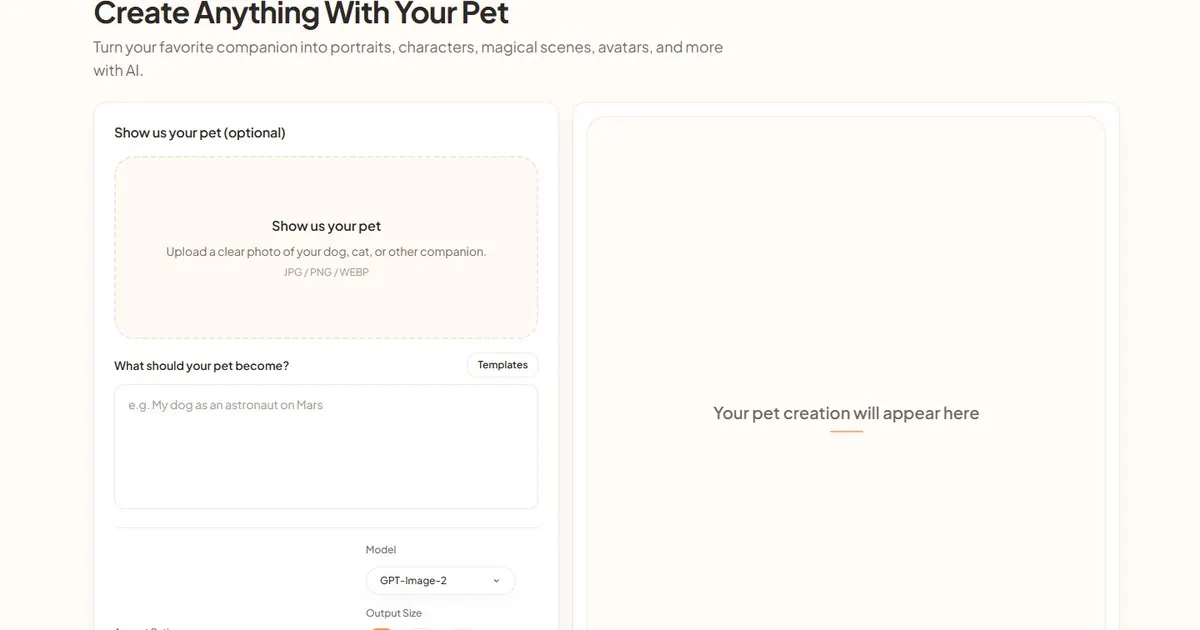
What does AIPetGen do?
AIPetGen is an AI pet image and short video generator that helps you keep your companion recognizable while changing the setting, style, or motion. Start by uploading a clear photo of your dog, cat, or other pet (JPG/PNG/WEBP) or by writing what you want to create. From there, generate new portraits, character-style images, magical scenes, avatars, and more.
For image creation, sign in and upload a clear photo, choose an aspect ratio (Auto, 16:9, 9:16, 4:3, 3:4, 1:1), and select an output size (1K, 2K, or 4K). Higher resolution can take longer. You can also use templates and adjust the prompt (or reuse the same photo) to steer details like style and background—useful when you want multiple variations while keeping the same pet.
AIPetGen also includes animation via its Animate feature. Turn a still image into a short clip with options for 5, 10, or 15 seconds at 720p or 1080p. Multi-shot can add transitions for more than one angle, and the app provides a credit estimate before a video starts.
After your free generation, additional image generations use 20 credits. Daily allowances apply for ongoing use, and video generation affects credits based on length and resolution. Your results are available in the Gallery after you sign in, and you can download finished files for your own printing or sharing.
What starting point do I need for AIPetGen?
You can start with a pet photo (JPG/PNG/WEBP) or with a written description. Uploading a clear photo is the most direct way to keep your pet recognizable.
What photo quality works best?
Use a clear image with the face visible and sharp details. Images work better when eyes are visible and there’s enough space around ears and whiskers.
Can I reuse the same photo to change only the background or style?
Yes. Re-run the same photo and adjust a single element like the background or the artistic style to create variations while keeping your pet consistent.
What can I generate besides portraits?
You can create pet images like portraits, characters, magical scenes, and avatars. You can also animate a still photo into a short video clip.
How long can the generated videos be, and what resolution options exist?
You can generate 5, 10, or 15 seconds of video, with output at 720p or 1080p. Multi-shot can add transitions across angles.
How do credits and daily allowances work?
Each signed-in account has a daily allowance. After the free generation, image generations use 20 credits, and video generation uses credits based on length and resolution with a credit estimate shown before it starts.
This listing is claimed
Own AIPetGen? Sign in with the email used to claim it to manage this listing, or upgrade to Pro for featured-first placement and a newsletter feature.