
YouTube Transcript Generator
AI YouTube Transcript Generator
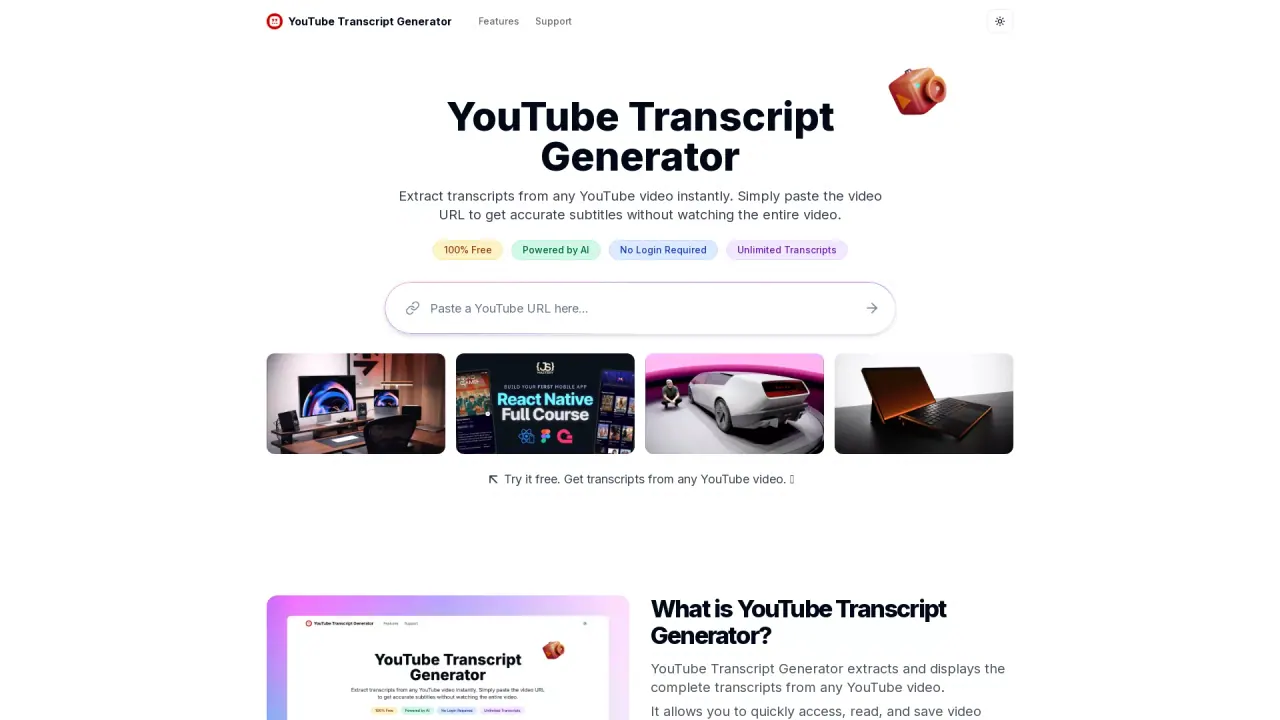
Extract transcripts from any YouTube video instantly.
What does YouTube Transcript Generator do?
How do you use YouTube Transcript Generator to extract video transcripts?
To use the YouTube Transcript Generator, copy the YouTube video URL, paste it into the input box on the tool's website, and press the Transcript button. The tool will instantly generate an accurate transcript of the video, which you can download or search through without needing technical skills.
Is there a free plan and what does it include?
Yes. There is a Free plan ($0 per month) that includes 10 credits per week and core capabilities such as downloading transcripts, translating transcripts, video summaries, AI chat with videos, transcribing videos without captions, and Priority Support.
Do I need to create an account to use the transcript generator?
For casual use of a few videos, no account is needed. However, creating an account is recommended for regular users to help us provide better service and prevent abuse of the system. The account creation process is quick and helps maintain quality service for everyone.
What are the transcription length limits per video by plan?
Video length limits depend on your plan:
- Lite: Transcribe up to 30 minutes per video
- Standard: Transcribe up to 1.5 hours per video
- Professional: Transcribe up to 3 hours per video
The Free plan provides access with weekly credits; per-video limits are defined by the paid plans above.
What download formats are available for transcripts?
TXT, DOCX, SRT, and VTT.
How do I search within a transcript?
After generating a transcript, use the search option next to the download buttons. Type a word or phrase, and the tool will highlight all matching instances in the transcript.
Can transcripts be translated to other languages?
Yes. The tool supports translating captions into multiple languages to improve global accessibility.
Can transcripts be generated from videos that don’t have captions?
Yes. You can transcribe videos without captions using the tool.
How can I share transcripts with others?
After a transcript is generated, copy the URL from your browser and share it. Others can open the link and see the same transcript.
Is the YouTube Transcript Generator mobile-friendly?
Yes. The tool is fully responsive and works on desktop, tablet, and mobile devices.
What plans exist and what do they include?
- Free plan: $0/month — 10 credits per week; Download Transcripts, Translate Transcripts, Video Summaries, AI Chat with Videos, Transcribe videos without captions, Priority Support.
- Lite plan: $6.99/month — 700 credits per month; Download Transcripts, Translate Transcripts, Video Summaries, AI Chat With Videos, Transcribe Videos Without Captions, Transcribe up to 30 minutes per video, Priority Support.
- Standard plan: $9.99/month — 1500 credits per month; Download Transcripts, Translate Transcripts, Video Summaries, AI Chat With Videos, Transcribe Videos Without Captions, Transcribe up to 1.5 hours per video, Priority Support.
- Professional plan: $24.99/month — Unlimited credits per month; Download Transcripts, Translate Transcripts, Video Summaries, AI Chat With Videos, Transcribe Videos Without Captions, Transcribe up to 3 hours per video, Priority Support.
How can I get support if I have issues or questions?
Email support@transcriptgenerator.org. They aim to respond to inquiries within 24 hours.
Is this your tool?
Claim YouTube Transcript Generator to manage this listing, or upgrade to Pro for featured-first placement and a newsletter feature.