AudiopenAI
AI Voice Transcription
Turn voice notes into polished, structured drafts in your chosen writing style and language with AudioPen’s AI transcription and rewrite.
Promoted
 RewindType any X/Twitter handle. Get their year back as a narrated video story. Then ask it anything.
 KurodyneSell the tools from your AI side projects. Listing is free.
 Sidrune AI85% off. Stable Claude API for agent developers. Pay as you go. Invoices & refunds available.
 Pixmax.aiPixmax.ai is an all-in-one AI workspace for videos, visual stories, and marketing content.
 SEOify - Improve your SEO & rankingsBuild links to rank in Google. Improve your DR with links you can start building now.Advertise here270,000+ people visit Dang.ai every month.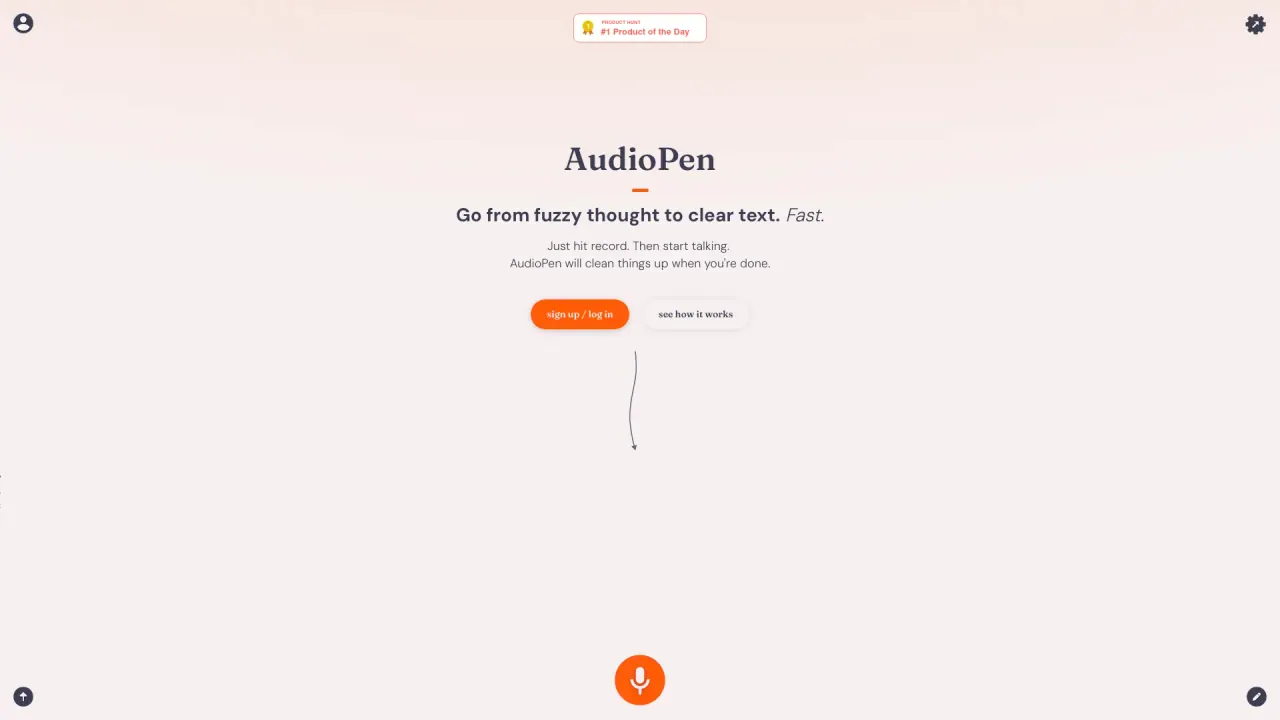
What does AudiopenAI do?
AudioPen converts spoken thoughts into clear, editable text. Record naturally, and the app transcribes your words and rewrites them into a structured draft that matches the writing style you choose—so you can move from “ramble” to a ready-to-use email, post, or plan.
Beyond transcription, AudioPen focuses on the rewrite. Pick a rewrite style from the built-in library or create your own, then adjust how heavily the text is edited with the rewrite level (Low, Medium, High). You can also control output length to trim down to core points, giving you a cleaner draft without starting from a blank page.
AudioPen supports multilingual workflows too: speak in one language and choose another for the written output. It also works across iOS, Android, macOS, Windows, and a Chrome extension, with options like the iPhone keyboard, an Android floating recording bubble, and hotkey voice typing on desktop.
Use it for meeting notes, drafting emails and memos, writing articles, summarizing brainstorming sessions, or organizing ideas into structured text. You can start free with real limits, or upgrade to Prime for more capabilities such as longer recordings and additional features like unlimited note storage and processing.
What does AudioPen do with my voice notes?
It transcribes what you say into text, then rewrites it into clear, structured writing in a style you choose. You’ll get a draft that’s ready to use and edit.
Can I control how much the rewrite changes my wording?
Yes. Set the rewrite level to Low, Medium, or High to choose how lightly or heavily AudioPen edits your text.
Can AudioPen write in a different language than I speak?
Yes. Choose the output language you want in settings, so you can dictate in one language and have the draft written in another.
Where can I use AudioPen to turn speech into text?
You can use AudioPen on iOS, Android, macOS, Windows, and as a Chrome extension. It places finished text into whatever text box your cursor is in.
What are the limits of the free plan vs Prime?
The free tier includes transcription and rewriting with limits like shorter recordings and a capped amount of usage for voice typing sessions. Prime lifts those limits (including longer recordings up to 15 minutes) and adds features that aren’t included in free.
Does AudioPen require me to compose sentences before I start talking?
No. AudioPen is designed for speaking naturally—even if you ramble, pause, or change your mind mid-thought. It helps convert that into organized writing you can edit.
Is this your tool?
Claim AudiopenAI to manage this listing, or upgrade to Pro for featured-first placement and a newsletter feature.