
Transkribieren
AI Transcription Tool
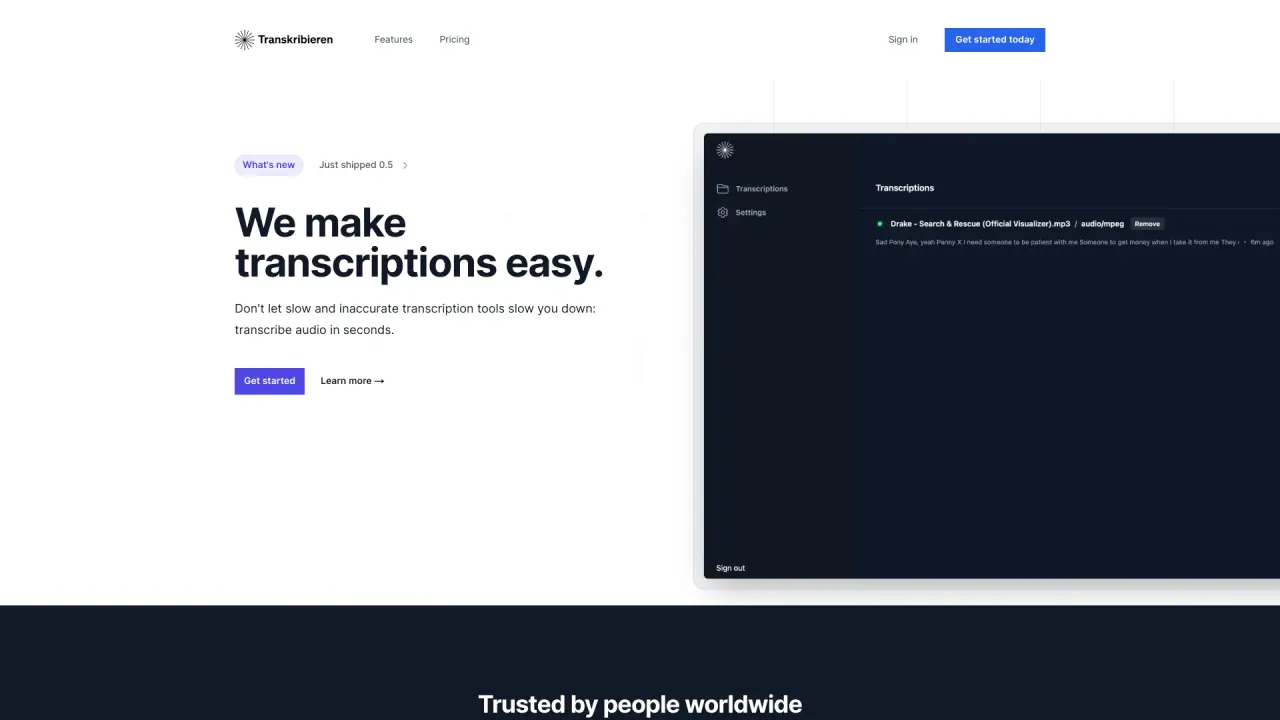
Revolutionize audio transcription with Transkribieren.xyz - a fast & accurate AI transcription tool.
Promoted
 AI Checker PlusAI detector that highlights which passages AI wrote. Free check, no sign-up. Plagiarism too.
 RewindType any X/Twitter handle. Get their year back as a narrated video story. Then ask it anything.
 KurodyneSell the tools from your AI side projects. Listing is free.
 Sidrune AI85% off. Stable Claude API for agent developers. Pay as you go. Invoices & refunds available.
 Pixmax.aiPixmax.ai is an all-in-one AI workspace for videos, visual stories, and marketing content.
 SEOify - Improve your SEO & rankingsBuild links to rank in Google. Improve your DR with links you can start building now.Advertise here270,000+ people visit Dang.ai every month.
What does Transkribieren do?
What is Transkribieren and what can I do with it?
Transkribieren is an all-in-one AI transcription workspace that helps you convert audio and video into text, transcribe YouTube videos by URL, generate subtitles, perform interview transcription with speaker labeling, and create AI-generated summaries. You can export transcripts to multiple formats such as Word, PDF, SRT, VTT, and more.
What input formats does Transkribieren support for audio and video?
Audio: MP3, WAV, M4A, FLAC, OGG, AAC Video: MP4, MOV, AVI, MKV, WebM
Can I transcribe YouTube videos by URL?
Yes. You can paste a YouTube URL and get a transcript.
Can I create subtitles with Transkribieren?
Yes. Transcripts can be exported as subtitles in SRT and VTT formats, among others.
Does Transkribieren support speaker detection?
Yes. It includes speaker detection, and the Interview Transcription tool includes this capability.
Can I export transcripts to different formats?
Yes. Exports are available to Word, PDF, SRT, VTT, TXT, JSON, HTML, and more formats.
Does Transkribieren provide AI-generated summaries?
Yes. The platform offers AI-generated summaries of transcriptions.
How many languages does Transkribieren support and can it detect the language automatically?
Transkribieren supports 99+ languages and can automatically detect the language of the input.
How secure is my data and what privacy/compliance protections exist?
- Zero data retention: no training on your data by Transkribieren or AI providers
- AES-256 encryption at rest
- TLS 1.2+ in transit
- GDPR and CCPA compliant
- Third-party security practices and certifications (see Trust Center)
What security certifications and audits does Transkribieren have?
SOC 2 Type 2 certification with annual penetration testing.
Where can I learn more about security and compliance?
Visit the Trust Center for details on security, privacy, and compliance.
How do I get started and is there a free option?
Click GET STARTED to sign up and start your free trial today. Pricing and plan details are available on the Pricing page, and pricing may vary by location and platform updates.
Where can I find pricing information?
On the Pricing page. The site offers a free trial, and pricing may vary by location and updates.
Is this your tool?
Claim Transkribieren to manage this listing, or upgrade to Pro for featured-first placement and a newsletter feature.