
Speechelo
AI Text To Speech Software
Transform text with Speechelo’s AI text-to-speech software. Get high-quality voiceovers instantly.
What does Speechelo do?
How does Speechelo generate human-sounding AI voiceovers?
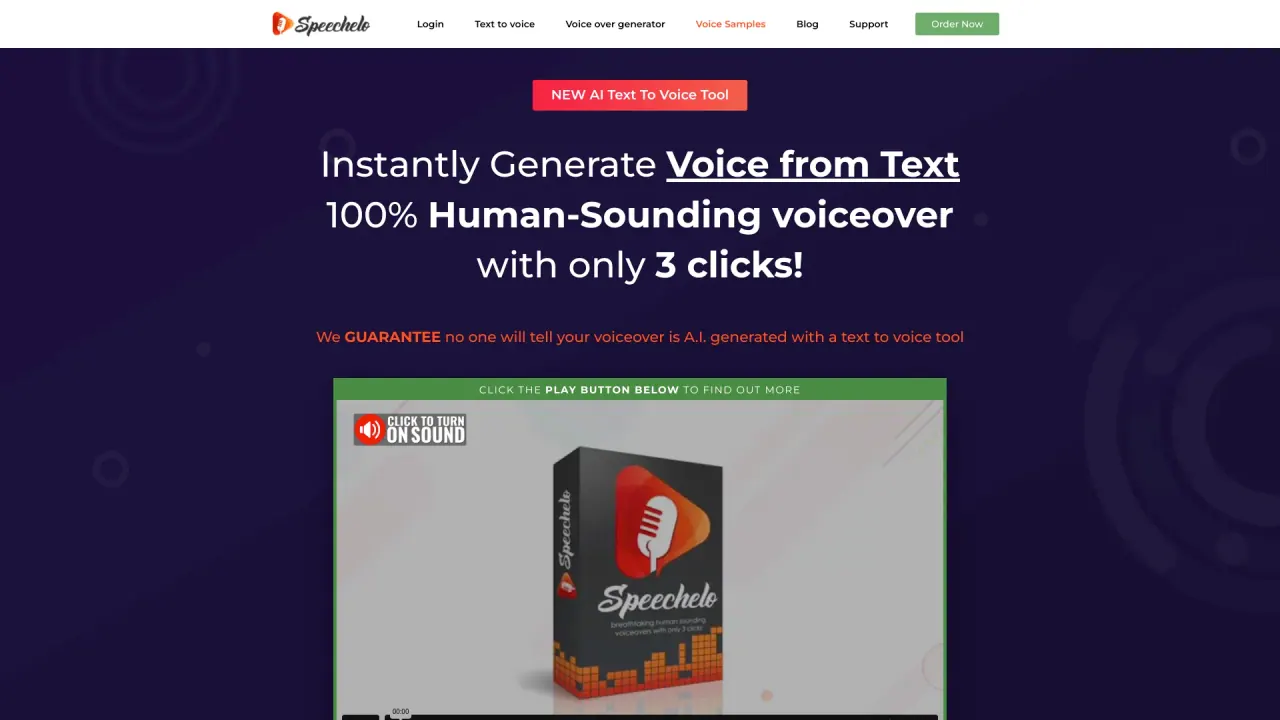
Speechelo uses AI to convert text into voiceovers. It analyzes your text and automatically adds punctuation to make the speech flow naturally. It offers over 30 voices across English and 23 other languages, with inflections that mimic emotion. You can paste your text, choose a voice, and set the tone (normal, joyful, or serious), add breathing sounds and longer pauses, then generate and download. You can preview voices in the tool and test before finalizing.
Is Speechelo cloud-based, and do I get updates automatically?
Yes. Speechelo is a cloud-based solution; everything is hosted on Speechelo’s servers, with no download or installation required. You can use it from desktop, Mac, or smartphone. Updates are automatic and free since you’re using the cloud-based service.
How many voices and languages does Speechelo support?
Speechelo offers over 30 voices in English and 23 other languages (24 total languages). You can preview each voice, choose from multiple languages, and apply tone options such as normal, joyful, or serious.
What customization options are available for voiceovers?
You can customize:
- Tone: Serious, Joyful, or Normal
- Breathing sounds and longer pauses
- Speed and pitch
- Language and voice selection with in-app previews
Are there any limitations on voiceover creation?
Yes. In the standard version, there is a maximum of 700 words per voiceover. You can create an unlimited number of voiceovers within that limit. The Pro version offers more voices and longer audio capabilities (exact limits are not specified in the coverage).
Can I download my voiceovers and use them with video editors?
Yes. After generating, download the voiceover as MP3 and import it into your video editor. Speechelo works with Camtasia, Adobe Premiere, iMovie, Audacity, and other tools, making it easy to use with your preferred software.
Are there optional upgrades or add-ons, and what do they include?
There is a Pro version upgrade that offers more voices and a commercial license, plus a “Tube” add-on. These upgrades are optional; everything shown on the page is generated with the standard version.
What is Speechelo's pricing and payment terms?
Speechelo uses a Founders Special Offer: a one-time payment with no monthly fees. Normal price is listed as $97, with a current discounted offer of $47. Tax or VAT may be added at checkout where required. The offer includes lifetime updates and support.
Is there a money-back or guarantee?
Yes. Speechelo offers a risk-free guarantee: if you generate a voiceover and you can tell it’s not a human voice, they will refund all your money and you keep the voiceovers you created.
How do I create a voiceover with Speechelo? (Step-by-step)
- Step 1: Paste your text. The AI engine will add punctuation to make the speech natural.
- Step 2: Choose a language and a voice. You can preview voices and adjust tone (Serious, Joyful, Normal), breathing, and pauses.
- Step 3: Generate & Download. In less than 10 seconds you’ll have the voiceover. You can play it in Speechelo to compare voices, then download the MP3 for use in your project.
Is this your tool?
Claim Speechelo to manage this listing, or upgrade to Pro for featured-first placement and a newsletter feature.