FlowchartAI
Verified
AI Diagram Generator
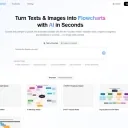
FlowChartAI turns text, PDFs, Word/PPT files, images, and links into diagrams, conversions, edits, downloads, and transcriptions in one browser workspace.
Promoted
 RewindType any X/Twitter handle. Get their year back as a narrated video story. Then ask it anything.
 KurodyneSell the tools from your AI side projects. Listing is free.
 Sidrune AI85% off. Stable Claude API for agent developers. Pay as you go. Invoices & refunds available.
 Pixmax.aiPixmax.ai is an all-in-one AI workspace for videos, visual stories, and marketing content.
 SEOify - Improve your SEO & rankingsBuild links to rank in Google. Improve your DR with links you can start building now.Advertise here270,000+ people visit Dang.ai every month.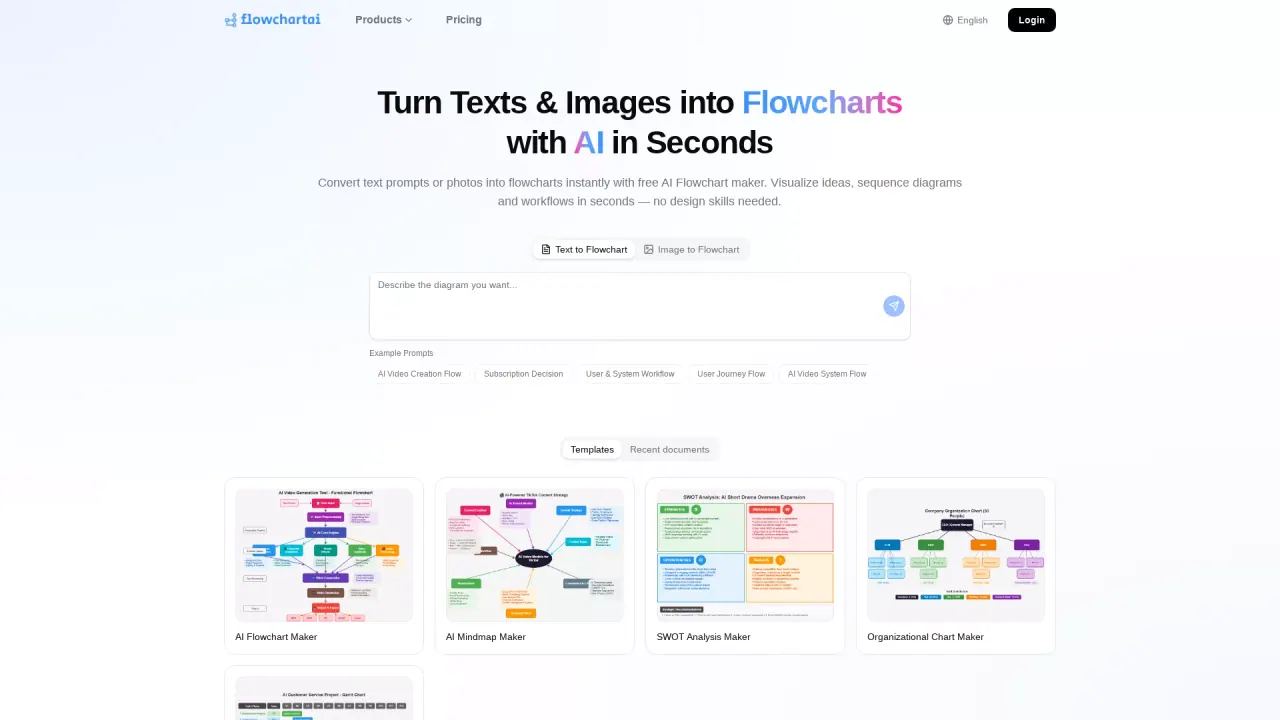
What does FlowchartAI do?
FlowChartAI is an all-in-one AI productivity hub for teams and individuals who need more than a single-purpose flowchart tool. Instead of juggling separate apps, you can generate diagrams, convert files, edit video and images, download social videos, and transcribe audio or content—staying in one consistent, browser-based workspace.
For diagramming, FlowChartAI helps you move from rough notes to professional visuals using an AI flowchart generator. Create workflow charts and process/algorithm-style diagrams, plus a range of related diagram types such as Gantt charts, organizational charts, SWOT analysis, mind maps, and editor tools like Mermaid and PlantUML.
If your work starts with documents or media, the AI convert and media modules handle common “handoff” tasks. Convert images and PDFs into editable formats, export visuals, and extract structured data from photos of tables. For creator workflows, the AI video and image editor supports cleanup and localization tasks (such as watermark/caption related removals, compression, and translation/refinement) directly in the browser. The AI downloader can save videos from public links for editing or reference.
FlowChartAI also includes a Transcript Generator for turning speech, audio, and images into text—useful for meetings, podcasts, and searchable notes. You can start with a 100% free three-month trial, and there are also daily free credit claims (200 free credits by logging in every day).
What can I create with FlowChartAI?
You can generate AI diagrams such as flowcharts and workflow/process diagrams, plus related visuals like Gantt charts, organizational charts, SWOT analysis, and mind maps. You also get dedicated editors for Mermaid and PlantUML.
What kinds of inputs can FlowChartAI use?
You can work from natural-language prompts, upload files, and use media inputs. The platform supports file conversion and includes tools for video/image editing, video downloading, and transcription workflows.
Is FlowChartAI free to try?
Yes. You can start a 100% free three-month trial.
Does FlowChartAI offer daily credits?
Yes. Log in every day to claim 200 free credits and return to keep earning rewards.
Do I need to install software to use it?
No. FlowChartAI is browser-based, so you can access the tools without heavy installs and without managing separate desktop apps for each task.
Can I combine multiple tools in one workflow?
Yes. Because everything is accessible in one workspace, you can move between tasks like diagramming, converting files, editing media, downloading a source clip, and generating transcripts without switching tools.
This listing is claimed
Own FlowchartAI? Sign in with the email used to claim it to manage this listing, or upgrade to Pro for featured-first placement and a newsletter feature.