
Speecheasyapp
AI Speech Enhancement
Transform text into crystal-clear audio with SpeechEasy's AI Speech Enhancement. Enhance learning and create captivating podcasts effortlessly.
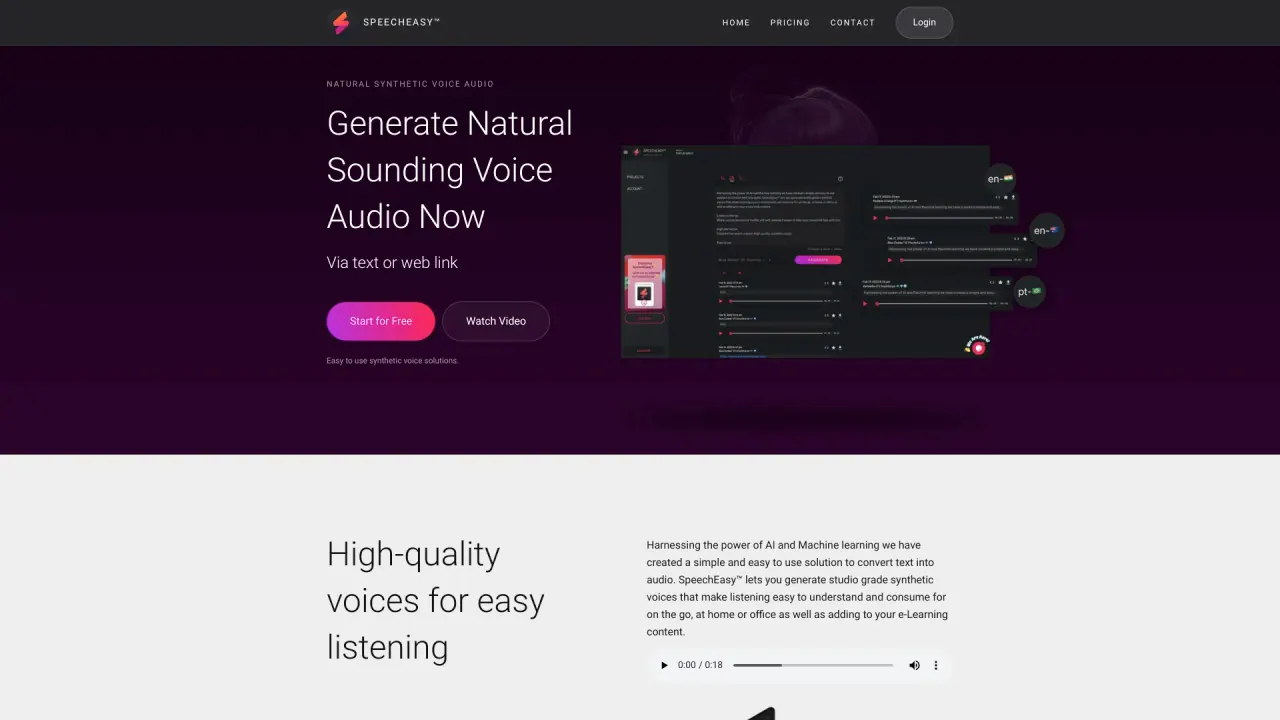
What does Speecheasyapp do?
How can I generate audio with SpeechEasy?
You can generate natural-sounding voice audio from text or via a web link.
What platforms does SpeechEasy support for audio playback?
SpeechEasy supports cross-platform usage, allowing you to create and listen to audio voice files on desktop and mobile devices. You can take your converted files with you across devices, though a network connection is required.
How many voices are available and can new voices be added?
You can choose from nearly a dozen high-quality synthetic voices, and more voices are regularly added.
Do I need an internet connection to use SpeechEasy?
Yes. A network connection is required to access and generate audio across devices.
What pricing options are available for SpeechEasy?
Starter plan is free, offering access to all voices and key features; Content Creator is available as an in-app purchase; Marketer plan is coming soon; Enterprise option is available; For details, contact sales.
What is SpeechEasy's approach to privacy and data security?
SpeechEasy takes a privacy-first approach, keeping the minimal amount of your personal information secure as a top priority.
Can SpeechEasy be used for e-Learning content or to add audio to courses?
Yes. SpeechEasy can be used to create high-quality audio to complement e-Learning content.
How do I get started with SpeechEasy?
Start for free to access all voices and features. Then input your text or provide a web link to generate audio.
Is this your tool?
Claim Speecheasyapp to manage this listing, or upgrade to Pro for featured-first placement and a newsletter feature.