
LUMI
AI Room Planner
Messy or empty room? Upload a photo—pick a vibe, add furniture, see the after with LUMI.
- Pricing
- Paid
- Category
- Interior design
- Listed
- Jan 1, 2026
- Updated
- May 25, 2026
What does LUMI do?
What does LUMI do?
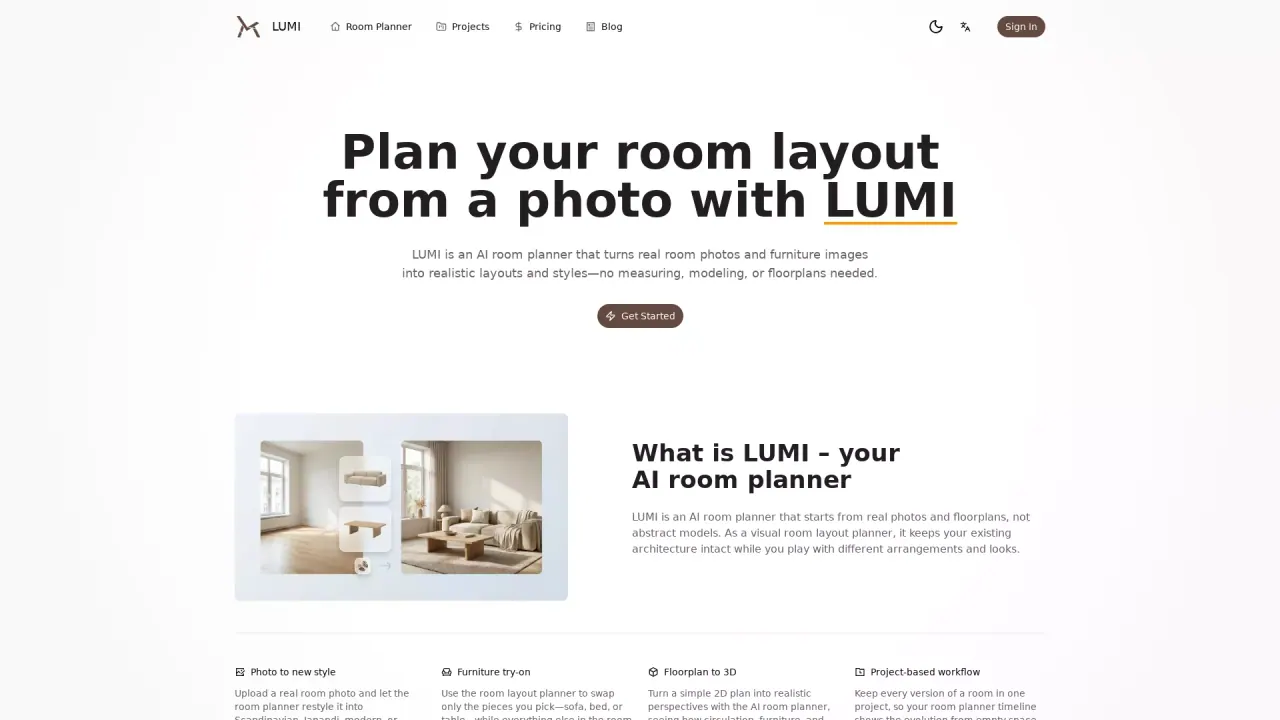
LUMI is an AI room planner that turns a single room photo into a photoreal redesign. Upload an empty or lived-in space, pick a style, add or swap furniture, and generate realistic “before → after” renders in minutes. You can export clean results with no watermark, choose custom output sizes, and render in high resolution up to 4K.
What are some unique features of raumplaner.io?
LUMI is photo-first and quality-focused: you can add custom furniture, control output size, export without watermarks, and use an advanced model option for tougher lighting and texture details. The workflow is simple—upload → choose a vibe → place/swap items → generate. In a few iterations you can compare multiple directions and share a clear visual plan with others.
What model of AI does LUMI use?
Nano banana and Nano banana pro
How does the LUMI room planner provide realistic room layouts?
The LUMI room planner uses AI technology to transform real room photos and furniture images into realistic layouts and styles. It starts with real inputs like photos, smartphone snapshots, or architectural plans, ensuring the room planner reflects the true shape and proportions of your space while maintaining consistent, accurate design previews you can rely on.
Can I try different furniture styles with the LUMI room planner?
Yes, the LUMI room planner allows you to easily swap furniture pieces such as sofas, beds, and tables without disrupting the alignment and proportions of the room. You can experiment with various styles like Scandinavian, Japandi, modern, or minimal, while keeping the rest of the room perfectly aligned and realistic.
How can I start a room design project with LUMI?
To begin a room design project with LUMI, you need to create a new project in its room planner. Upload a clear photo or floorplan of the space you want to redesign. From there, the AI room planner will suggest multiple design directions, allowing you to switch between layout ideas and refine your preferences. Compare, save, and share your favorite designs with others using LUMI's timeline feature.
Is this your tool?
Claim LUMI to manage this listing, or upgrade to Pro for featured-first placement and a newsletter feature.