
Deroom AI
Verified
AI Room Design Tool
Upload a photo of any room and get a photorealistic AI redesign in 30 seconds.
- Pricing
- Freemium
- Category
- Interior design
- Listed
- May 2, 2026
- Updated
- May 25, 2026
What does Deroom AI do?
What does Deroom AI do?
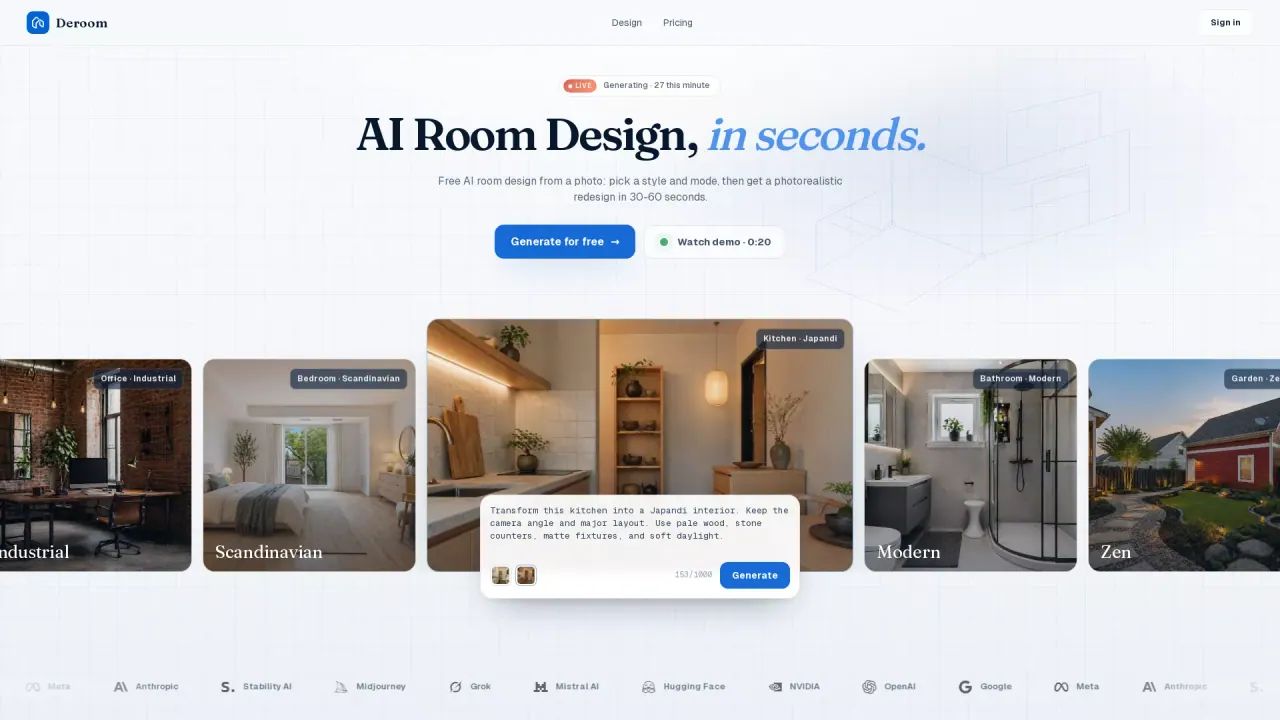
Deroom takes a real photo of a room you upload and returns a photorealistic redesign in under a minute. Pick from 9 room types — bedroom, kitchen, bathroom, living room, exterior, garden, and more — and 12 curated styles like Scandinavian, Japandi, Modern, or Industrial. Five action modes give you control: full redesign, recolor only, furniture swap, declutter, or quick refresh. The model reads your room's actual geometry instead of inventing a layout, so the output looks like your space restyled rather than a stranger's room.
What are some unique features of deroomai.com?
Three things set Deroom apart from generic AI image generators. First, it works from a photo of your actual room — the model preserves walls, windows, and ceiling geometry instead of inventing a new layout. Second, the five action modes (Recolor Only, Furniture Swap, Declutter, Quick Refresh, Full Redesign) let you change one variable at a time instead of re-rolling the whole room. Third, paid plans include a commercial-use license, no watermark, and 4K output, which matters for real-estate agents and designers using outputs in client deliverables.
Can a user use Deroom AI for free?
Yes — the Free tier gives 10 credits up front, enough for one full generation, with no credit card required and no watermark on the output. Beyond that, the Starter plan is $9.99 per month for 200 credits (about 20 generations), and Pro at $24.99 covers 600 credits with priority queue under 20 seconds. All paid plans include 4K resolution and a commercial-use license. Pricing is credit-based rather than subscription-locked: cancel anytime, and there is a 7-day refund window on first orders.
Is this your tool?
Claim Deroom AI to manage this listing, or upgrade to Pro for featured-first placement and a newsletter feature.