
SplitReceipts
No longer active
AI Receipt Scanning
Split receipts with AI
SplitReceipts is no longer available
- Pricing
- Free trial
- Category
- Finance
- Listed
- Jan 18, 2026
- Shut down
- Oct 4, 2026
What does SplitReceipts do?
What is the main use case for SplitReceipts?
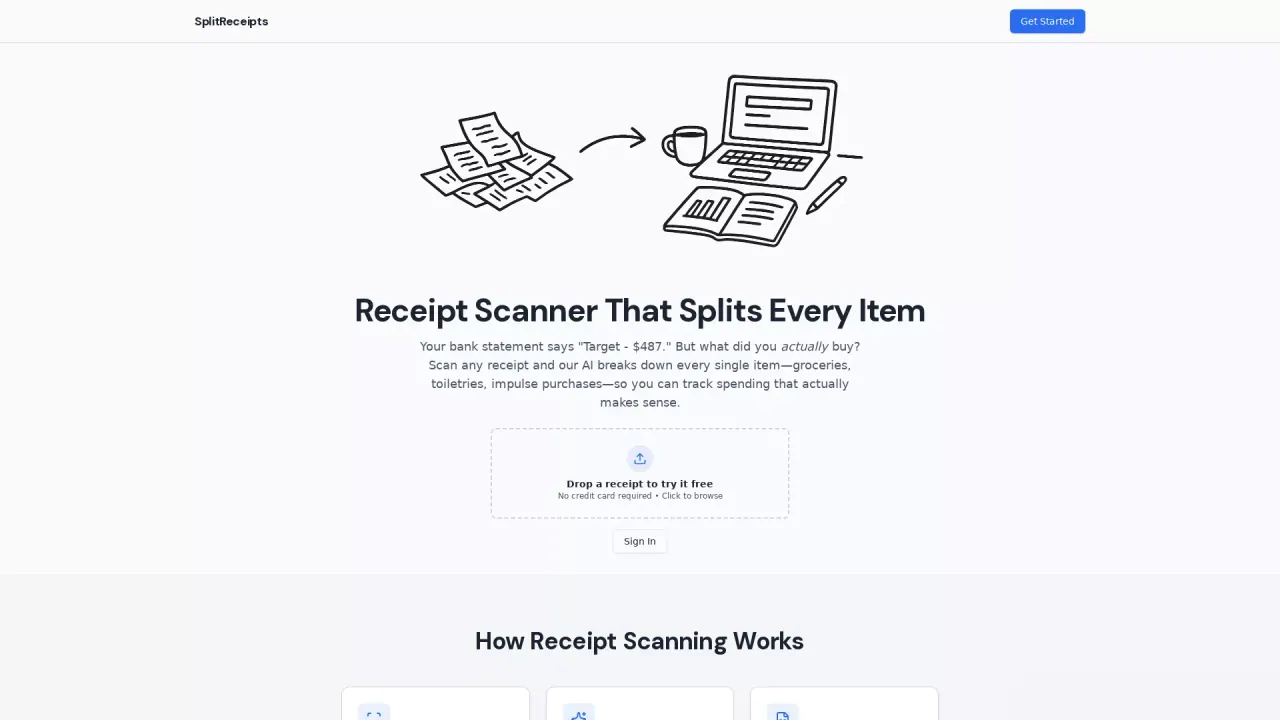
The tool will scan your receipt using AI, parse out the line items, and categorize them for you based on our preset categories and/or your customized categories. You can audit the outputs and then export it to CSV or Google Sheets.
What are some unique features of splitreceipts.com?
SplitReceipts uses AI to both read the receipt and tries to categorize using your custom categories. We also have different ways to allocate tax, remember common inputs, and export options.
Can a user use SplitReceipts for free?
All users get 5 free receipt scans to test out the tool!
How does SplitReceipts work with faded or crumpled receipts?
SplitReceipts employs advanced AI specifically trained for receipt scanning which can effectively read and categorize even faded thermal paper, crumpled receipts, and receipts with pen marks. If a human can read it, the AI likely can too.
Is there a subscription fee for using SplitReceipts?
No, SplitReceipts does not require a subscription. You can buy credits once and use them whenever, as they never expire. Start with a free tier of 5 scans to test the service without a monthly fee.
Can SplitReceipts sync data to Google Sheets in real-time?
Yes, SplitReceipts can automatically sync data to Google Sheets in real-time once you connect your Google account. Each receipt line item appears as a unique row, and you can also bulk-sync historical receipts for comprehensive financial tracking.