
Deckary
Presentation Productivity Tool
Create better slides 2x faster with AI
- Pricing
- Free trial
- Category
- Presentation
- Listed
- Jan 8, 2026
- Updated
- May 25, 2026
Promoted
 Sidrune AI85% off. Stable Claude API for agent developers. Pay as you go. Invoices & refunds available.
 Pixmax.aiPixmax.ai is an all-in-one AI workspace for videos, visual stories, and marketing content.
 SEOify - Improve your SEO & rankingsBuild links to rank in Google. Improve your DR with links you can start building now.Advertise here270,000+ people visit Dang.ai every month.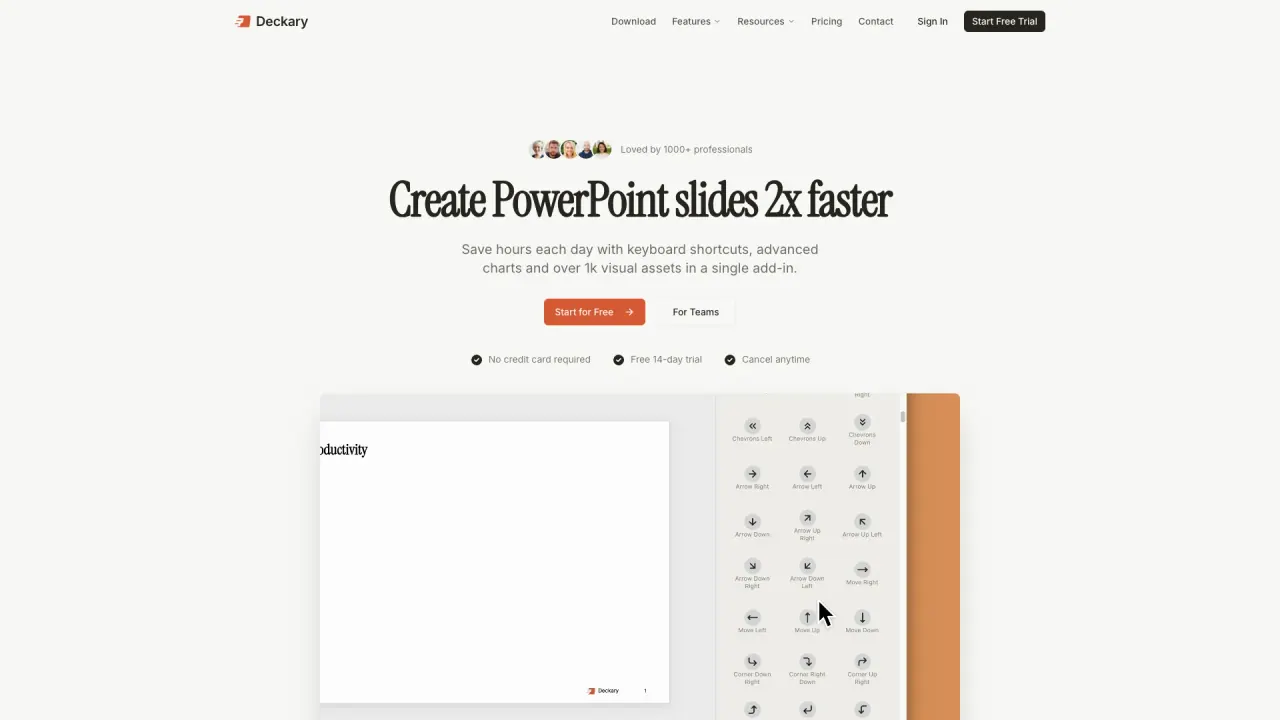
What does Deckary do?
What is the main use case for Deckary?
Deckary helps you create better slides faster: generating charts from your data, polishing text to be clearer and more executive-ready, and suggesting the right icons instantly. Combined with 20+ keyboard shortcuts, it's the full productivity stack for PowerPoint.
Who is the target audience of deckary.com?
Business professionals who build presentations regularly: corporate strategy, FP&A, consultants, analysts, founders pitching investors. Anyone who wants sharper, more polished slides and doesn't want to spend all day getting there.
Can a user use Deckary for free?
Yes—14 days free with full features, no credit card required. You can test the AI text refinement, charts, shortcuts, and 600+ icons risk-free. Most users know within a few presentations if it fits their workflow.
What are the benefits of using Deckary for creating PowerPoint presentations?
Deckary offers numerous benefits for creating PowerPoint presentations, including 2x faster slide creation using keyboard shortcuts, advanced chart generation, and a library of over 1,000 visual assets. The tool is supercharged with features such as customizable charts linked to Excel, lightning-fast shortcuts, a comprehensive icon library, and AI-powered text polishing. It is trusted by professionals from top tier firms and is designed to assist consultants, bankers, and corporate strategists in creating impactful and professional-looking presentations efficiently.
How does Deckary compare to think-cell and native PowerPoint solutions?
When compared to think-cell and native PowerPoint solutions, Deckary stands out with its competitive pricing of $10 per month, compared to think-cell's $250 per year. Deckary also offers features like core charts, Excel linking, delta indicators, axis breaks, and unit adjustments, similar to think-cell. Additionally, Deckary goes beyond with productivity tools like ready-to-use templates, keyboard shortcuts, AI text polish, professional icons, and more. This makes Deckary a cost-effective, feature-rich alternative for professionals looking to enhance their presentation capabilities.
Does Deckary offer support for both Mac and Windows users?
Yes, Deckary provides support for both Mac and Windows users, ensuring compatibility with a wide range of systems. This makes it convenient for professionals using different operating systems to benefit from Deckary's robust features, such as advanced charts, AI text polish, and comprehensive icon libraries. The tool is designed to integrate seamlessly across platforms, offering a consistent user experience irrespective of the operating system.
This listing is claimed
Own Deckary? Sign in with the email used to claim it to manage this listing, or upgrade to Pro for featured-first placement and a newsletter feature.