
ParaphrasingTool
AI Paraphrasing Tool
Transform your writing effortlessly with the best AI paraphrasing tool. Rewrite sentences, articles, and essays with ease.
What does ParaphrasingTool do?
What can I do with Paraphrasing Tool?
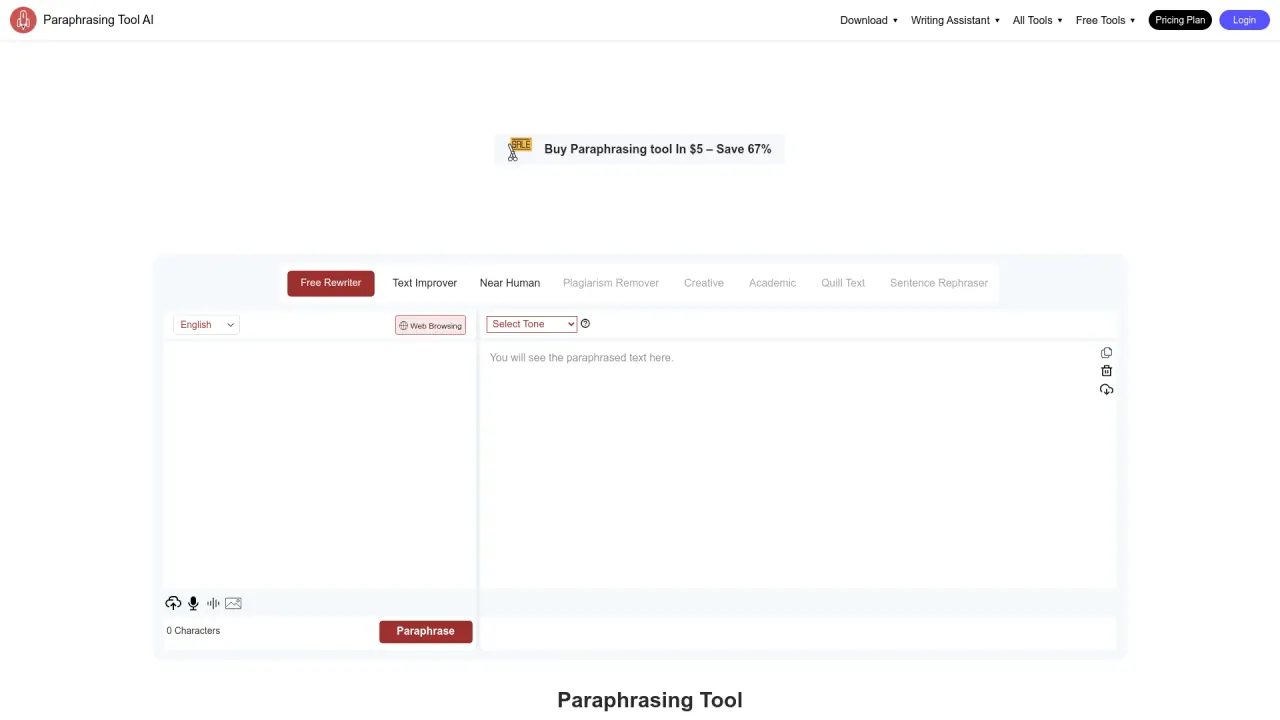
Paraphrasing Tool helps you rewrite text with eight predefined modes (Standard, Fluency, Humanizer, Simplify, Creative, Academic, Shorten, Expand) and additional options that tailor tone and style. It can:
- Paraphrase recorded audio by extracting text and rewriting it.
- Paraphrase in real time using speech-to-text; speak, then paraphrase.
- Let you choose a custom tone (professional, witty, formal, informal).
- Paraphrase text from screenshots or images by uploading them.
- Suggest suitable synonyms with an AI-powered thesaurus and allow you to pick the best fit.
- Show word definitions and usage when you double-click a word in the output.
- Include a built-in research panel to find online references, read summaries, and preview articles.
What languages does the Paraphrasing Tool support?
The tool supports multiple languages including English, Spanish, German, Arabic, and Hindi.
How can I use Paraphrasing Tool for different inputs (audio, speech, images)?
- Paraphrase recorded audio: the tool can extract text from audio and paraphrase it.
- Real-time paraphrasing: use the speech-to-text option, speak, then paraphrase your words.
- Paraphrase from images or screenshots: upload the image or screenshot containing text and rephrase it.
Can I customize the tone of my paraphrase?
Yes. In addition to the paraphrasing modes, you can choose a tone such as professional, witty, formal, or informal to shape how your rewritten text sounds.
How does the tool help with synonyms and word meanings?
The tool includes an AI-powered thesaurus that suggests suitable synonyms in context. You can click on any word in the paraphrase output to choose a different synonym. It also provides definitions and usage details—double-click a word in the output to view its definition and example usage.
Does Paraphrasing Tool help me find references online?
Yes. The built-in research panel helps writers find references online, read summaries, and preview articles. You can use this feature by clicking the “research panel” option in the tool.
Is there a browser extension and mobile app?
Yes. Paraphrasing Tool offers extensions for Chrome, Firefox, Edge, Opera, and Safari. It is also available on Android and iOS.
Who is Paraphrasing Tool designed for?
The tool is useful for a wide range of users including students, writers, bloggers, marketers, professionals, and researchers. It helps with simplifying ideas, clarifying writing, maintaining tone, and making content more accessible.
Is my text private and secure?
Paraphrasing Tool emphasizes privacy and states that it does not retain, distribute, or trade any text or data entered on the site. It also uses encryption to protect data.
Is there a free version and premium plans?
There is a free rewriter and text improver mode available, and premium plans offer access to additional features and capabilities. Directions and pricing details are available on the site.
How can I get help or contact support?
If you need help, you can contact the team via email at asad@paraphrasingtool.ai.
Is this your tool?
Claim ParaphrasingTool to manage this listing, or upgrade to Pro for featured-first placement and a newsletter feature.