
BeMusicAI
AI Music Generator
BeMusicAI turns your text prompts into instrumental tracks or full songs with AI vocals and lyrics in about a minute.
Promoted
 Sidrune AI85% off. Stable Claude API for agent developers. Pay as you go. Invoices & refunds available.
 Pixmax.aiPixmax.ai is an all-in-one AI workspace for videos, visual stories, and marketing content.
 SEOify - Improve your SEO & rankingsBuild links to rank in Google. Improve your DR with links you can start building now.Advertise here270,000+ people visit Dang.ai every month.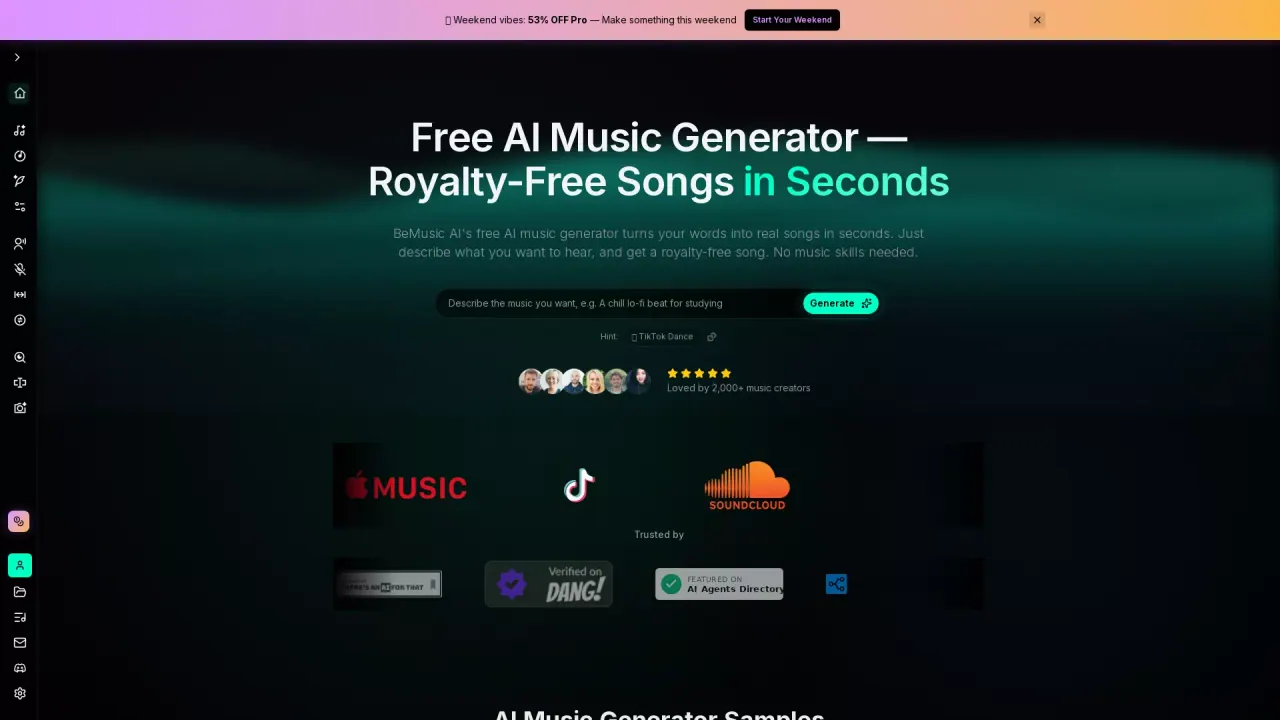
What does BeMusicAI do?
BeMusicAI (bemusic.ai) is an AI music generator that creates music from plain-English descriptions. Share a genre, mood, tempo, and instruments to generate either an instrumental background track or a complete song with AI vocals and lyrics. Generation typically takes about 1 minute, though timing can vary by model and queue.
With BeMusicAI, you can start simple—like “warm lo-fi piano for a study podcast”—and then refine. Choose instrumental or full-song mode, provide lyrics (up to 5000 characters), and adjust vocal voice and style influence and creativity controls to shape the result. You can preview directly in your browser, iterate by regenerating with updated prompts, and download your track when your plan supports it (MP3 and WAV options are available depending on plan availability).
It’s designed for creators who need music on demand: indie game and app developers needing soundtracks quickly, marketers creating custom ad or video audio, YouTube/podcast producers looking for background music that fits narration, and anyone who wants to explore new musical directions without music theory.
Pricing varies by plan. New users can start with a 3-day free trial (with 20 credits/day and 2 songs/day mentioned in the product offer). Pro/Studio plans are used for commercial licensing on eligible tracks while active, including perpetual, royalty-free commercial-use licensing for qualifying output in your account.
What can BeMusicAI generate from a text prompt?
You can generate either an instrumental track or a complete song with AI vocals and lyrics. Describe a genre, mood, tempo, and instruments to guide the result.
How long does it take to generate a track?
Track generation is typically about 1 minute. Exact time can vary depending on the selected model and current queue.
Can I include my own lyrics?
Yes. You can add lyrics (up to 5000 characters) and generate a full song with vocals and lyrics, then iterate by refining your prompt or lyric details.
Is there a free trial to try BeMusicAI?
Yes—eligible new accounts can start a 3-day Lite music trial with 20 credits/day and 2 songs/day mentioned in the trial offer.
Can I use BeMusicAI music in commercial projects?
Yes, but commercial-use licensing is tied to Pro or Studio being active for eligible output. The licensing described includes perpetual, royalty-free commercial-use rights for qualifying tracks in your account.
What download formats are available?
You can preview in the browser and download in common formats. MP3 is listed for everyday editing workflows, and WAV is available for lossless production when supported by your plan and model.
This listing is claimed
Own BeMusicAI? Sign in with the email used to claim it to manage this listing, or upgrade to Pro for featured-first placement and a newsletter feature.