
Weet
AI Interactive Training Video Creator
Revolutionize your training videos with Weet, the AI interactive training video creator. Enhance engagement and streamline onboarding effortlessly.
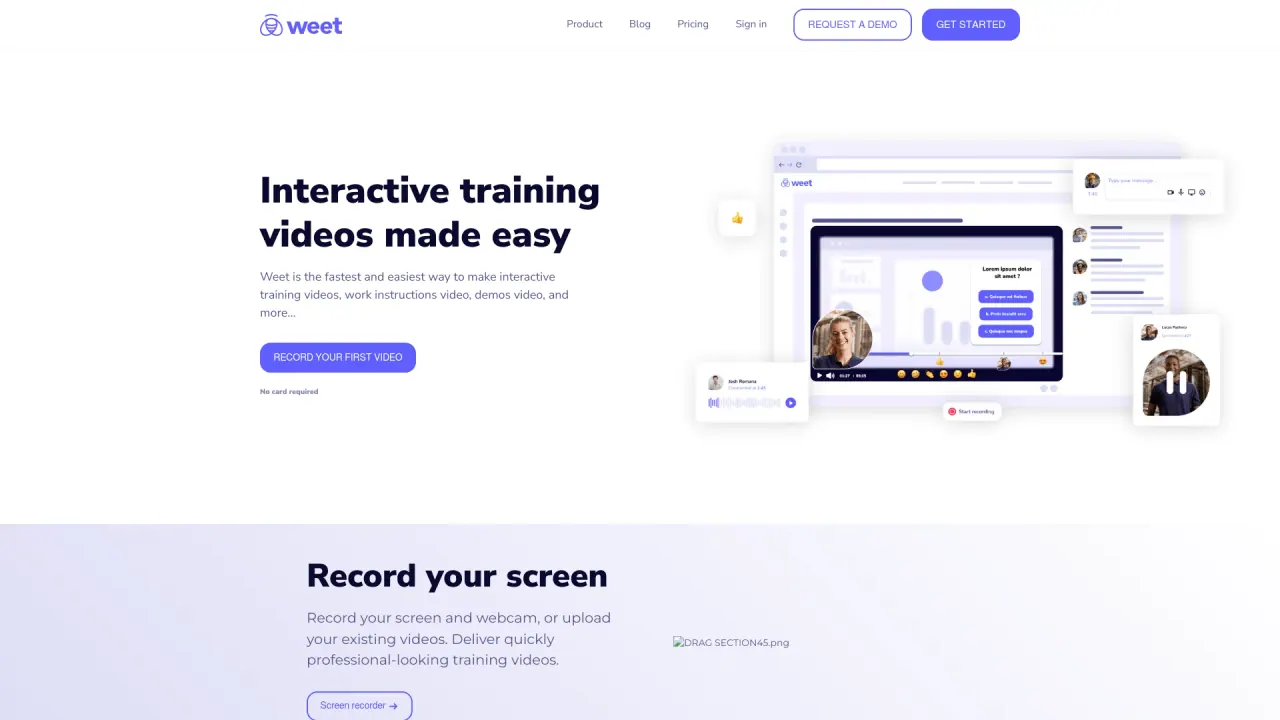
What does Weet do?
How can I use Weet to create free AI videos?
Creating free AI videos on Weet is simple:
- Click Create Free AI Video on the homepage.
- Choose an actor/avatar.
- Type your text in any language.
- Weet automatically generates your video, ready to use.
What tools does Weet offer for video editing and enhancement?
Weet provides a comprehensive set of editing and enhancement tools:
- Trim and auto-enhance videos
- Remove background noise from audio with one click
- Add interactivity: links, spotlight, images, text, buttons, chapters
- Generate subtitles automatically and translate subtitles into 100+ languages
- Edit subtitles manually and adjust timing
How can Weet improve team collaboration during video production?
Weet supports collaboration with:
- Real-time co-recording and editing
- Built-in comments and interactions visible during the video
- Designated workspaces and channels to stay organized
- Analytics to measure engagement and effectiveness
Do I need to pay to use Weet? Is there a free plan?
Yes. Weet offers a Free plan with no credit card required. You can start creating and sharing interactive videos for free.
How do I sign up for Weet?
Sign up steps:
- Visit the Weet website.
- Click the signup prompt (e.g., Record Your First Video / Get Started for Free).
- Create an account using your email or sign in with Google or Microsoft.
- Complete registration. No credit card is required for the Free plan, and you can start creating immediately.
Can I translate subtitles and audio? How many languages are supported?
Yes. Weet can automatically generate subtitles and translate subtitles and audio into 100+ languages.
Can I record my screen and webcam?
Yes. Weet lets you record your screen and webcam, or upload your existing videos to create training content.
Can I add interactivity to videos and track performance?
Yes. You can add interactive elements (links, spotlight, images, text, buttons, chapters) and Publish & Track with detailed analytics to measure engagement and effectiveness.
Can I organize and search my training videos?
Yes. Weet provides designated workspaces and channels to stay organized, and makes your training content searchable in one place.
Do Weet integrates with Microsoft Teams and Slack?
Yes. Weet offers integrations with Microsoft Teams and Slack.
What is SPEACH and how is it different?
SPEACH is Weet’s Enterprise Solution for AI-powered video training creation, editing, and sharing. It’s designed for larger organizations; for specifics and pricing, contact sales.
How does Weet handle privacy and security?
Weet follows a privacy policy detailing how data is collected, used, and protected. For specifics on data handling, security measures, transfers, and user rights, review the official Privacy Policy on the Weet site.
Is this your tool?
Claim Weet to manage this listing, or upgrade to Pro for featured-first placement and a newsletter feature.