
Upscale
AI Image Upscaler
Upscale.media upscales and enhances low-resolution images and videos in your browser, with AI enlargement up to 8x and tools like deblur and face restoration.
Promoted
 Sidrune AI85% off. Stable Claude API for agent developers. Pay as you go. Invoices & refunds available.
 Pixmax.aiPixmax.ai is an all-in-one AI workspace for videos, visual stories, and marketing content.
 AI Checker PlusAI detector that highlights which passages AI wrote. Free check, no sign-up. Plagiarism too.
 RewindType any X/Twitter handle. Get their year back as a narrated video story. Then ask it anything.
 KurodyneSell the tools from your AI side projects. Listing is free.
 SEOify - Improve your SEO & rankingsBuild links to rank in Google. Improve your DR with links you can start building now.Advertise here270,000+ people visit Dang.ai every month.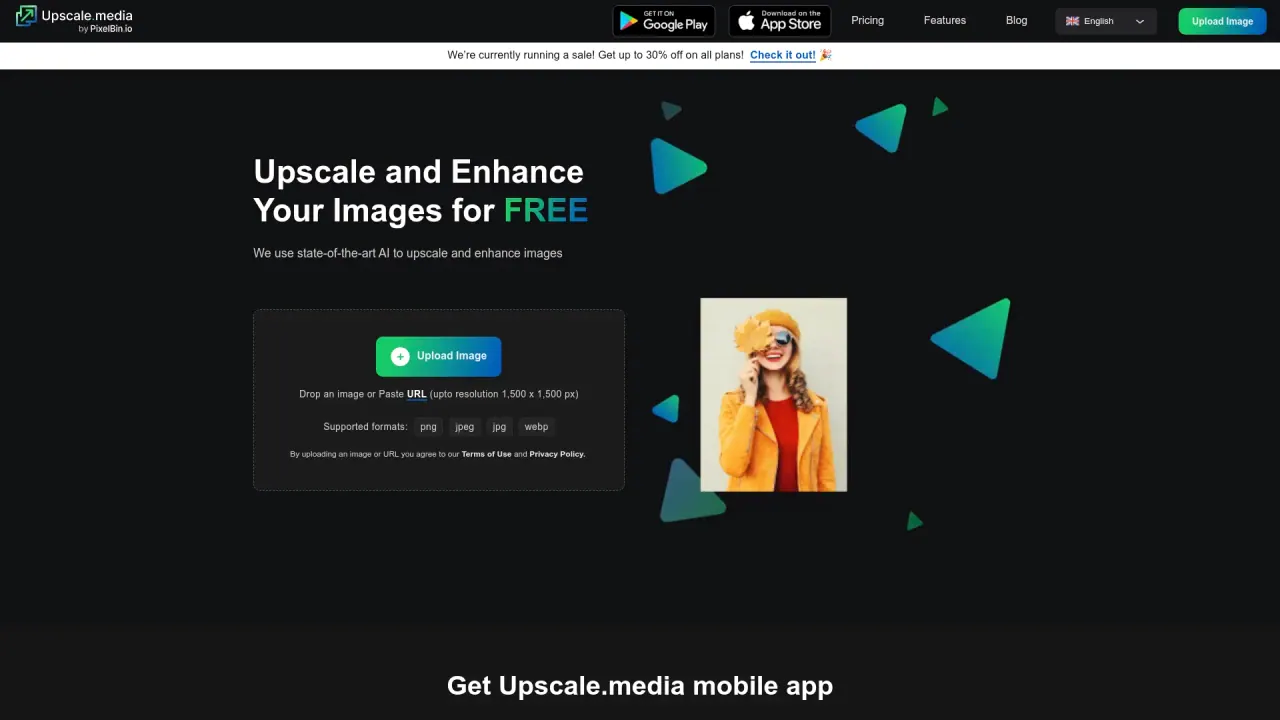
What does Upscale do?
Upscale.media is a browser-based AI upscaler for enlarging and enhancing low-resolution images and videos without installing software. Upload a file or paste a URL, choose an enhancement level, and download your improved result.
For images, you can upscale with AI at 2x, 4x, or 8x to restore sharper edges and cleaner detail rather than simply stretching pixels. Upscale also includes dedicated enhancement tools such as Sharpen Image, Retouch Photo, Deblur Image, Dehaze Image, Remove Motion Blur, Restore Image, Colourise Image, Enhance Face, and Face Restoration—useful when you want more than resolution increase.
Upscale supports PNG, JPG/JPEG, WEBP, and HEIC. For images on the free tier, there’s a maximum size cap of 1,500 × 1,500 pixels. Upscaling runs directly in your mobile browser as well, so you can enhance photos on the go.
If you’re working with larger workflows, Upscale offers bulk transformation to upscale multiple images at once and an Upscale API for integrating upscaling into your own systems or automation. Upscale also positions itself for individual, professional, and e-commerce use cases, with “enterprise solutions at scale” via bulk and API-driven approaches.
What can I upload to Upscale.media?
You can upscale both images and videos by uploading a file or pasting a URL. Supported image formats include PNG, JPG/JPEG, WEBP, and HEIC.
How much can Upscale.media enlarge my images?
AI upscaling is available at 2x, 4x, or 8x. This aims to add refined detail to low-resolution content rather than only stretching pixels.
Does Upscale.media run in the browser or do I need to install software?
It runs in your browser, so you can upload, enhance, and download results without installing software. You can also use it on mobile via your browser.
What limits apply on the free tier?
On the free tier, online upscaling is capped at a maximum image size of 1,500 × 1,500 pixels. Larger images may require a plan or a mobile app.
Can Upscale.media remove blur and enhance faces?
Yes. Use tools like Deblur Image and Enhance Face / Face Restoration to improve clarity and facial detail in addition to upscaling.
Is there an option for batch processing or automation?
Yes. Upscale offers bulk transformation to upscale multiple images at once and provides an Upscale API for integrating into existing workflows.
Is this your tool?
Claim Upscale to manage this listing, or upgrade to Pro for featured-first placement and a newsletter feature.