
iPicAI
AI Image Generator
Create captivating and custom AI art effortlessly with iPic.AI's innovative AI image generator.
Promoted


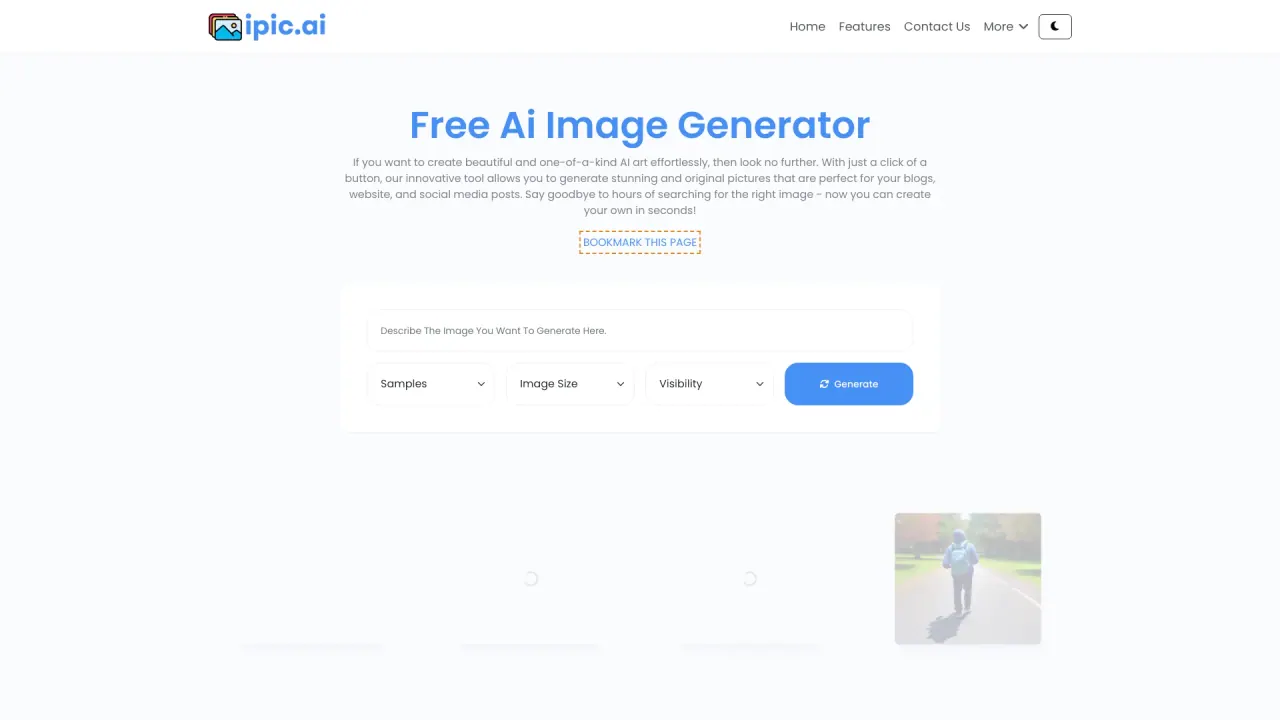
What does iPicAI do?
How can I generate art with iPicAI?
Enter a few descriptive words into the text prompt on the platform. The AI will transform your text into a unique artwork or illustration. You can experiment with different styles and image sizes to customize the final output.
What image styles and sizes are available on iPicAI?
Styles include Anime Generator, Cyperpunk, Tattoo Generator, Ai Image Generator, Ai Art Generator, Ai Pencil Sketch, 3d Cartoon, Ai Oil Painting, AI Meme Generator, Face Swapper, AI Background Remover, AI Image Outpainting, AI Headshot Generator, and AI Avatar Generator. Image sizes available include 512x512, 512x768, 768x512, 768x768, 768x1024, 1024x768, 512x1024, 1024x512, and 1024x1024. More advanced sizes are available for users who upgrade to a premium plan.
What are some popular features of the iPicAI tool?
Popular features include the AI Image Generator, AI Meme Generator, AI Background Remover, Face Swapper, AI Headshot Generator, and AI Avatar Generator. The platform also offers AI Image Outpainting.
Can I upload an image to influence the generation?
Yes. There is an Upload Image (optional) option in Advanced Options.
Is there a paid plan on iPicAI, and what does it offer?
The site mentions a Paid Plan described as “Harvest Images Faster and Private prompts.”
Do I need a premium plan to access larger image sizes?
Yes, more advanced sizes are available for users who upgrade to a premium plan.
How can I get help or support for iPicAI?
You can access the Help Center, contact Customer Service, or view the Frequently Asked Questions section for assistance.
Where can I see examples or learn more about iPicAI?
Explore the AI Art Gallery and read the Latest Blog Posts for more information and inspiration.
How do I sign in or create an account on iPicAI?
Use the Sign In or Sign Up options on the site to access or create an account.
Is this your tool?
Claim iPicAI to manage this listing, or upgrade to Pro for featured-first placement and a newsletter feature.