GPT Image 2 AI
Verified
AI Image Generator
Create AI images with GPT Image 2.
Promoted
 Sidrune AI85% off. Stable Claude API for agent developers. Pay as you go. Invoices & refunds available.
 Pixmax.aiPixmax.ai is an all-in-one AI workspace for videos, visual stories, and marketing content.
 SEOify - Improve your SEO & rankingsBuild links to rank in Google. Improve your DR with links you can start building now.Advertise here270,000+ people visit Dang.ai every month.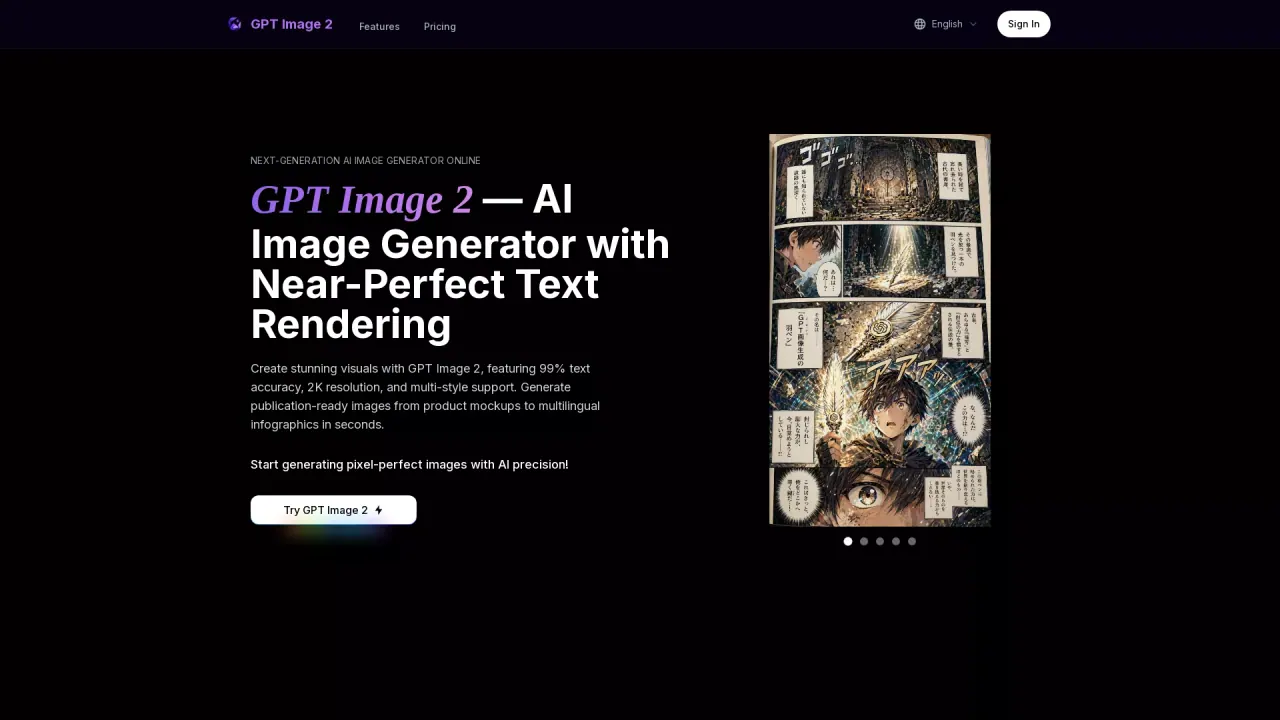
What does GPT Image 2 AI do?
What is the main use case for GPT Image 2 AI?
- Comic & Storyboard Creation
Create multi-panel comics with consistent characters, readable speech bubbles, and cinematic lighting — all in a single generation. Ideal for indie creators, storyboard artists, and content teams producing visual narratives.
- UI & Screenshot Mockups
Generate ultra-realistic desktop and mobile screenshots with pixel-perfect UI elements, readable text, and natural lighting. Perfect for SaaS demos, app store listings, and product presentations.
- Product & Packaging Design
Produce studio-quality product shots with accurate labels and packaging text on curved mugs, bottles, phone screens, and fabric surfaces — every surface crisp and perfectly spelled.
- SaaS Landing Pages
Design complete website landing pages with navigation, hero sections, CTAs, and dashboard previews. All text remains aligned and readable, making it ideal for rapid prototyping and A/B testing visual concepts.
- Educational Infographics
Build clear technical diagrams and workflow infographics with sharp labels, flow arrows, and professional layouts. Great for educators, documentation teams, and content marketers who need information-dense visuals.
- E-commerce Product Pages
Generate polished product detail pages with specs, pricing, and add-to-cart buttons in elegant, premium layouts. Reduce product photography costs while maintaining professional quality across your entire catalog.
What are some unique features of gpt-image-2.run?
- 99% Text Rendering Accuracy
Render signs, labels, UI elements, and multilingual characters with near-perfect spelling and placement. GPT Image 2 eliminates the garbled text problem that plagued previous AI image models, making it the first AI generator reliable enough for production typography.
- 2K High-Resolution Output
Generate images up to 2,000 pixels on the long edge with sharp details at every scale. Multiple aspect ratios including 1:1, 16:9, 9:16, 3:2, and 2:3 cover every use case from social media posts to print-ready materials.
- Multi-Style Generation
Switch freely between watercolor, oil painting, pixel art, anime, isometric 3D, photorealistic, and more — no fine-tuning, LoRA training, or style presets required. Simply describe the desired aesthetic in your prompt.
- Multi-Reference Image Editing
Upload up to 16 reference images and combine character, style, composition, and product references in a single prompt. Surgical inpainting modifies exactly what you specify while preserving everything else.
- Multilingual Text Support
Generate accurate text in English, Chinese, Japanese, Korean, Arabic, and many other scripts. Create localized marketing materials, international product packaging, and multilingual infographics without manual post-editing.
- Thinking Mode for Complex Scenes
An advanced reasoning layer plans the composition before rendering, ensuring accurate layouts for dense infographics, multi-element dashboards, and detailed technical diagrams with precise spatial arrangement.
What model of AI does GPT Image 2 AI use?
GPT Image 2
This listing is claimed
Own GPT Image 2 AI? Sign in with the email used to claim it to manage this listing, or upgrade to Pro for featured-first placement and a newsletter feature.