Image to Image AI
Verified
AI Image Editor Tool
Transform existing photos with an AI editor that can change styles, backgrounds, faces, and quality—while preserving what matters in your original composition.
Promoted
 Sidrune AI85% off. Stable Claude API for agent developers. Pay as you go. Invoices & refunds available.
 Pixmax.aiPixmax.ai is an all-in-one AI workspace for videos, visual stories, and marketing content.
 AI Checker PlusAI detector that highlights which passages AI wrote. Free check, no sign-up. Plagiarism too.
 RewindType any X/Twitter handle. Get their year back as a narrated video story. Then ask it anything.
 KurodyneSell the tools from your AI side projects. Listing is free.
 SEOify - Improve your SEO & rankingsBuild links to rank in Google. Improve your DR with links you can start building now.Advertise here270,000+ people visit Dang.ai every month.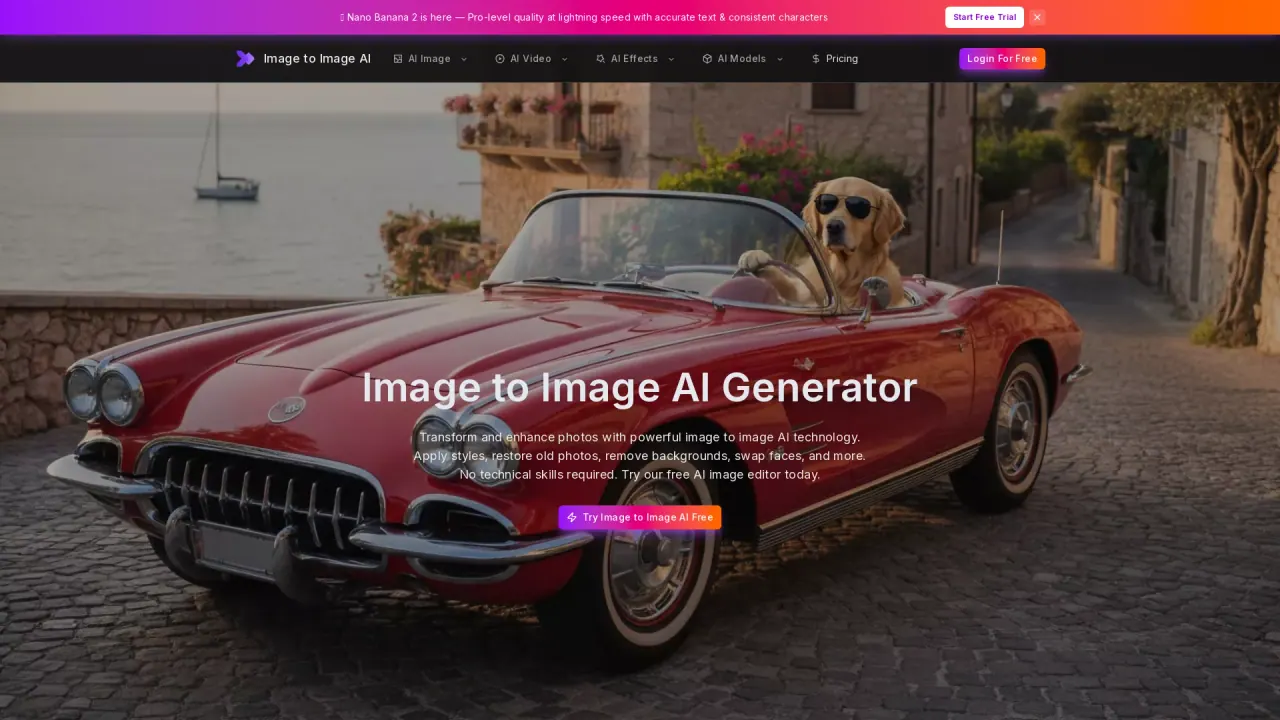
What does Image to Image AI do?
Image to Image AI is an online image editor that transforms your existing photos into new versions using AI-powered modifications. Upload one or more reference images, describe the result you want, and generate an updated image while preserving key details like subject identity, framing, and important elements.
Use it for common workflows such as style transfer (turn a portrait into a new art look), restoring old or damaged photos (remove scratches, fading, tears, and stains), removing unwanted subjects (reconstruct consistent backgrounds), and colorizing black-and-white portraits. You can also refine portraits, try AI photo retouching, and create clean product backgrounds that keep the product shape and camera angle while changing the setting.
The tool supports multiple AI models so you can adjust for different balances of prompt following, detail, consistency, speed, and credit cost. You can also work with multiple reference images (where supported) and control output settings like aspect ratio and resolution. With supported models, output can reach up to 4K.
Free to get started: every new user receives free credits to try image-to-image features. For more advanced features and higher usage limits, a premium plan is available, with model-specific credit costs and resolution options such as 1K (15 credits), 2K (25 credits), and 4K (40 credits).
How do I edit an existing photo with Image to Image AI?
Upload your reference image(s), write a prompt describing what to change and what to keep, then choose a model along with output settings like aspect ratio and resolution. Generate, review, and iterate by refining the prompt or switching settings.
What can Image to Image AI do for photo restoration?
You can restore old and damaged photos by removing scratches, tears, stains, and fading while recovering natural contrast and sharpening details. Prompts can also instruct the model to preserve each person’s identity, period details, and overall photographic character.
Can I remove an unwanted person or object from a photo?
Yes. Upload your photo and prompt the removal of the subject while asking the model to reconstruct the missing background consistently with the existing perspective, lighting, colors, and depth of field.
How do I generate up to 4K output?
Select an aspect ratio and resolution for your generation. Output can reach up to 4K with supported models, but images with a 1:1 aspect ratio cannot be converted to 4K. If aspect ratio is set to auto or left unspecified, the conversion will be limited to 1K.
Can I use multiple reference images in one generation?
Yes when the selected model supports it. Multiple references can help combine subject/product/style/pose/environment details, with limits that vary by model.
Is Image to Image AI free to try?
Yes—new users receive free credits to explore image-to-image features. Higher usage limits and more advanced access are available via a premium plan.
This listing is claimed
Own Image to Image AI? Sign in with the email used to claim it to manage this listing, or upgrade to Pro for featured-first placement and a newsletter feature.