
AIConvertHub
File Conversion AI Tool
Convert, compress, create with AI.
- Pricing
- Free
- Category
- Productivity
- Listed
- Dec 18, 2025
- Updated
- May 25, 2026
Promoted


What does AIConvertHub do?
What does AI Convert Hub do?
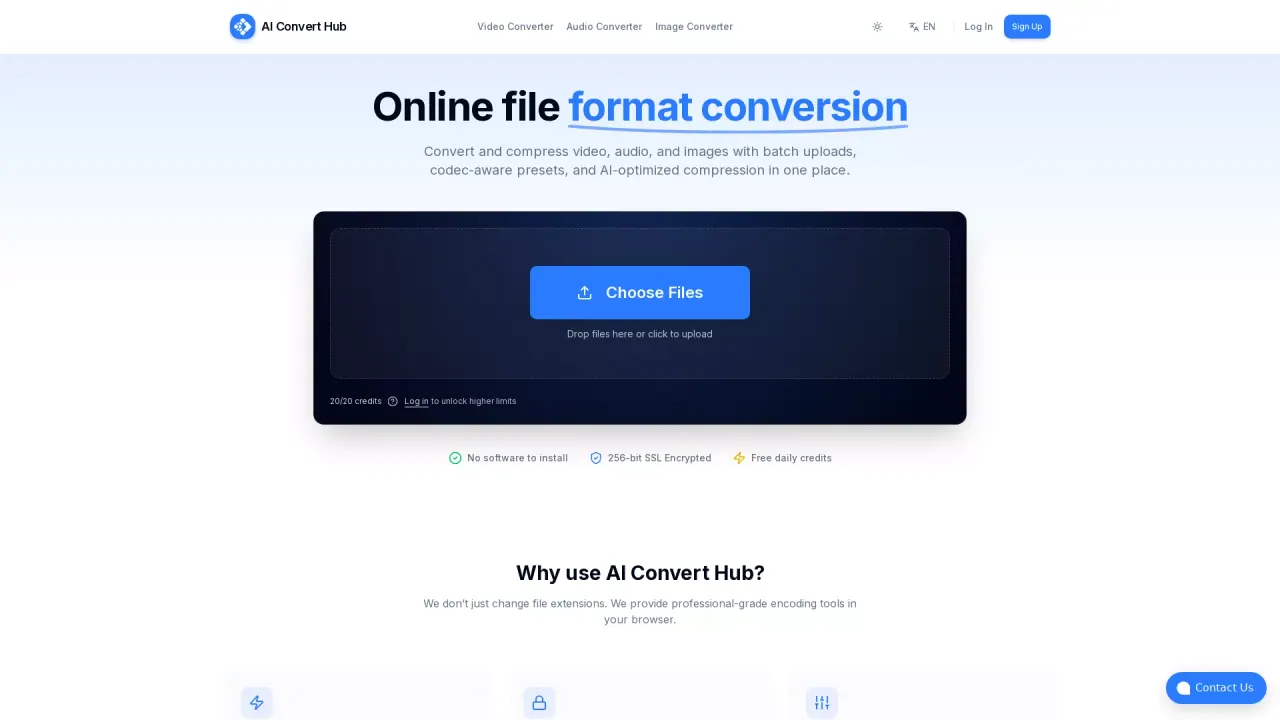
AI Convert Hub lets you quickly convert and compress video, audio, and image files in your browser, supports 200+ formats, offers advanced codec controls, and keeps quality high with fast, secure, AI‑optimized processing.
What are some unique features of aiconverthub.com?
Online file converter (200+ formats): MP4/MOV/WEBM/AVI, MP3/WAV/AAC/FLAC, JPG/PNG/WEBP/AVIF/HEIC/RAW; browser-based, no software install.Batch converter with drag-and-drop: Multi-file/folder uploads, sticky convert CTA, clear states (uploading/queued/processing/finished), quick add-more/clear-all/download actions.AI-optimized compression + FFmpeg: Fast, quality-preserving conversion for 4K/HD video, podcasts, and web-ready images.
Can a user use AI Convert Hub for free?
Yes,of course.
How can I convert files using AI Convert Hub?
To convert files with AI Convert Hub, simply drag and drop your files or click to upload them on the platform. The tool supports batch uploads, allowing you to convert multiple files or whole folders at once. It provides codec-aware presets and AI-optimized compression for high-quality conversion of video, audio, and images.
What security measures does AI Convert Hub employ to protect user files?
AI Convert Hub employs 256-bit SSL encryption for all file transfers, ensuring secure and private handling of user data. The platform also cleans up processing artifacts after conversion to protect user privacy further.
What formats does AI Convert Hub support, and how does it maintain high conversion quality?
AI Convert Hub supports over 200 formats, including popular ones like HEIC, WEBM, and RAW. It uses an FFmpeg-based pipeline with AI tuning to maintain high quality while reducing file size efficiently. Codec-aware controls allow users to adjust CRF, bitrate, frame rate, and more, tailoring conversions to specific needs.
This listing is claimed
Own AIConvertHub? Sign in with the email used to claim it to manage this listing, or upgrade to Pro for featured-first placement and a newsletter feature.