
FaceSwaply
AI Face Swap
Swap faces in photos or short videos and refine results with headshots, hairstyle previews, restoration, and upscaling tools.
Promoted
 Sidrune AI85% off. Stable Claude API for agent developers. Pay as you go. Invoices & refunds available.
 Pixmax.aiPixmax.ai is an all-in-one AI workspace for videos, visual stories, and marketing content.
 SEOify - Improve your SEO & rankingsBuild links to rank in Google. Improve your DR with links you can start building now.Advertise here270,000+ people visit Dang.ai every month.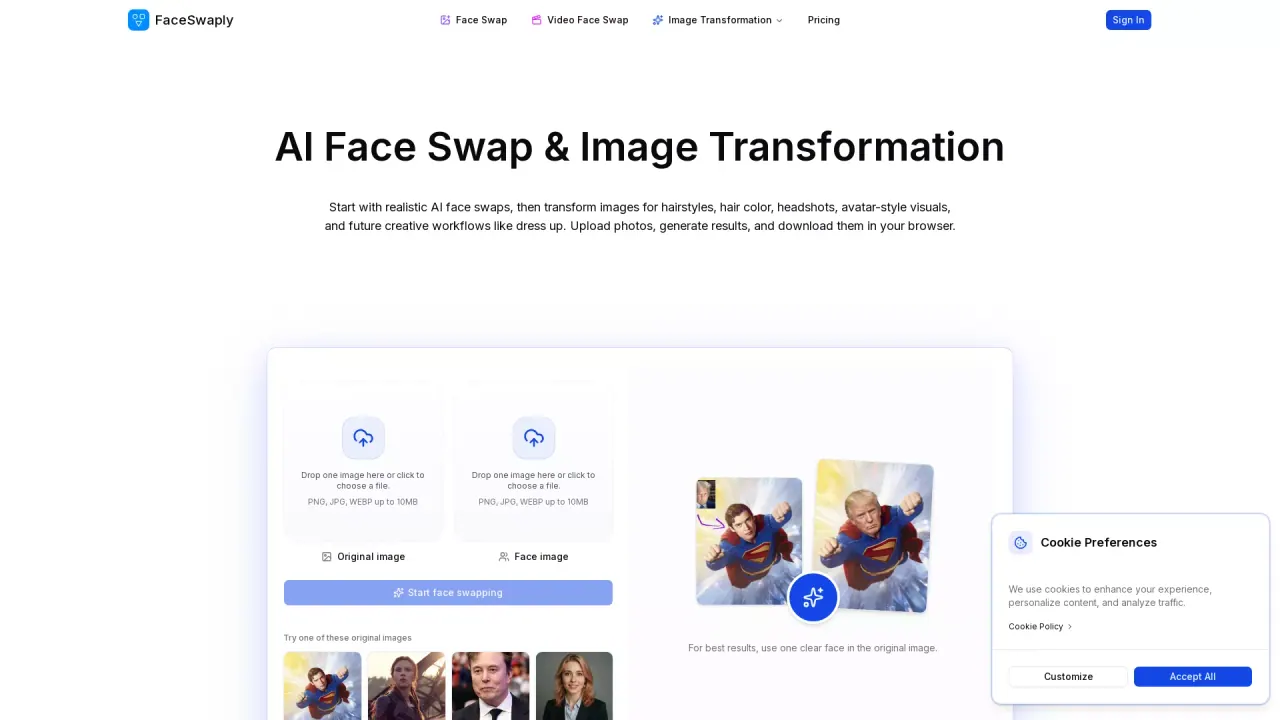
What does FaceSwaply do?
FaceSwaply is an AI photo and video face swap tool that lets you upload a source face and a target photo to generate a realistic face swap while keeping the target pose, framing, and scene. You can also refine the output with focused tools for face repair, image upscaling, hairstyle previews, professional headshots, and portrait cleanup.
The workflow is image-first: choose a clear, well-lit face photo for the source and a target image where the face area is visible. After generation, continue with restoration or retouching when the swapped face looks soft, blurry, or needs extra polish.
FaceSwaply also supports short video face swaps, replacing a face while the original clip keeps its motion and camera angle. If you want a more specific portrait result, you can use the headshot and hairstyle generators to transform an existing portrait into profile-ready visuals.
What do I need to start a face swap on FaceSwaply?
Upload a source face image and a target photo (or use the video face swap workflow for short clips). Use JPG, PNG, or WEBP up to 5MB per upload.
What kind of photos work best for realistic results?
For best blending, use a sharp, well-lit source face with visible facial features, and a target where the face area isn’t heavily blocked by hair, hands, sunglasses, or harsh shadows.
Can FaceSwaply keep the target photo’s pose and background?
Yes. The transformation is focused on the face, aiming to keep the target pose, camera angle, background, and composition consistent.
What should I use if the result looks blurry or low-detail?
Use Restore Face to recover facial detail and sharpen soft or damaged faces, then consider Image Upscaler for low-resolution outputs.
Can I swap faces in videos, not just photos?
Yes. FaceSwaply includes a Video Face Swap workflow that replaces a face in a short video while keeping the original motion and camera angle.
Is there a free option before subscribing?
Yes. You can start with available free credits, and then choose a subscription or credit pack when you need more generations.
This listing is claimed
Own FaceSwaply? Sign in with the email used to claim it to manage this listing, or upgrade to Pro for featured-first placement and a newsletter feature.