
QuikAuthor
E-Learning Content Creation
QuikAuthor quickly turns videos, PDFs, or text prompts into interactive, gamified microlearning courses with SCORM export.
Promoted
 Sidrune AI85% off. Stable Claude API for agent developers. Pay as you go. Invoices & refunds available.
 Pixmax.aiPixmax.ai is an all-in-one AI workspace for videos, visual stories, and marketing content.
 AI Checker PlusAI detector that highlights which passages AI wrote. Free check, no sign-up. Plagiarism too.
 RewindType any X/Twitter handle. Get their year back as a narrated video story. Then ask it anything.
 KurodyneSell the tools from your AI side projects. Listing is free.
 SEOify - Improve your SEO & rankingsBuild links to rank in Google. Improve your DR with links you can start building now.Advertise here270,000+ people visit Dang.ai every month.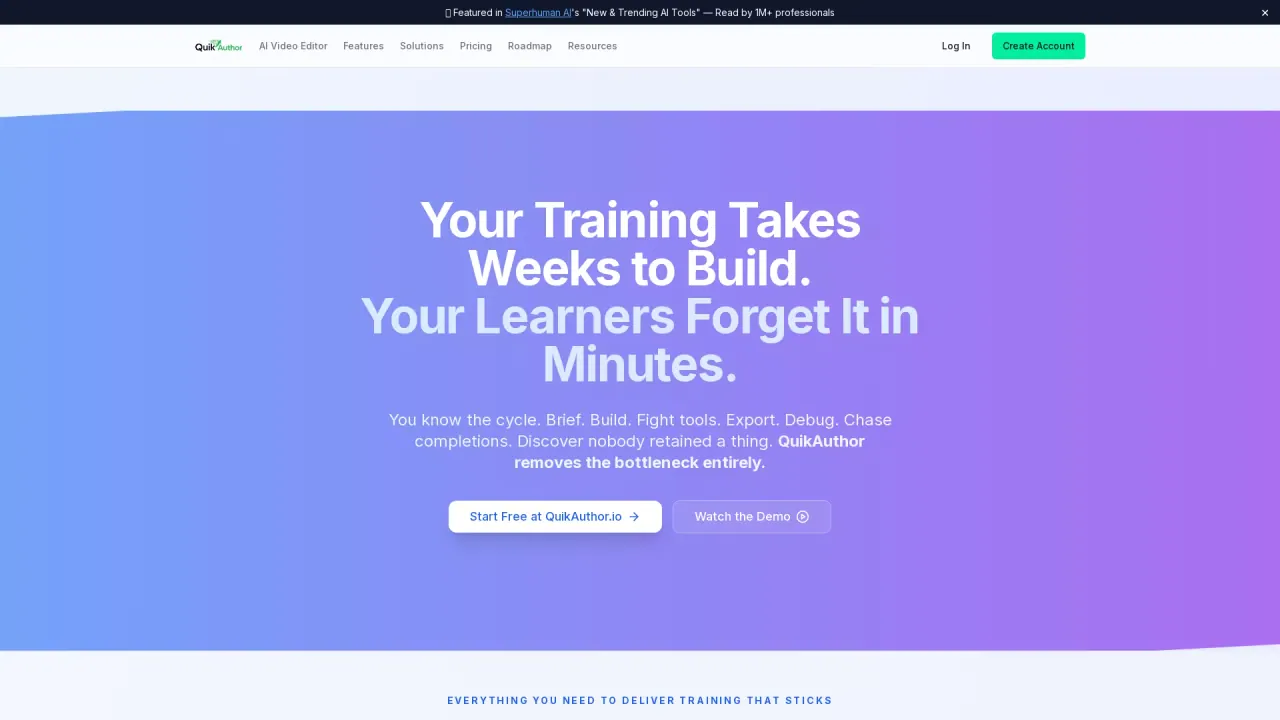
What does QuikAuthor do?
QuikAuthor helps you convert existing training materials—such as a video recording, a PDF/Word document, or a text description—into short, interactive e-learning courses. Instead of rebuilding content from scratch, you start with what you already have and generate courses that include quizzes and engagement features.
Key capabilities focus on turning content into effective learning in less time. You can upload a policy, handbook, or document and have AI authoring generate training automatically, including quizzes and interactive elements. You can also convert “dead” video into live training by uploading recordings and using transcription to build quizzes from the content. Lessons are designed as microlearning: short, single-objective experiences with reinforcement over time.
QuikAuthor supports the full workflow from creation to reporting. Assign courses via email or link so learners don’t need to download or set up anything. Track progress, pass rates, and individual question responses across people and teams. Completion records are available when you need to prove that training was completed.
QuikAuthor is built for small business owners, HR and operations teams, product and ops teams, consultants and coaches, freelance trainers, and educators who need practical, easy-to-publish training. It offers a free plan with 25 courses, unlimited lessons, and up to 50 active learners, plus a Pro upgrade trial for additional limits and SCORM exports.
What kinds of content can I turn into a course with QuikAuthor?
You can upload documents like PDFs or Word files, convert webinar and demo videos into training, or start from a text prompt describing what you need. QuikAuthor builds interactive courses (including quizzes) from your input.
Does QuikAuthor support SCORM export?
Yes—SCORM 1.2 and SCORM 2004 export are supported. Access to SCORM export is tied to unlocking limits via the plans/trial options (including the Pro upgrade trial).
How do learners access and complete training?
You can send training by email or share a link, with nothing for learners to download or set up. Learners complete the microlearning lessons and you can track their progress.
Can QuikAuthor track completion and quiz performance?
Yes. You can view progress, pass rates, and individual question responses across people and teams, and completion records are available for reviews and auditing needs.
Who is QuikAuthor designed for?
It’s intended for teams and creators who need fast, effective training without specialized e-learning setup—such as small business owners, HR/operations teams, consultants/coaches, freelance trainers, and educators.
What’s included in the free plan?
The free plan includes 25 courses, unlimited lessons, and up to 50 active learners.
This listing is claimed
Own QuikAuthor? Sign in with the email used to claim it to manage this listing, or upgrade to Pro for featured-first placement and a newsletter feature.