
Locofy
AI Code Generation
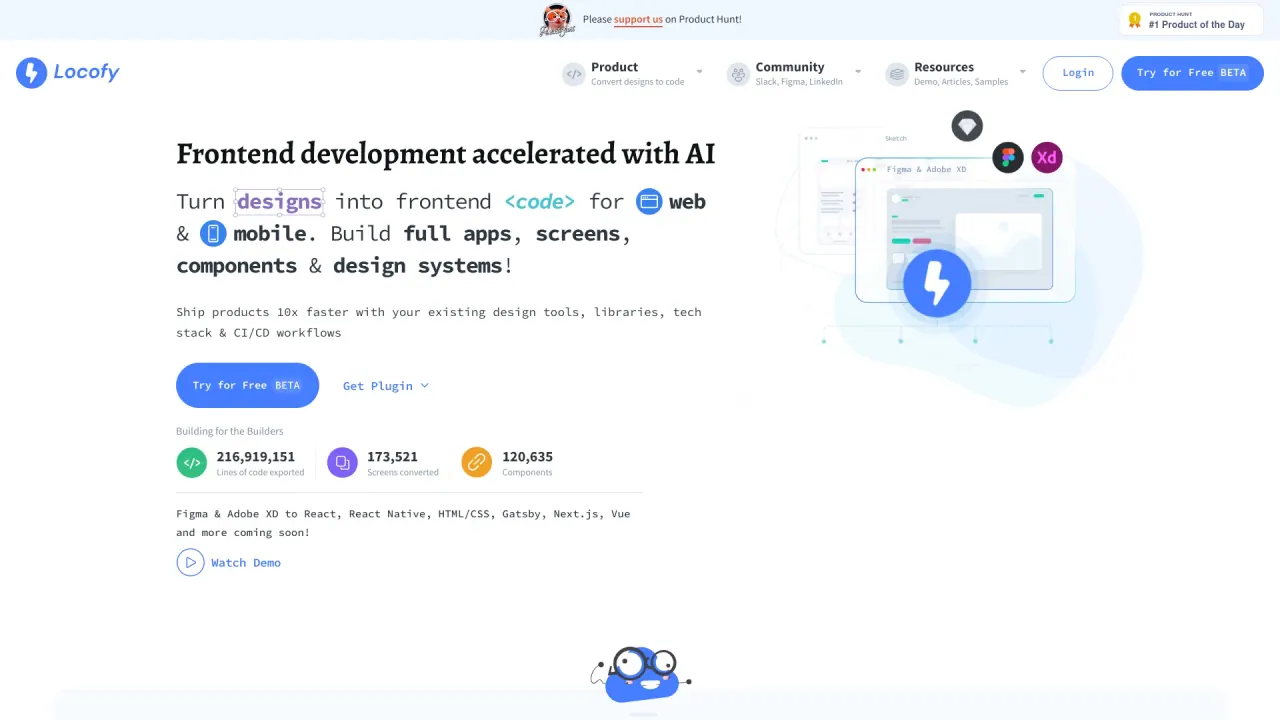
Generate code for mobile apps and web with Locofy.ai. Ship products 5x faster using low code + existing tools & workflows
Promoted


What does Locofy do?
What design tools and development frameworks does Locofy support?
Locofy integrates with design tools like Figma and Penpot (with dedicated Figma and Penpot plugins) and supports tagging interactive elements, styling, layout, and responsiveness. It can import your design system and components from CLI and GitHub. Locofy-generated code exports to React, React Native, HTML-CSS, Flutter, Next.js, Angular, Vue, Gatsby, and more (with more frameworks on the way).
How does Locofy speed up frontend development and improve code quality?
Locofy automatically translates designs into developer-friendly code, reducing manual coding and iteration time. It provides pixel-perfect code from designs, enables live prototypes that run on code for real feedback, and integrates with your existing stack and workflows (including GitHub, VS Code, and deployment targets). Customer stories highlight substantial time savings across web and mobile projects.
What is LDM and how does Locofy handle data privacy?
LDM stands for Large Design Models, Locofy’s proprietary models trained on millions of designs and products. Locofy states that it does not use customer data for training, and that code generation happens on the fly with privacy-first handling.
What is MCP and how does it extend Locofy’s capabilities?
MCP (Multifunction Code Platform) extends beyond UI code by enabling AI-assisted logic and coding features. Locofy’s MCP can integrate AI code assistants such as Cursor, GitHub Copilot, Windsurf, Claude, Gemini CLI, and the VS Code extension to push or pull code within your workflows.
What are Agent Mode and the CLI, and how do I use them?
Agent Mode plus the CLI enables generating pixel-perfect UI code and reusing components within your project. It works with the Locofy Plugin to produce code for multiple frameworks (React, React Native, HTML-CSS, Flutter, Next.js, Angular, Vue, Gatsby, etc.) and supports creating reusable components, inviting team members, and iterating within your existing workflow.
How can I export Locofy-generated code and integrate it into my workflow?
Locofy supports exporting code (e.g., as a zip), pushing code to GitHub, and pulling work directly into VS Code via the Locofy extension. Generated code can be deployed to Netlify, Vercel, or GitHub Pages, depending on your deployment preference.
Is Locofy enterprise-ready, and what deployment options are available?
Yes. Locofy markets itself as enterprise-ready AI with certified security and deployment-friendly features. Deployment options include SaaS Shared Cloud, Dedicated Private Cloud, and Self-Hosted / On-Premise, with SAML SSO authentication support.
How does Locofy handle privacy and security of generated code?
Locofy states that code generation happens on the fly and that it does not store generated code. This supports a privacy-first approach to code output.
What is the pricing model and how can I view plans?
Locofy mentions new pricing that is simpler, cheaper, and built for individuals, with plans available on a Pricing page. For detailed plan information, refer to the Pricing section of the site.
How do I get started with Locofy?
You can begin by exploring Get Started, using the Figma or Penpot plugins to tag elements, and then using Locofy’s Builder to generate code and prototypes. The site emphasizes design-to-code workflows and live prototypes as part of the onboarding path.
What makes Locofy different from other design-to-code tools?
Locofy highlights its Large Design Models (LDM) and specialized models, pixel-perfect previews and code, live-fidelity prototypes that run on code, and seamless integration with popular design tools and developer workflows. It also emphasizes collaborations features, support for multiple frameworks, and extendable code via MCP for AI-assisted coding.
Can Locofy be used for both web and mobile development?
Yes. Locofy targets frontend development across web and mobile stacks, generating code for React, React Native, HTML-CSS, Flutter, Next.js, and more.
Are there customer success stories or testimonials I can review?
Yes. The site features customer quotes and case studies that highlight time savings and faster delivery across agencies and teams, with examples such as significant reductions in development time and faster launches.
Where can I learn more or get help with Locofy?
Locofy provides resources such as Get Started, How Locofy Works, Watch Demo, Read Docs, Sample Projects, and Community/Support options to help new and existing users.
Is this your tool?
Claim Locofy to manage this listing, or upgrade to Pro for featured-first placement and a newsletter feature.