
Bgeraser
AI Background Remover
BgEraser uses AI to instantly remove image backgrounds and download clean transparent PNGs in a fast, browser-based batch workflow.
Promoted
 AI Checker PlusAI detector that highlights which passages AI wrote. Free check, no sign-up. Plagiarism too.
 RewindType any X/Twitter handle. Get their year back as a narrated video story. Then ask it anything.
 KurodyneSell the tools from your AI side projects. Listing is free.
 Sidrune AI85% off. Stable Claude API for agent developers. Pay as you go. Invoices & refunds available.
 Pixmax.aiPixmax.ai is an all-in-one AI workspace for videos, visual stories, and marketing content.
 SEOify - Improve your SEO & rankingsBuild links to rank in Google. Improve your DR with links you can start building now.Advertise here270,000+ people visit Dang.ai every month.
What does Bgeraser do?
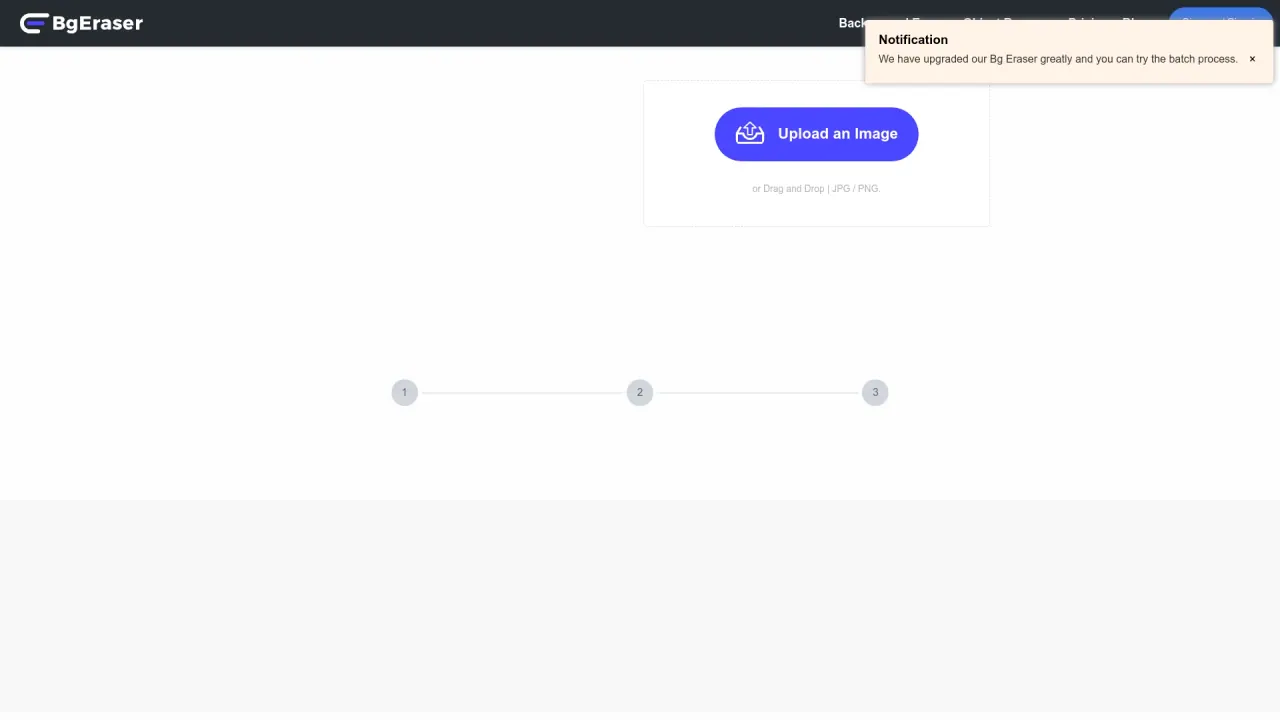
BgEraser removes backgrounds from product photos, portraits, logos, pets, apparel, and everyday images. The goal is to turn your images into clean, reusable assets—most commonly as transparent PNGs—so you can move faster from raw photos to store listings, social posts, presentations, profile pictures, and design mockups.
The tool supports batch background removal, letting you upload multiple files (up to 20) in the same workspace instead of editing one image at a time. You can then download polished results as transparent PNGs, making it easier to prepare consistent catalog visuals and launch-ready images without heavy design software.
BgEraser is available directly in your browser and doesn’t require sign-up. Uploaded images and generated results are automatically removed within 2 hours, helping reduce long-term file storage and improve privacy. Supported input formats include JPG, PNG, and WebP.
Pricing-wise, BgEraser is available for free with no sign-up or usage limits, making it a straightforward option when you need background removal quickly and repeatedly.
Is BgEraser free to use?
Yes. BgEraser is free to use with no sign-up required and no usage limits.
Can I remove backgrounds from multiple images at once?
Yes. You can upload and process up to 20 images in a single batch in the same workspace.
What file formats does BgEraser support?
BgEraser supports JPG, PNG, and WebP image formats.
Do I need to create an account or install software?
No. BgEraser runs in your web browser without registration and doesn’t require downloads or installation.
How does BgEraser handle privacy and data deletion?
Uploaded images and generated results are automatically removed within 2 hours to reduce long-term storage. If you need immediate deletion, you can re-upload the same image, run the same erasing mode, then use the Delete button next to the processed result.
What can I download after background removal?
You can download clean transparent PNG results, ready for reuse in ecommerce, design mockups, profile pictures, listings, and presentations.
Is this your tool?
Claim Bgeraser to manage this listing, or upgrade to Pro for featured-first placement and a newsletter feature.