PanoPulse
360 Panorama Image Generator
PanoPulse is a free AI panorama generator that turns text prompts or reference images into high-resolution 360° scenes for VR, tours, and games.
- Pricing
- Free trial
- Category
- Image
- Listed
- Jan 2, 2025
- Updated
- Oct 21, 2026
Promoted
 Pixmax.aiPixmax.ai is an all-in-one AI workspace for videos, visual stories, and marketing content.
 Sidrune AI85% off. Stable Claude API for agent developers. Pay as you go. Invoices & refunds available.
 SEOify - Improve your SEO & rankingsBuild links to rank in Google. Improve your DR with links you can start building now.Advertise here270,000+ people visit Dang.ai every month.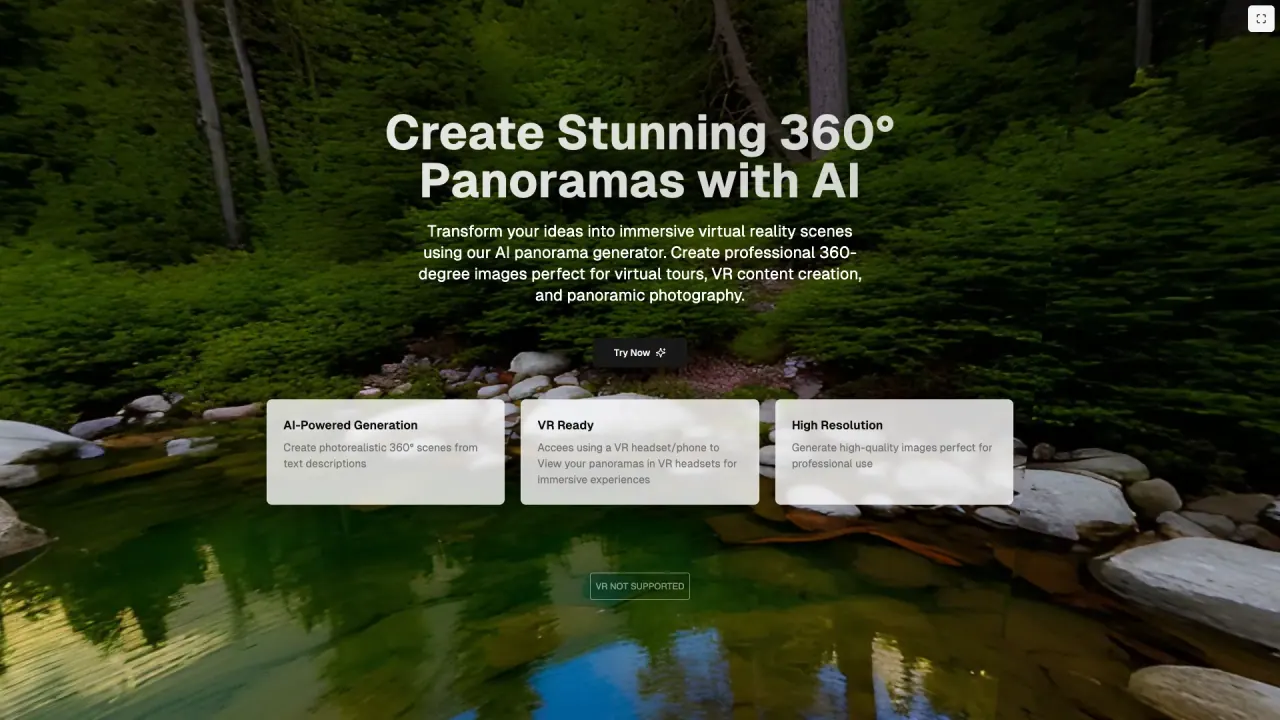
What does PanoPulse do?
PanoPulse is an AI 360° panorama generator that converts text prompts or reference photos into high-resolution panoramic images. Create immersive scenes for virtual tours, VR backdrops, game skyboxes, and panoramic photography—without needing manual seam fixes or dealing with horizon skew.
You can generate from scratch using a natural-language prompt (for example, “misty pine forest at dawn”), or you can upload a reference image to extrapolate a full surrounding sphere. PanoPulse focuses on palette-aware outpainting, helping preserve lighting, mood, and composition cues from your reference so the final panorama feels coherent rather than stitched.
The default output is a 2:1 equirectangular panorama (a standard format for 360° viewing and WebXR). You can also export in other projections such as cubemap and fisheye stereographic to fit common workflows.
PanoPulse is useful for real-estate and property visualization, architectural concept previews, VR and gaming content creation, and creative R&D. It’s also built to support immersive viewing—generated panoramas are available for VR viewing, and you can explore scenes through interactive demos and virtual tours (in beta). Pricing-wise, PanoPulse is free to use, and new accounts start with 25 free panorama generations (no credit card required and no watermark on outputs).
What does PanoPulse generate?
PanoPulse creates complete 360° panoramas from either a text prompt or an uploaded reference image. The output is high-resolution and designed for VR viewing and immersive use cases.
Can I generate a panorama from an image instead of text?
Yes. Upload a flat reference frame (like an interior, landscape, or mood board), and PanoPulse extrapolates the surrounding sphere to produce a seamless 360° panorama.
What output format do I get by default?
By default, PanoPulse outputs 2:1 equirectangular panoramas (WebP format by default). Cubemap and fisheye stereographic formats are also available for export.
Is PanoPulse VR-ready?
Yes. Your generated panoramas can be viewed in VR headsets (and also on phones), with VR viewing supported directly for immersive experience.
Is PanoPulse free, and are there usage limits?
PanoPulse is free to use. New accounts start with 25 free panorama generations, with no credit card required and no watermark on outputs.
Can I use reference images to keep a specific style?
Yes. Upload one to four mood references, and PanoPulse uses palette, lighting, and composition cues to guide the generated panorama.
This listing is claimed
Own PanoPulse? Sign in with the email used to claim it to manage this listing, or upgrade to Pro for featured-first placement and a newsletter feature.