
Zombie AI Video Generator
AI Video Maker Generators & Tools
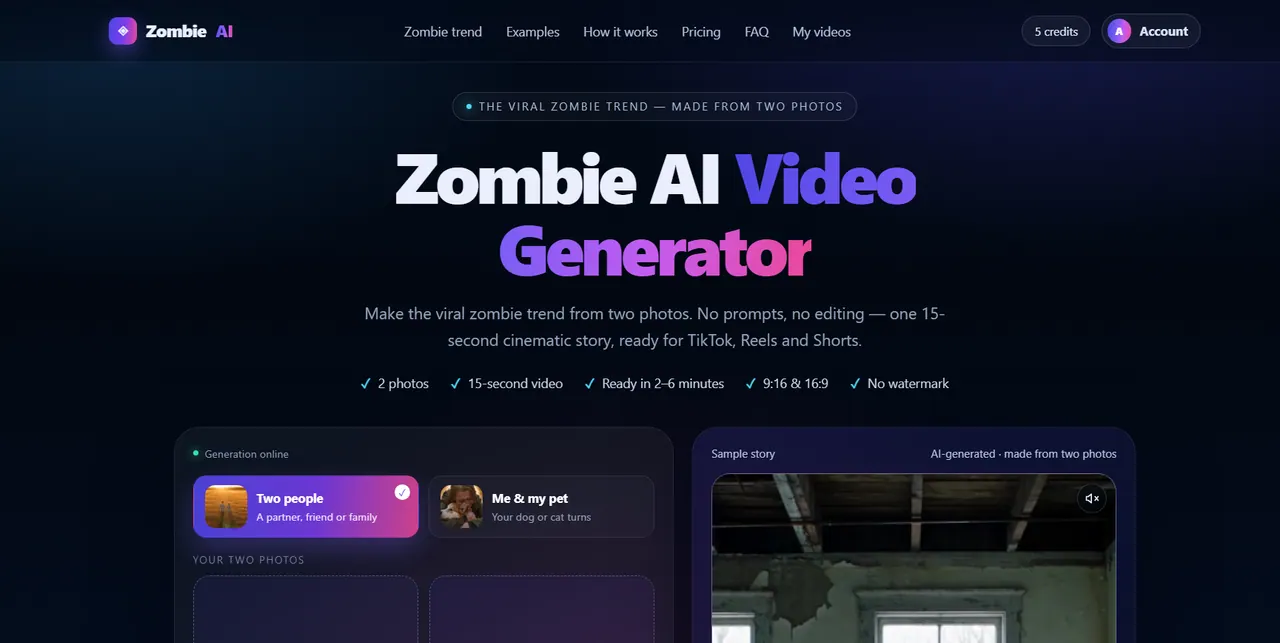
Turn two photos into a 15-second cinematic zombie trend MP4 with music—no prompts or editing—made for TikTok, Reels, and Shorts.
Promoted
 MuzieCreate professional AI music videos starring you. Bring a song or make one, done in minutes.
 AI Checker PlusAI detector that highlights which passages AI wrote. Free check, no sign-up. Plagiarism too.
 Pixmax.aiPixmax.ai is an all-in-one AI workspace for videos, visual stories, and marketing content.
 SEOify - Improve your SEO & rankingsBuild links to rank in Google. Improve your DR with links you can start building now.Advertise here330,000+ people visit Dang.ai every month.
What does Zombie AI Video Generator do?
Zombie AI Video Generator creates the viral “zombie trend” from two of your photos: one photo of the survivor and one photo of the person (or pet) who “turns.” The generator uses your images to build a complete 15-second cinematic story—no prompt writing and no editing timeline.
You start by uploading two clear face-forward images (JPG, PNG, or WebP, up to 8 MB each). Then you choose your story setting and output format: 9:16 portrait for vertical feeds or 16:9 wide for landscape. After you sign in and generate, you’ll get a finished 15-second MP4 with music, ready to download in “My creations.”
The zombie trend story is consistent: the survivor raises a weapon but can’t shoot; the zombie rushes in and embraces them instead of biting; and the video cuts to a warm memory moment featuring the same two photos. It’s built for couples, best friends, and family members—and it also supports pets.
Pet videos work the same way: upload one photo of your dog or cat as the “one who turns,” plus your photo as the survivor. Your pet’s recognizable breed traits and fur/markings are kept through the transformation.
Pricing is one-time credits with no subscription. Every 15-second video costs 2 credits (480p Standard) or 5 credits (720p HD). Credits never expire, failed videos are refunded automatically, and your photos and videos are private. Starter is $5.90 one-time (2 credits), Creator is $14.90 one-time (8 credits), and Studio is $32.90 one-time (20 credits).
What do I need to make a Zombie AI zombie trend video?
Upload two photos: one of the survivor and one of the person (or pet) who turns. Use JPG, PNG, or WebP with one clear face per photo (up to 8 MB each), then choose a setting and 9:16 or 16:9 format before generating.
Do I need prompts or editing skills?
No. Zombie AI generates the full 15-second zombie story from your two photos, without prompt writing or an editing timeline.
Can I make a zombie trend video with my dog or cat?
Yes. Use a pet photo as the “one who turns.” The video keeps your pet’s recognizable fur and markings and ends with a warm return/memory scene.
How long does generation take?
Video generation typically takes about 2–6 minutes online, and the finished MP4 is available to download in “My creations.”
What does the finished video include (and what formats are available)?
You get a 15-second MP4 with music and no watermark. Choose 9:16 portrait or 16:9 wide output.
How does pricing work—subscription or credits?
There’s no subscription. Videos are paid with one-time credits (2 credits for 480p Standard, 5 credits for 720p HD). Credits never expire, failed videos are refunded automatically, and your photos and videos are private.
This listing is claimed
Own Zombie AI Video Generator? Sign in with the email used to claim it to manage this listing, or upgrade to Pro for featured-first placement and a newsletter feature.